

32-bit or 64-bit
32-bit or 64-bit screenshots (4)
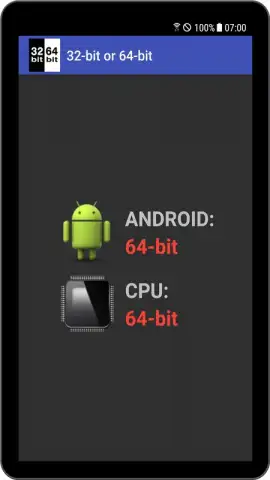
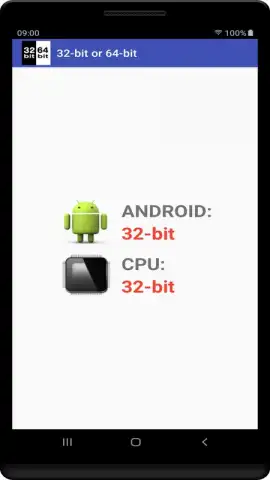
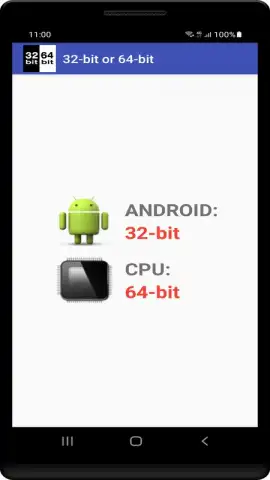
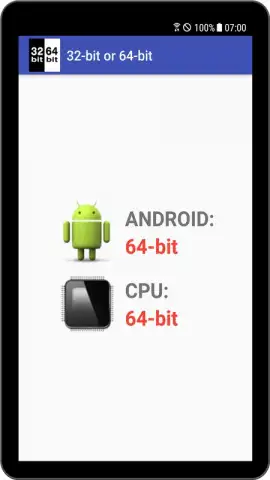
Description 32-bit or 64-bit
Ever wondered why some apps run flawlessly on your phone while others stutter or refuse to open? The hidden architecture of your device—whether it's 32-bit or 64-bit—holds the key to compatibility and performance.
Core Functionality & System Analysis
This utility provides a detailed technical breakdown of your Android device's processor architecture and system capabilities. It performs an instant, in-depth scan to determine the exact bit-version of your device's CPU, kernel, and the operating system itself. The app further analyzes your installed applications, cataloging them by their native architecture to identify which are 32-bit, 64-bit, or built for both (ABI). This allows for precise management of your software ecosystem, helping you understand compatibility requirements and optimize for performance and battery efficiency.
Key Features & Advantages
The interface presents complex system information in a clear, scannable format, making technical details accessible without requiring advanced knowledge. The tool operates entirely offline after the initial scan, ensuring your system data remains private and accessible at any time. Its lightweight design ensures no impact on system resources or battery life during use.
- Instant CPU & OS Bit Architecture Detection for your device's core components.
- Complete App Inventory Analysis categorizing every installed application by bit-version.
- Detailed System-on-Chip (SoC) Information including manufacturer, model, and core details.
- ABI Support Overview showing which application binary interfaces your device can run.
- Exportable Report Function to save or share your full system specification analysis.
Gain full visibility into your device's capabilities and optimize your app compatibility.
Download mobile app now
Heads up: you'll need wifi for the initial app data fetch. Some cool stuff is extra.





