
3D Home Plans
3D Home Plans screenshots (9)
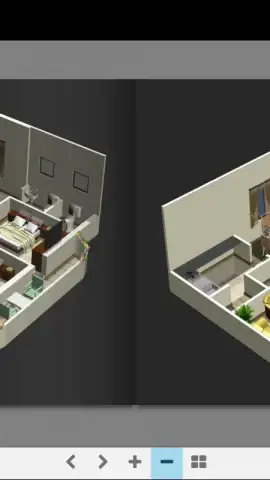
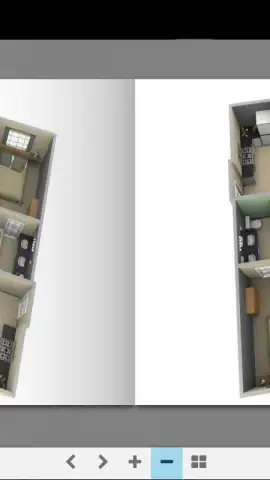
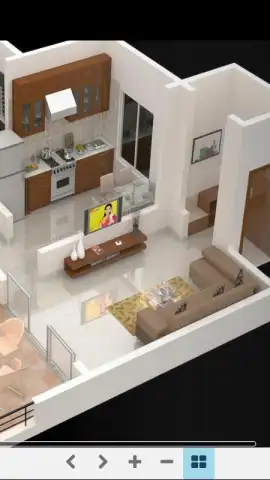
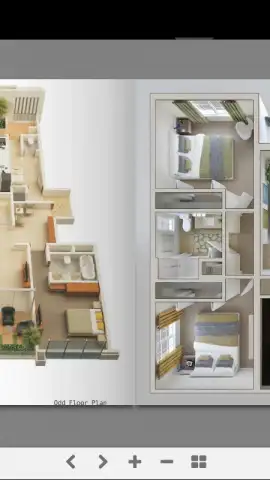
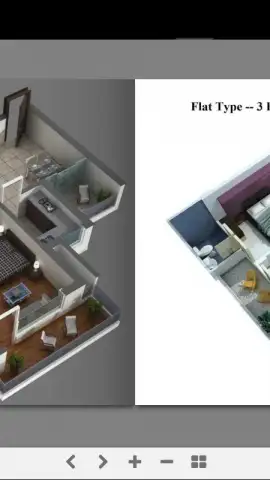
Description 3D Home Plans
Imagine you’re sketching a dream home on a napkin, wishing you could walk through it before a single brick is laid. Now you can.
Core Design Tools
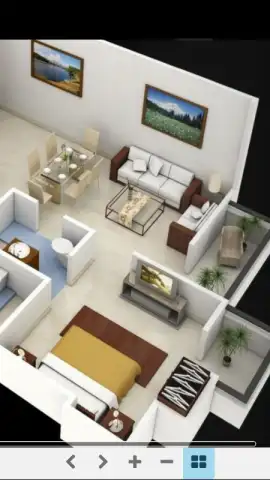
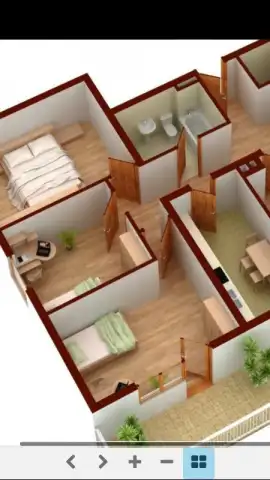
This application provides a comprehensive suite for architectural visualization and space planning. You begin by setting the dimensions of your plot or existing room, then use a drag-and-drop interface to place structural elements. The system includes an extensive library of pre-modeled objects, from furniture and appliances to landscaping features like trees and patio sets. Each element can be individually selected, resized, and rotated in three dimensions. A dedicated materials editor allows you to apply different finishes—such as wood, tile, brick, or paint—to walls, floors, and objects. The software calculates real-time spatial relationships and basic measurements as you build.
Key Advantages
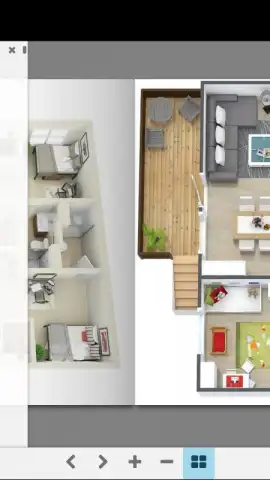
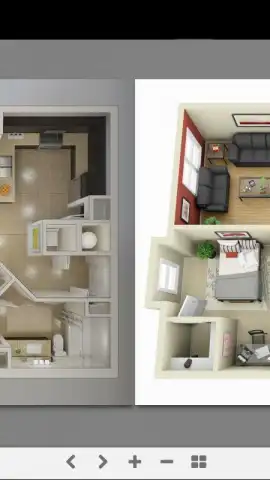
The primary operational advantage is the immediate visual feedback provided by the real-time 3D rendering engine. You can switch between a top-down 2D plan view and a fully navigable 3D perspective at any point. Navigation in 3D mode is handled through intuitive touch controls for panning, rotating, and zooming the camera. The application performs local processing, allowing you to work on projects without a constant internet connection after initial download. Visual output is optimized for clarity, providing clean shadows and texture details to assess scale and lighting.
- Drag-and-Drop Room Builder: Construct floor plans by placing walls, doors, and windows with precise dimensional input.
- Fully Navigable 3D Walkthrough: Explore your design from any angle with smooth, first-person camera controls.
- Extensive Object Library: Populate plans with hundreds of furniture, appliance, and décor items across various styles.
- Customizable Material Finishes: Apply specific textures and colors to surfaces to visualize different interior and exterior finishes.
- Real-Time Measurement Tools: See dynamic length, area, and volume readouts as you draw and modify structures.
Start building your vision in minutes. Download the app now and turn your ideas into a tangible plan.
Heads up: you'll need wifi for downloading the app and accessing the full object library. Some premium model packs and advanced export features are extra.


