

3D Modeling App
3D Modeling App screenshots (9)
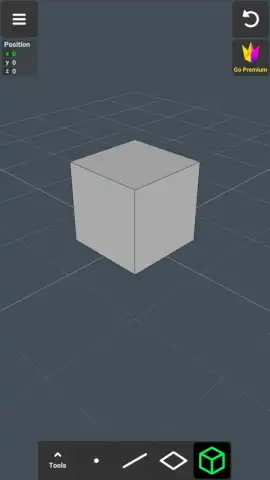
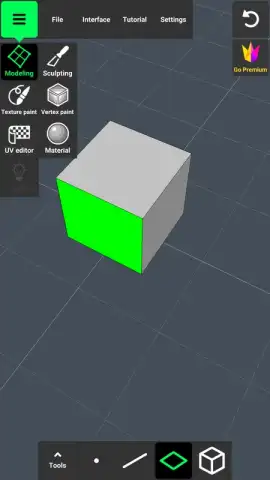
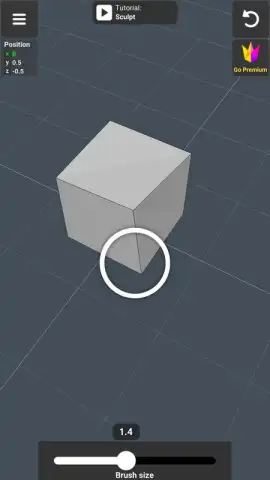
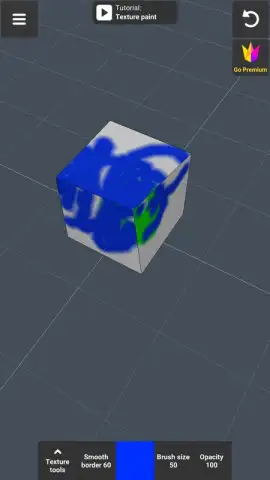
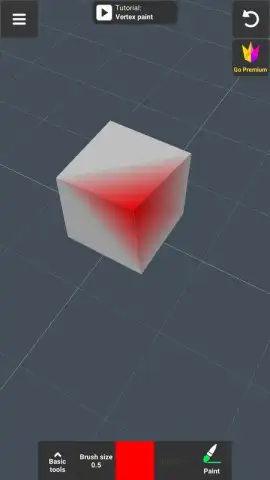
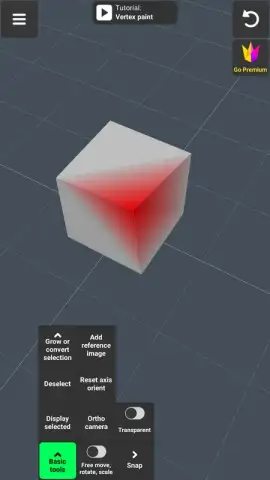
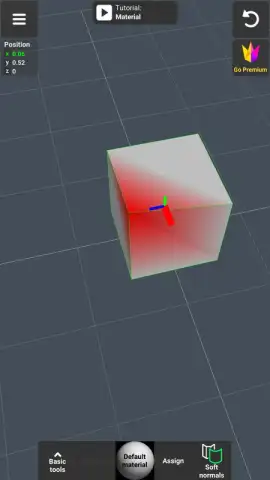
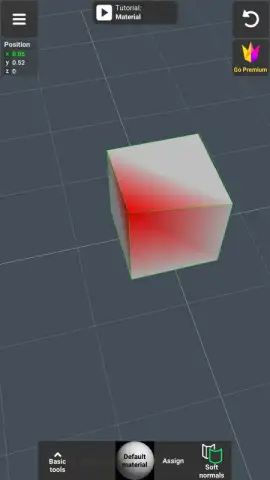
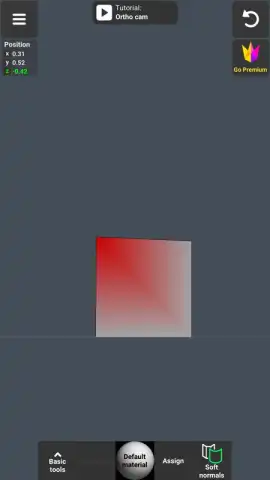
Description 3D Modeling App
Professional 3D Modeling Engineered for Touch
This application provides a complete touchscreen-based 3D modeling environment, eliminating the traditional requirement for a stylus, tablet, or desktop workstation. It enables the creation of complex polygonal models through direct screen manipulation, translating intuitive gestures into precise modeling operations for automotive, transport, and general design projects.
Core Functionality and Workflow
The app is built around a gesture-driven control scheme that governs the entire modeling process. Users manipulate the viewport and model elements through single-finger pans, two-finger rotates, and pinch-to-zoom gestures, offering direct control over the camera and object transformation. Selection is handled via a long-press mechanic, allowing for the isolation of specific vertices, edges, faces, or entire wireframes for detailed editing. The workflow is designed for sequential construction, starting from basic primitives and refining through subdivision and extrusion.
Detailed Modeling and Export Capabilities
Beyond basic shaping, the toolset includes advanced mesh editing functions. These operations include vertex merging, face bridging, and edge loop cutting initiated by swiping across a surface. Users can perform extrusions, create faces from selected vertices, and separate or clone geometry components. The environment supports a layer system for object management and allows for precise numerical input for transformations. Models can be textured using a library of twenty distinct material presets applied on a per-object basis. The orthogonal camera mode provides technical drawing views for accurate alignment.
- Gesture-Based Modeling: Create, scale, rotate, and navigate models using multi-touch gestures without external hardware.
- Advanced Mesh Editing: Execute operations like vertex merging, face bridging, edge loop cutting, extrusion, and geometry cloning.
- Precision Controls: Input exact numerical values for movement, rotation, and scale, and utilize an orthographic camera for technical views.
- Material Library: Apply one of twenty distinct material presets to objects to visualize surface properties and textures.
- Professional Export: Export your models directly to industry-standard 3D software like Blender, Maya, 3ds Max, ZBrush, and CAD platforms including AutoCAD and SolidWorks.
The completed 3D models are exported in universally compatible file formats, enabling direct import into major 3D rendering and animation suites such as Blender, Maya, 3ds Max, ZBrush, Modo, and Adobe Creative Cloud applications. Furthermore, the export function supports CAD workflows, with compatibility for engineering software like Autodesk AutoCAD, SolidWorks, Fusion 360, CATIA, and Tinkercad, facilitating a seamless pipeline from mobile concept to final professional project.
Download this 3D modeling app now and start building professional models directly on your device!
Internet required. IAP available.
 GooglePlay


