

7Z - Files Manager
7Z - Files Manager screenshots (9)
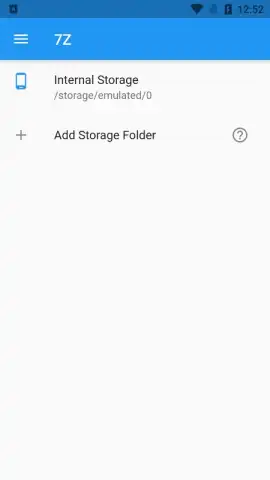
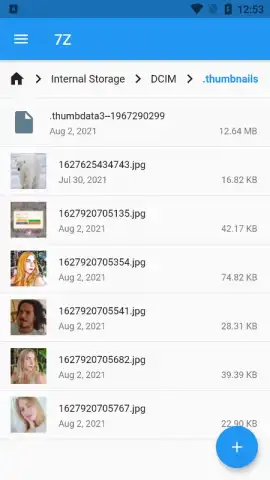
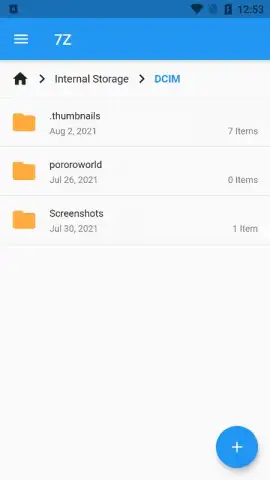
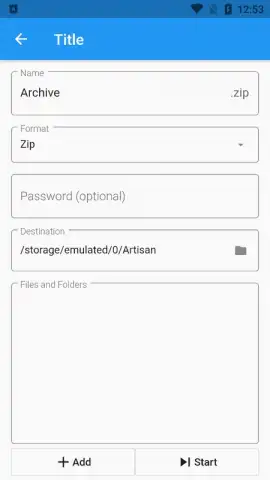
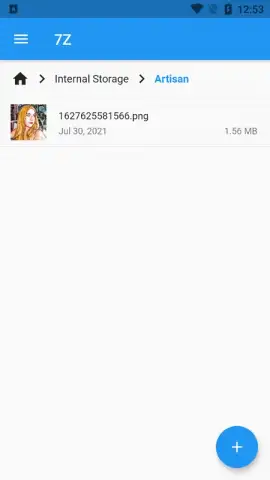
Description 7Z - Files Manager
What if you could manage every file on your Android device with a single, ad-free tool?
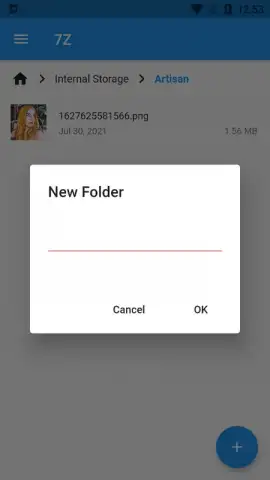
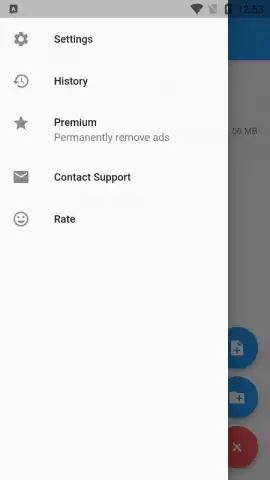
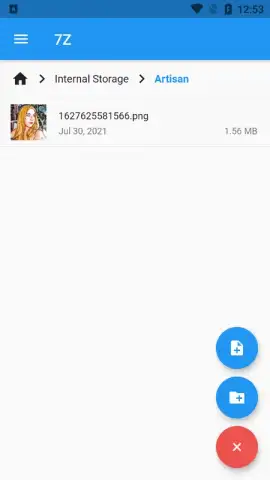
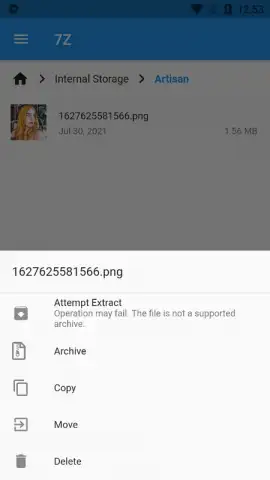
7Z - Files Manager by Sociosoftware provides a comprehensive data management solution designed to take full control of documents, files, and applications stored on an Android device. It functions as a complete file explorer, eliminating the common uncertainty about folder contents. The operational mechanics are straightforward, centered on core file manipulation: users can copy, paste, cut, create, delete, and rename both files and folders directly from the application's interface. File sharing is integrated, allowing for rapid sending of documents via email or through any other installed application capable of handling file transfers. Navigation is structured for efficiency, with quick forward and backward movement between directories, and includes the capability to generate new folders or files, saving them to any specified location within the device's storage hierarchy.
A significant operational advantage is the absence of advertising, which is often replaced by a performance-optimized mode. The application incorporates a dedicated search system and categorical filters to accelerate the process of locating specific items. These filters enable users to isolate and view only certain file types, such as images, videos, or APK installation packages. The ability to quickly view and manage APK files is particularly functional for post-installation cleanup, allowing users to delete the installer package to reclaim storage space without affecting the installed application. This streamlines device maintenance, removing redundant files in a few actions.
The design philosophy prioritizes simplicity and direct utility, offering all standard file management functions within an interface that facilitates fast and intuitive operation. It serves effectively both for initial exploration of a device's file system and for ongoing, detailed management of smartphone contents. The tool is positioned as a practical utility for users seeking a no-frills, efficient approach to organizing their local storage.
- Complete File Operations: Execute core actions like copy, rename, delete, and create for all files and folders.
- Integrated Sharing & Navigation: Send files directly to other apps and navigate storage with intuitive forward/back controls.
- Search with Smart Filters: Quickly find files using a search engine and filters for images, videos, and APK files.
Get your bonus of a clutter-free, high-performance file system and start managing your device with precision today.
Download mobile app now
This application requires an internet connection for certain sharing functions and may offer in-app purchases. The developer may update the product information without prior notice.
 GooglePlay


