
AI Drawing : Trace & Sketch
AI Drawing : Trace & Sketch screenshots (12)


Description AI Drawing : Trace & Sketch
Want to learn how to draw but find starting with a blank page intimidating? AI Drawing: Trace & Sketch provides a structured, practical method to build your illustration skills through guided tracing exercises. This application functions as a digital sketchbook and projection tool, offering a direct path from practicing basic outlines to creating complete artworks.
Core Functionality and User Workflow
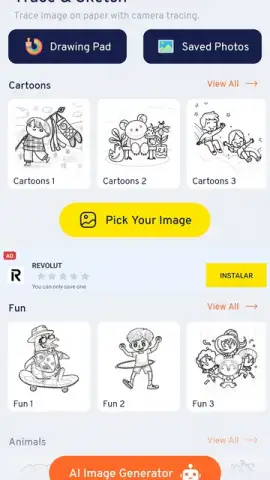
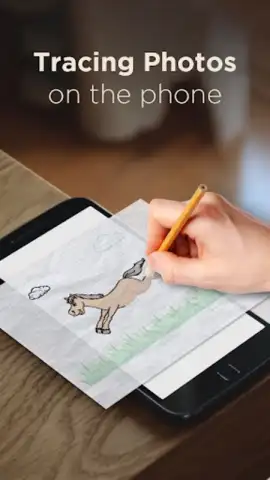
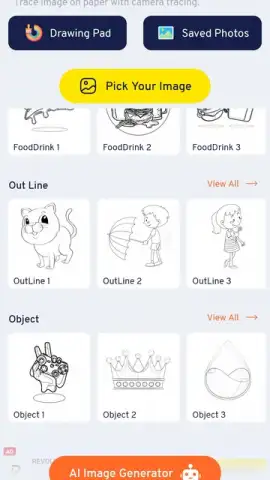
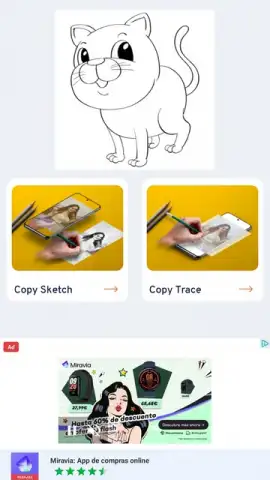
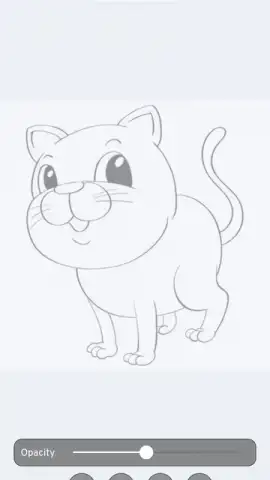
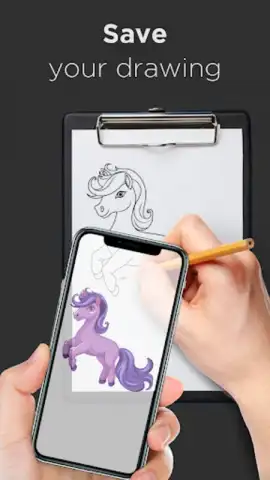
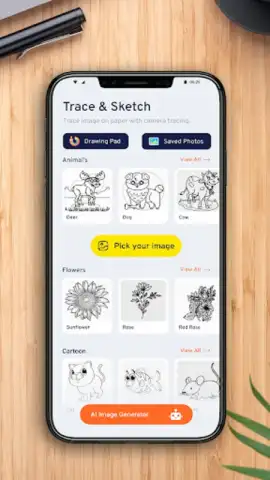
The application operates on a principle of guided replication. Users begin by selecting a reference sketch from an integrated gallery. This gallery is organized into categories such as animals, environments, and character portraits, providing a structured library for progressive learning. Once a sketch is chosen, the primary function is activated: using your device's screen as a lightbox. You place a sheet of paper directly over your smartphone's display, which shows the selected sketch. Maximizing your screen brightness is recommended for optimal line visibility through the paper, allowing you to physically trace the image with a pencil.
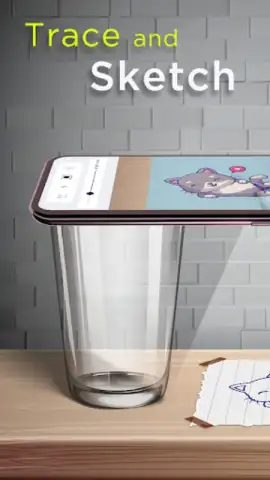
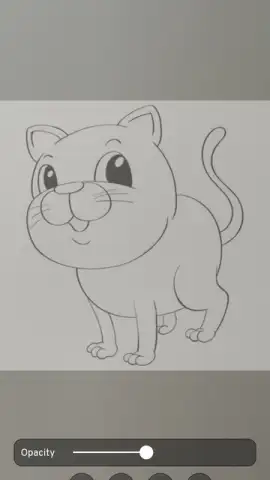
An alternative operational mode utilizes your smartphone's camera to project the selected sketch onto any flat surface, such as a desk or a wall-mounted canvas. This projection feature scales the image, enabling you to work on a larger physical medium while following the guide. The app serves as a constant reference library, removing the uncertainty of what to draw next and focusing the session purely on the mechanics of line work, proportion, and form.
Application Features and Technical Specifications
The tool is designed for repetitive practice, with a catalog containing dozens of distinct illustrations. This variety ensures that skills can be applied across different subjects and styles, from simple objects to complex scenes. The process is intentionally tactile, bridging digital guidance with traditional pencil-and-paper technique to build muscle memory.
- Select sketches from a categorized gallery.
- Trace directly using your screen as a lightbox.
- Project images onto any surface via camera.
We suggest trying AI Drawing: Trace & Sketch if you are seeking a hands-on method to develop foundational drawing techniques through repetition and guided practice.
Download the AI Drawing: Trace & Sketch mobile app now.
Heads up: you'll need wifi for initial download and gallery access. Some cool stuff is extra.
 GooglePlay


