
AI Maker Pro
AI Maker Pro screenshots (24)
Description AI Maker Pro
A Measured Look at AI Maker Pro: Does It Simplify Professional Digital Creation?
For digital artists, marketers, and content creators, the bottleneck is often the same: transforming a complex idea into a polished visual asset requires either significant skill, expensive software, or both. The promise of AI tools is to bridge that gap, but many applications offer either simplistic outputs or an overly technical interface. AI Maker Pro enters this space as a comprehensive mobile suite designed to handle a wide spectrum of creative tasks, from generative art to video production. This review examines its mechanics, feature set, and practical application to determine if it delivers a professional-grade toolkit in a streamlined package.
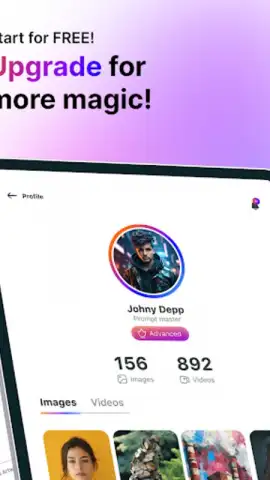
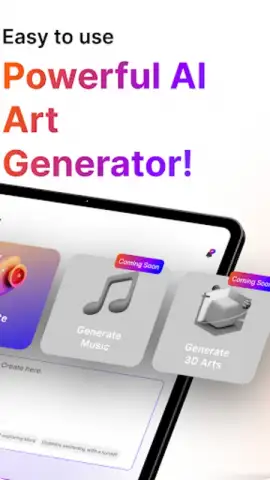
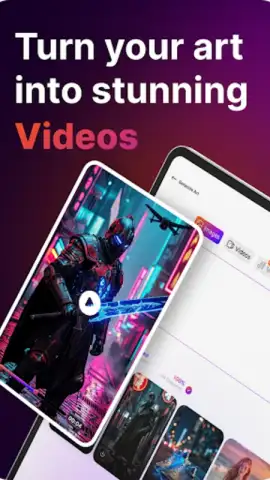
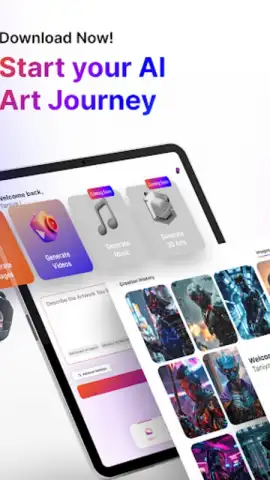
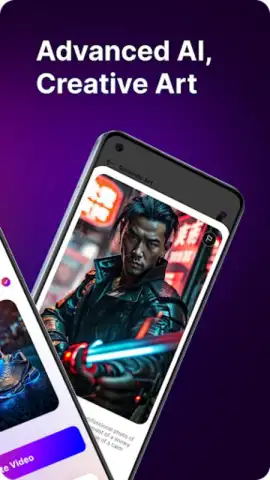
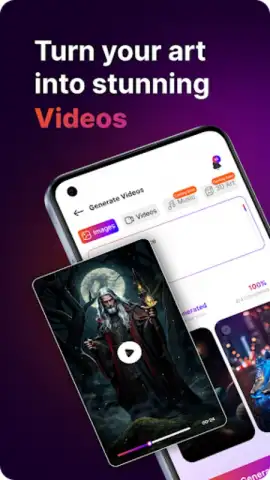
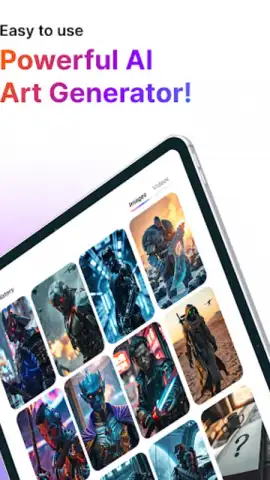
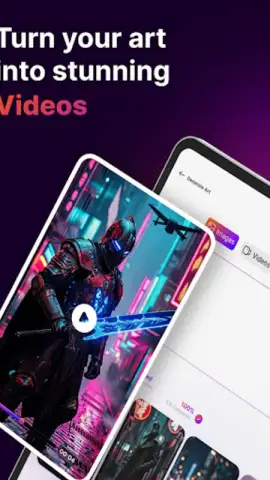
The core functionality of AI Maker Pro is built around several distinct AI models, each tailored for specific output types. The text-to-video generator is a particularly notable component, allowing users to input descriptive prompts to produce short, cinematic animations or social media clips. The process involves detailed prompt engineering, where the specificity of your input—lighting conditions, art style, camera movement—directly influences the uniqueness and quality of the generated video. For static imagery, the application provides dedicated modes for creating brand logos, product mockups, and detailed illustrations. The tattoo design tool, for instance, allows for intricate pattern customization and style selection, while the anime character generator can produce characters with consistent stylistic features across multiple iterations.
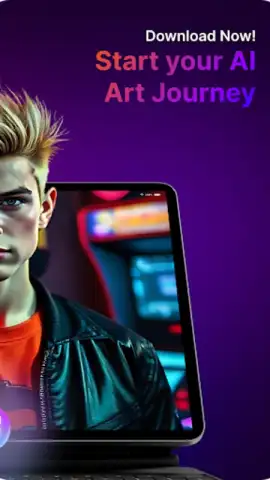
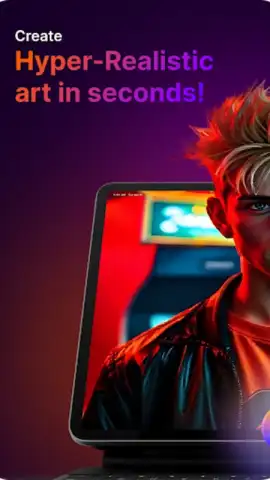
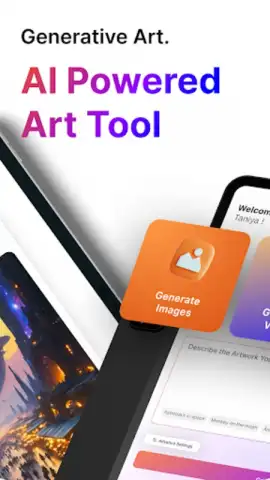
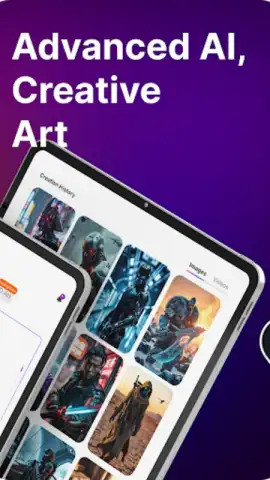
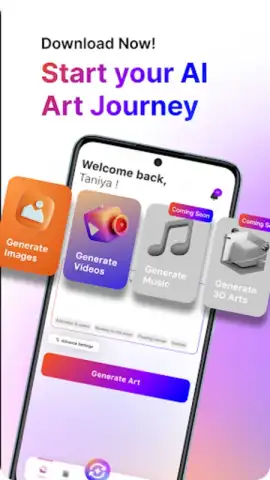
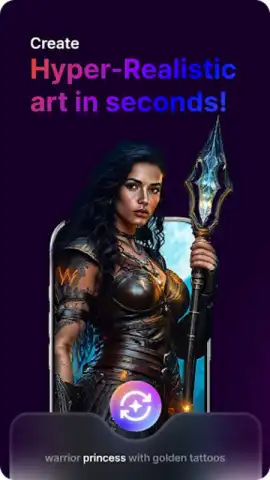
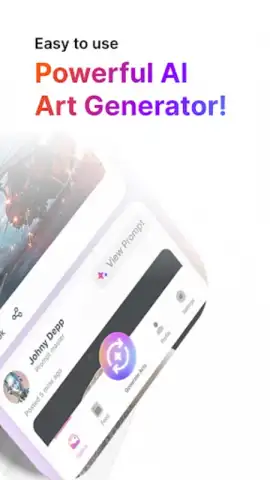
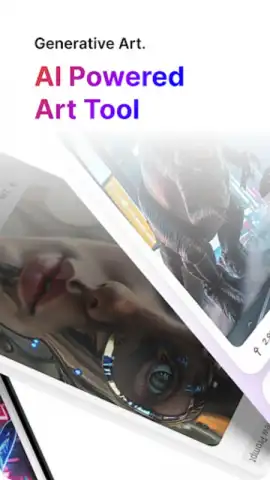
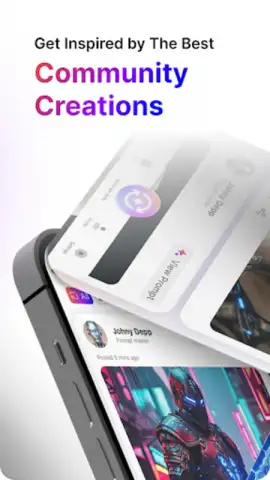
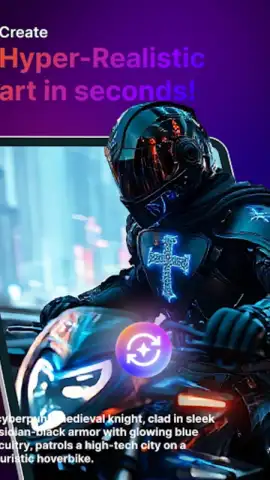
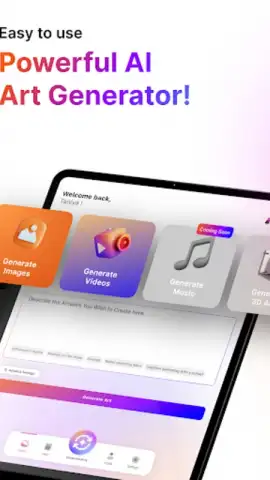
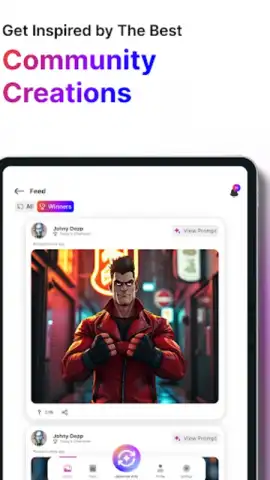
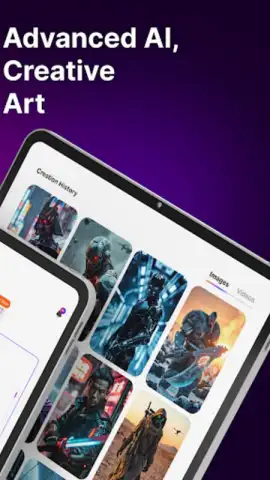
Where AI Maker Pro attempts to differentiate itself is in its multifunctional approach. It doesn't position itself as a single-purpose tool but as a consolidated workspace. You can initiate a project for a hyper-realistic portrait concept art, switch to designing a minimalist logo for a client, and then produce an animated promotional clip—all within the same environment. The interface is designed for sequential workflow, guiding users from prompt input through to refinement options. For professionals, this consolidation can potentially reduce the need to switch between disparate apps, though the depth of each tool varies. The output quality for static images, particularly in styles like digital painting and concept art, shows a strong grasp of texture and form, suitable for client presentations or project pitch materials.
Key Features and Practical Applications
- Generates cinematic video sequences and social media clips directly from detailed text descriptions and prompts.
- Creates customized brand identity assets, including scalable logos and product mockups in various environments.
- Designs intricate, personalized tattoo artwork with control over style, complexity, and placement simulation.
- Produces consistent anime-style character art and portraits with adjustable features and expressive details.
- Offers a unified workspace for realistic portrait generation, digital painting, and marketing graphic creation.
The application's performance suggests it is built for creators who need to rapidly prototype visual ideas or produce a high volume of varied content. Its utility for a social media manager, for example, lies in quickly generating a week's worth of unique visual posts and short-form videos from a content calendar. For a freelance designer, it acts as a powerful ideation tool to present multiple visual directions to a client before finalizing work in a desktop suite. The absence of advertising, as noted, contributes to an uninterrupted creative flow, which is a significant practical advantage during extended work sessions.
We suggest trying AI Maker Pro if your creative process demands versatility and speed from a mobile platform. Consider downloading it to handle the ideation and initial draft phases of projects ranging from commercial graphics to personal art.
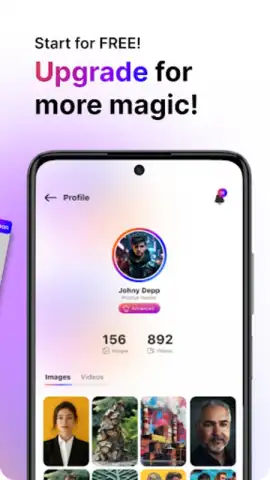
Heads up: you'll need wifi for most AI processing features. Some cool advanced style packs and high-resolution exports are extra.
 GooglePlay


