

All file Data Recovery
All file Data Recovery screenshots (6)
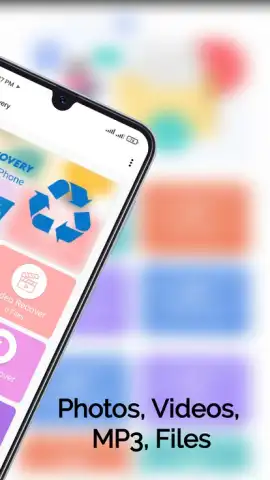
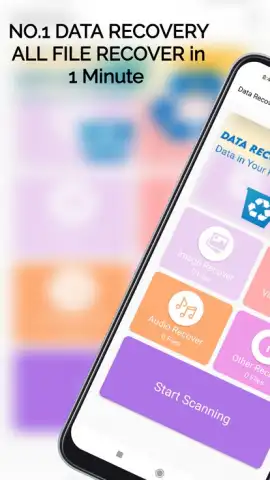
Description All file Data Recovery
Ever had that sinking feeling when a precious photo, an important document, or a favorite song vanishes from your phone? What if you could rewind that moment and get it all back with just a few taps?
Your Digital Rescue Mission Starts Here
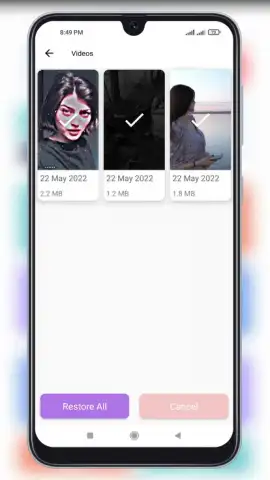
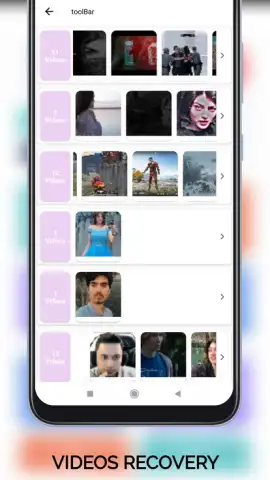
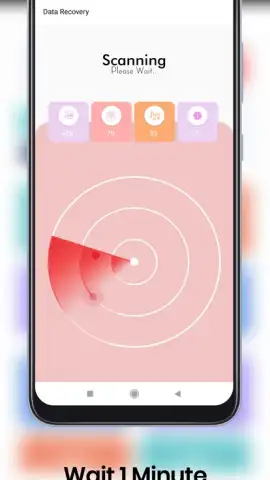
All file Data Recovery transforms your Android device into a powerful recovery tool, designed to scan the deepest layers of your storage for lost treasures. Imagine guiding a friendly digital detective through your phone’s memory, watching as it meticulously uncovers files you thought were gone forever. You’ll feel a wave of relief as deleted items begin to reappear, neatly organized and ready for restoration. The process is built to be intuitive, turning a potentially stressful situation into a simple, guided recovery mission where you’re always in control.
Why This Recovery Tool Feels Different
This isn’t about complex tech jargon; it’s about getting your stuff back, simply and effectively. The interface welcomes you with clear visual cues and step-by-step instructions, making the recovery process feel straightforward, not intimidating. You experience a clean, focused environment where your files are the star, free from distracting ads or unnecessary clutter during the critical scan. It’s the reassuring companion you need when data goes missing, putting the power to fix it directly in your hands.
- Deep System Scan that probes internal storage and SD cards for lost data remnants.
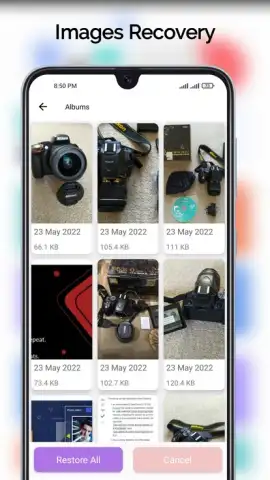
- Preview Before Recovery to selectively restore exactly the photos or files you need.
- Wide Format Support for images, videos, audio, documents, and compressed archives.
- User-Centric Design with a straightforward wizard that simplifies every step.
- Secure Local Processing ensures your private data never leaves your personal device.
We suggest trying All file Data Recovery to turn that panic of loss into the peace of recovery. Consider downloading it today to be prepared for any digital mishap.
Heads up: you'll need wifi for initial setup and potential updates. Some advanced recovery features or high-volume operations may be part of extended services.


