

AlReader
AlReader screenshots (8)
Description AlReader
A Closer Look at AlReader's Document Handling Capabilities
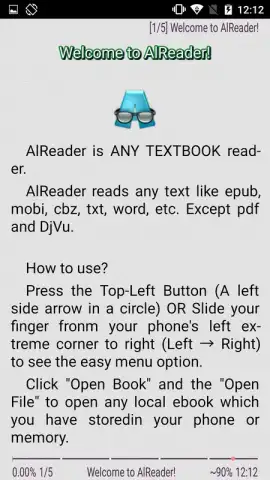
In the landscape of mobile reading applications, users often encounter a fragmented experience where one app handles EPUBs, another manages PDFs, and a third is needed for basic documents. AlReader, developed by Alan.Neverland, addresses this directly by functioning as a consolidated document viewer. Its core operational premise is format agnosticism, eliminating the need for multiple specialized apps. The engine supports a comprehensive range of file types, including FB2, FBZ, TXT, non-DRM EPUB, HTML, DOC, DOCX, ODT, RTF, non-DRM MOBI, PRC (PalmDoc), and TCR. A notable technical feature is its integrated archive parser, which allows it to directly access and render text content from within compressed files, streamlining the user's workflow from download to reading.
Configuration and Accessibility Mechanics
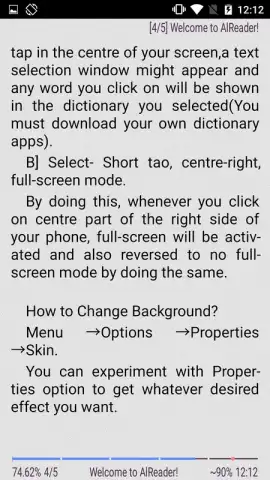
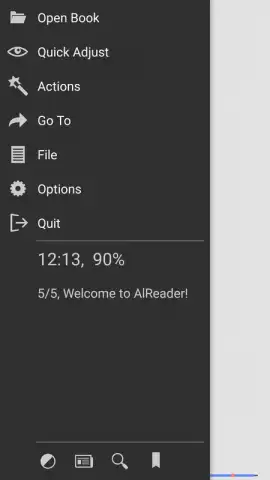
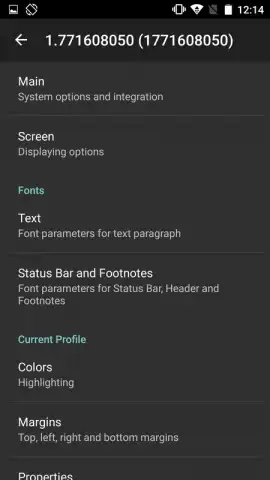
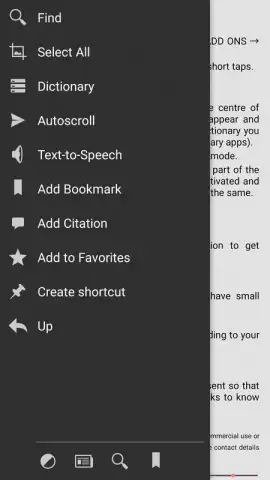
Navigation and customization are managed through a slide-out panel interface on the left side of the screen. This panel provides centralized access to typographic and layout controls, such as precise font size adjustment, margin configuration, and line spacing. Beyond visual customization, the application incorporates a text-to-speech synthesis engine. This functionality transforms the app from a static reader into an auditory platform, enabling users to listen to book content through headphones, which is particularly useful for lengthy documents or when visual reading is not practical. The absence of advertising within the core reading interface is a stated feature, contributing to an uninterrupted user experience.
Functional Tools for Active Reading
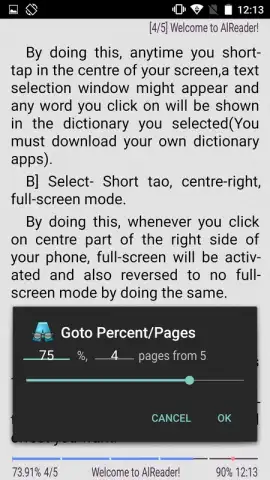
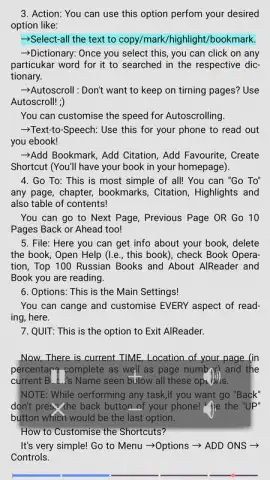
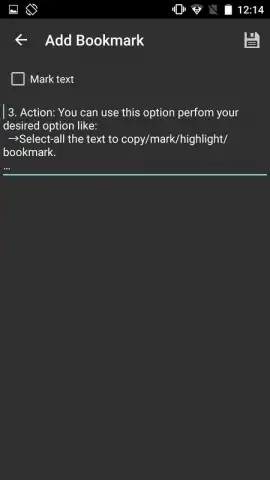
The toolset extends beyond basic display to include features for annotation, reference, and navigation. Users can insert bookmarks at any point in a document, attach textual comments for later review, and execute direct word look-ups using integrated dictionary support. For hands-free operation, an auto-scroll mechanism can be activated, offering variable speed control for a continuous reading flow. The application also includes a document management system where files can be tagged as favorites, creating a filtered library for quick access amidst a larger collection. These functions are designed to cater to both casual readers and those engaging in detailed study or analysis of texts.
- Supports over a dozen document formats
- Integrated text-to-speech engine
- Bookmarking and annotation tools
- Ad-free reading environment
For users seeking a utilitarian and comprehensive document reader that prioritizes format support and core functionality over stylized interfaces, AlReader presents a viable solution. Consider downloading AlReader to consolidate your digital reading into a single, capable application.
Internet required. IAP available.
 GooglePlay


