

Always On Display: AMOLED
Always On Display: AMOLED screenshots (6)
Description Always On Display: AMOLED
Want to see your phone's vital info without ever touching the power button? Always On Display: AMOLED transforms your locked screen into a dynamic, energy-efficient dashboard, delivering crucial data at a glance while preserving your battery.
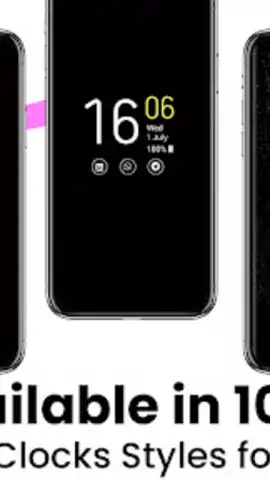
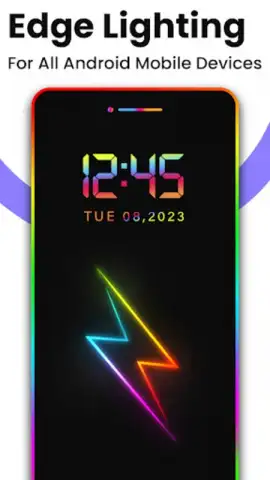
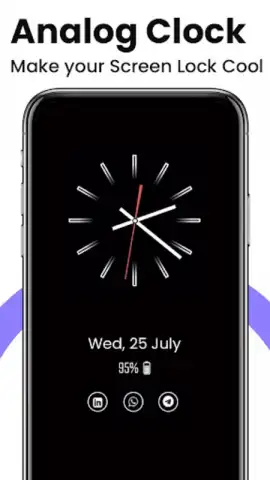
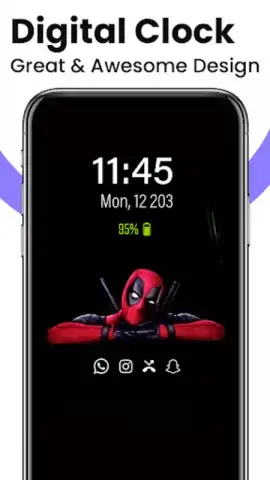
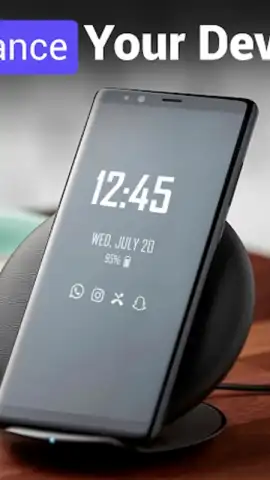
This intuitive tool activates your screen to show time, date, notifications, and music controls on a pure black AMOLED background, ensuring minimal power draw. It moves far beyond basic clocks, offering deep personalization with various styles including digital, analog, calendar, emoji, and photo-based displays. A standout feature is the fully customizable Edge Lighting, which frames your screen with dynamic color pulses for incoming calls and alerts—you control the hue, duration, thickness, and animation speed. Setup is straightforward: enable the service, use double-tap to wake, and the power button to sleep, though certain permissions are required for full functionality like call recognition and brightness control.
The app is packed with practical tools designed for instant access. You can pin important reminders with the Always On Memo, launch quick shortcuts for the flashlight or calculator, and use a universal music controller. Every visual element is tunable, from text color and font size to overall always-on display brightness, letting you craft a look that integrates seamlessly into your daily routine.
Core Features at a Glance
- Display time, date, notifications, and media controls on a battery-saving black background.
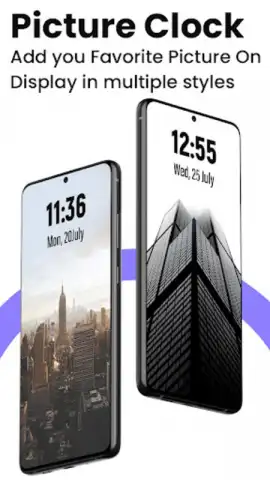
- Choose from multiple clock styles: digital, analog, calendar, emoji, and photo displays.
- Customize Edge Lighting effects for notifications with color, duration, and speed settings.
- Access quick tools like Always On Memo for notes, a flashlight, and a calculator.
- Fully personalize text color, font size, style, and screen brightness for your AOD.
We suggest trying Always On Display: AMOLED to fundamentally upgrade how you interact with your device, offering both immense utility and sleek personalization right on your lock screen.
Download the mobile app now to activate your always-on dashboard.
Note: This app requires an internet connection for initial setup and certain features, and may offer in-app purchases. Full functionality requires granting specific permissions such as access to calls and system settings.
 GooglePlay


