

Amazon Alexa
Amazon Alexa screenshots (14)



Description Amazon Alexa
A Comprehensive Review of the Amazon Alexa Mobile Application
The Amazon Alexa mobile application transforms a standard smartphone into a centralized command hub, extending the functionality of Amazon's voice assistant beyond dedicated Echo hardware. This review examines the application's core mechanics as a standalone tool for voice interaction and smart home management, detailing its operational parameters and integration capabilities without subjective endorsement.
Core Functionality and Voice Interface
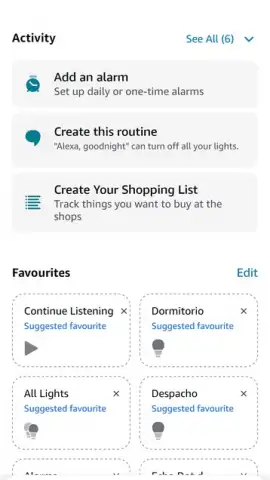
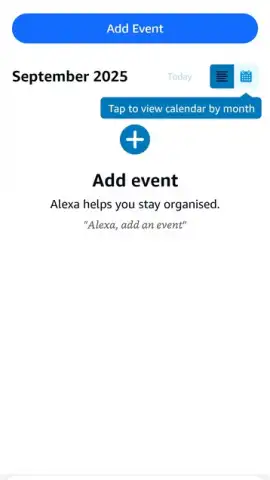
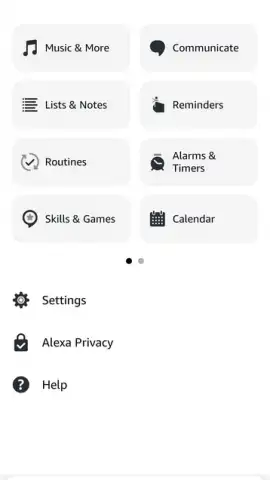
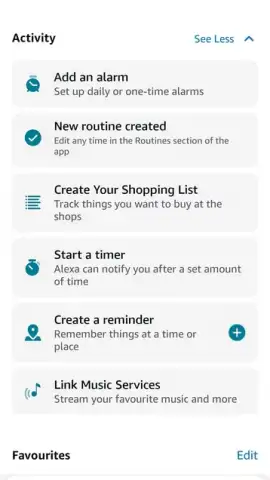
The application's primary function is to provide full access to the Alexa voice service directly from a mobile device. Interaction is initiated via a persistent "Ask Alexa" button, typically located in the interface's lower-right quadrant. This action opens a chat-style interface where users can issue voice commands or, alternatively, type requests using an integrated keyboard—a practical feature for environments where speech is not feasible. The system utilizes advanced speech recognition to process a wide array of commands, from requesting real-time information like weather forecasts, news briefings, and sports scores to executing personal productivity tasks such as setting reminders, alarms, and managing shopping lists. This creates a hands-free operational layer that supplements traditional touch-based smartphone navigation.
Smart Home Integration and Device Management
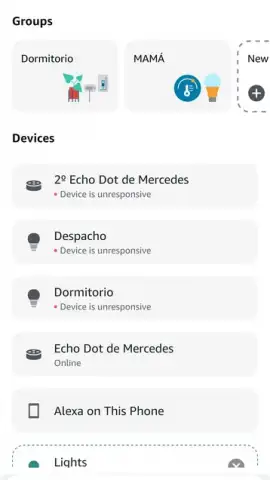
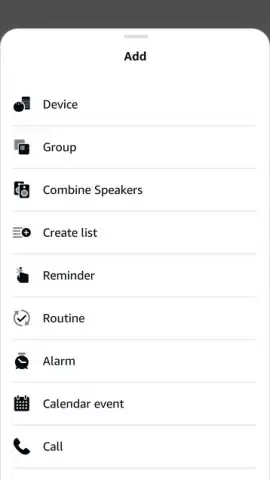
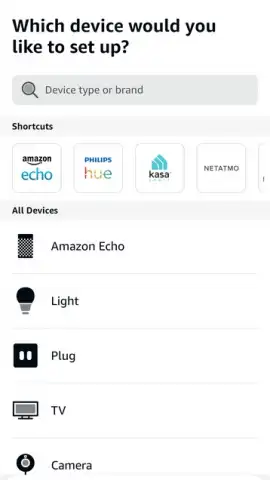
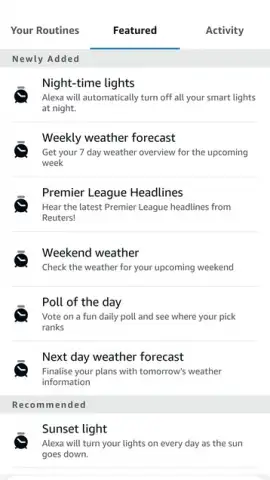
Acting as a unified control panel, the Amazon Alexa app is designed for extensive smart home ecosystem management. It maintains compatibility with a broad spectrum of connected devices, including but not limited to smart lighting systems, thermostats, security cameras, locks, and plugs. Device integration is conducted through a dedicated "Devices" section, which provides step-by-step visual pairing instructions. A notable technical aspect is the application's guidance during setup; it often displays which specific buttons or indicators on the physical device will be involved in the pairing process, offering a visual reference to streamline connectivity and reduce setup errors. Once connected, users can control individual devices, create groups, and establish routines—automated sequences of actions triggered by a single command, schedule, or sensor event—to enhance domestic efficiency.
Activity History and Cross-Device Synchronization
A significant functional advantage of the mobile application is its capacity to log and display interaction history. Users can review a comprehensive record of past voice requests and commands issued to their Alexa ecosystem, including those processed through linked devices like the Echo Dot. This history feature serves as a retrievable log for recalling previously provided information, verifying completed tasks, or auditing smart home activity. This data synchronization between the mobile app and other Alexa-enabled devices ensures continuity and oversight regardless of the primary interface used for the initial command.
Application Performance and Operational Notes
The application requires a persistent internet connection for all voice processing and cloud-based services to function. It operates as a complementary tool for existing Alexa users and a primary access point for those without dedicated Amazon hardware. The interface is structured to prioritize quick access to voice commands, device controls, and routine management. For optimal performance, users should ensure their smartphone's operating system is updated and that the application has the necessary permissions for microphone access.
- Voice-first task and information management
- Centralized smart home device control
- Visual, guided device pairing process
- Full activity and command history log
We suggest trying the Amazon Alexa application if you are seeking to consolidate smart home management or require a mobile-optimized interface for Amazon's voice assistant. Consider downloading it to evaluate its utility in streamlining daily digital interactions.
Download the Amazon Alexa mobile app now.
Disclaimer: This application requires an active internet connection for core functionality. Some features may require compatible smart home devices or link to an Amazon account. The service is subject to Amazon's terms of use and privacy policy.
 GooglePlay


