

Android System WebView
Android System WebView screenshots (18)


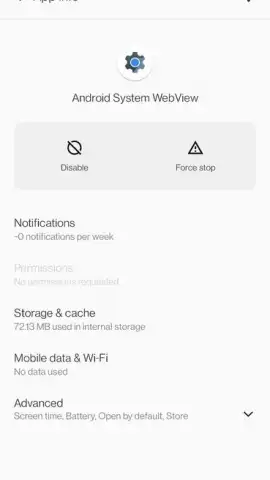
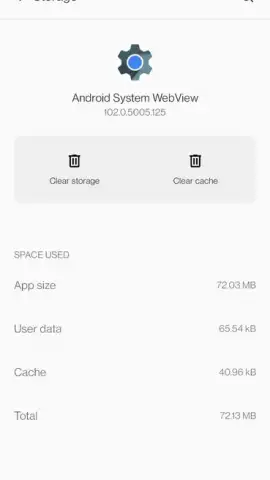
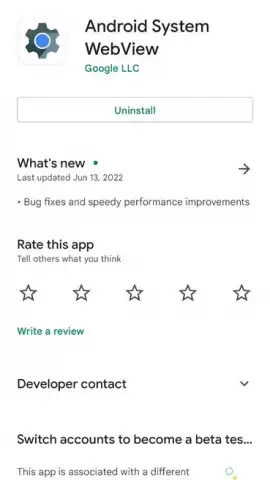
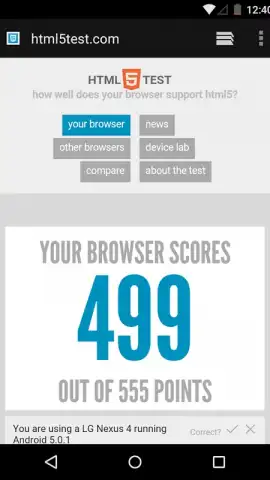


Description Android System WebView
The Unseen Engine Powering Your Android Experience
Many users are unaware that when they click a link within a social media app, email client, or news reader, they are not immediately opening their main browser. Instead, they are relying on a critical, behind-the-scenes system component that renders web content seamlessly within the host application. This component is Android System WebView, a fundamental module developed by Google that is integrated into the core Chrome technology stack. Its primary function is to provide a secure and efficient embedded browser engine for other applications, eliminating the need for developers to build their own web rendering tools from scratch. While it is typically pre-installed on the vast majority of Android devices, its functionality is dependent on regular updates delivered through the Google Play Store, which are essential for maintaining security, compatibility, and performance for in-app web browsing across your entire device.
Core Functionality and Operational Mechanics
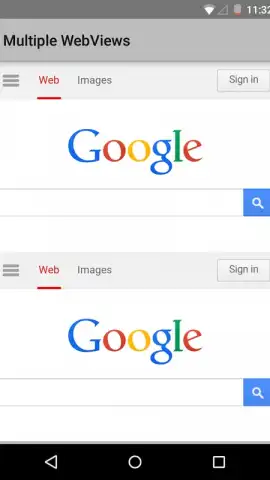
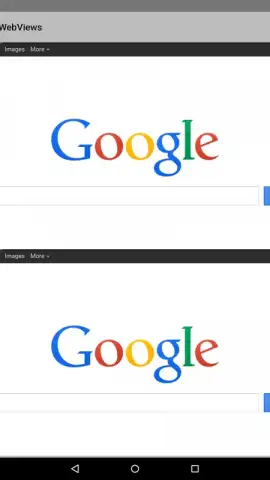
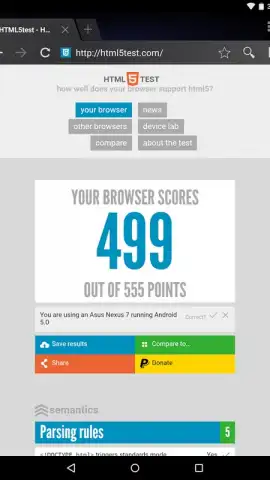
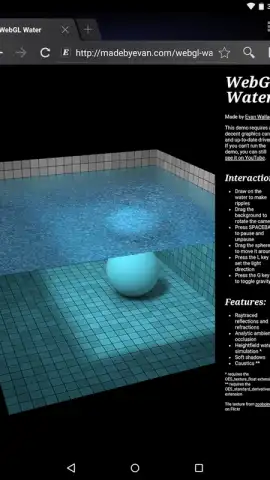
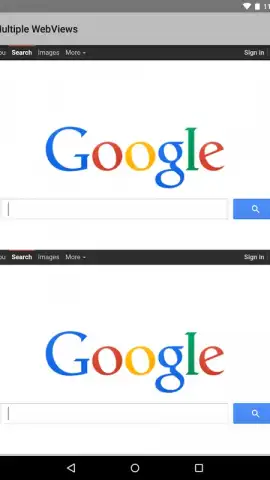
Android System WebView operates not as a standalone application with a user interface, but as a shared library that other apps call upon. When an application needs to display a web page—such as viewing a linked article, loading a login portal, or showing an embedded help section—it utilizes the WebView component to process and render the HTML, CSS, and JavaScript. This ensures a consistent and modern web experience across different apps without forcing the user to switch contexts to an external browser. The component is intrinsically tied to the Chrome browser's core; updates to Chrome often bring parallel updates to WebView, delivering the latest web standards, critical security patches, and performance enhancements to thousands of third-party applications simultaneously.
Key Technical Advantages
- Provides a standardized, secure web content renderer for all applications that require in-app browsing functionality.
- Ensures compatibility with modern web standards by receiving updates directly from the Chrome development pipeline.
- Maintains system stability and security by patching vulnerabilities that could be exploited through in-app web views.
We suggest ensuring this component is kept updated via the Google Play Store to guarantee the safest and smoothest in-app browsing experience. Consider checking for updates regularly.
Download mobile app now.
Internet required for updates and content rendering. IAP not applicable.
 GooglePlay


