

AntTek Explorer
AntTek Explorer screenshots (23)
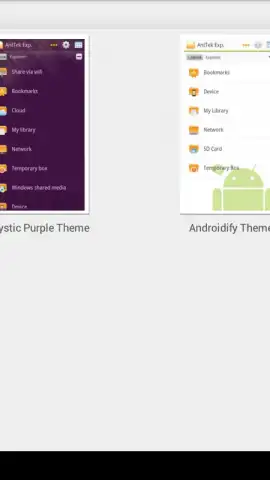

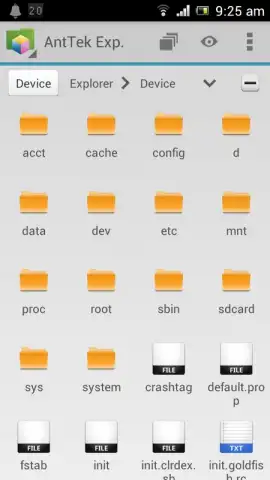

Description AntTek Explorer
Tired of Clunky File Management on Your Android Device?
If you've ever struggled with transferring files between folders, accessing cloud storage in a separate app, or wished for a more powerful way to organize your device's storage, you're not alone. Standard file managers often feel limited. AntTek Explorer is engineered to solve these frustrations by providing a professional-grade, multi-panel desktop-like experience directly on your Android phone or tablet. It transforms complex file operations into intuitive, visual tasks, putting comprehensive control over your local, network, and cloud data right at your fingertips.
A Deep Dive into Advanced File Management Capabilities
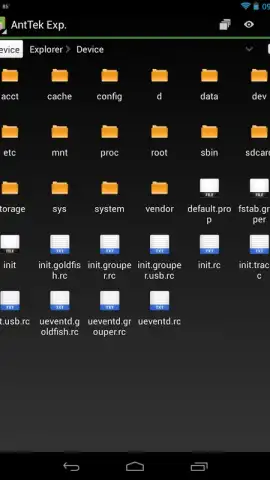
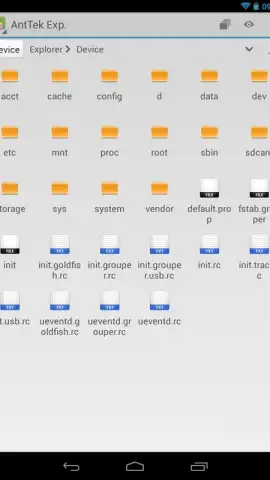
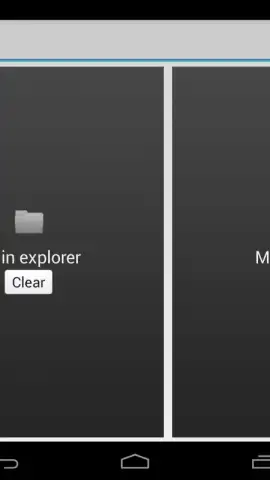
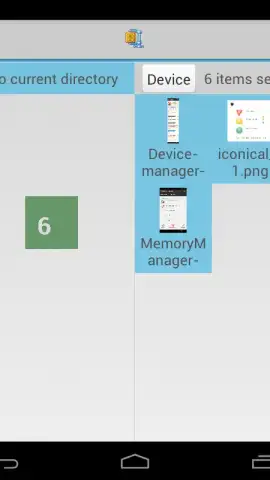
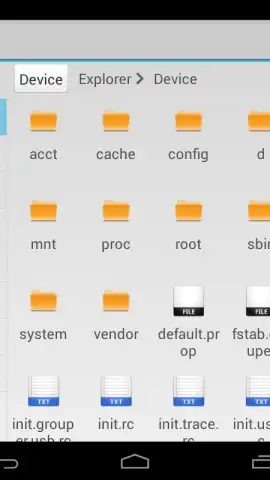
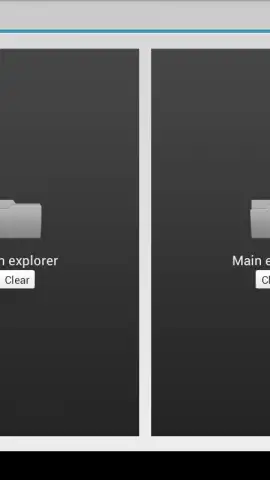
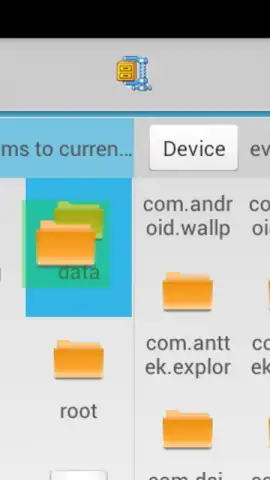
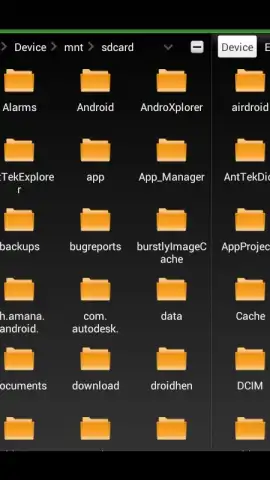
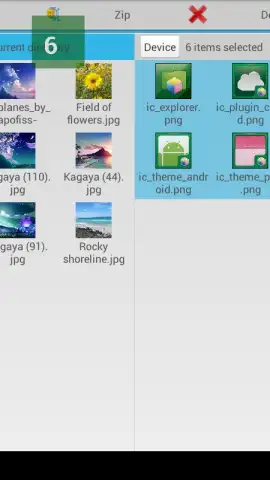
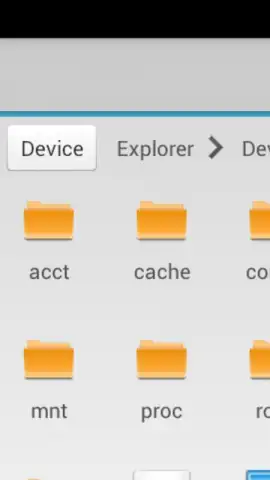
AntTek Explorer functions as a complete file management hub, built from the ground up for efficiency and power. Its signature feature is the dynamic multi-pane interface, which allows you to view and interact with two, three, or even four different directory locations simultaneously on one screen. This is powered by a true drag-and-drop-anywhere system, letting you copy or move files between panes—whether they're showing local storage, a network server, or a connected cloud account—with a simple tap and hold. The layout is fully customizable with six distinct panel modes, including a dedicated preview pane and a temporary scratch panel for holding items during complex operations.
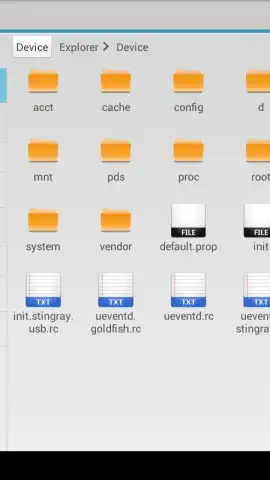
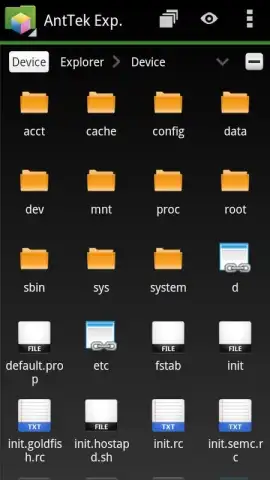
Beyond local SD cards and internal storage, AntTek Explorer provides seamless integration with a wide array of remote sources. It features native support for network file protocols including Samba (SMB/CIFS), FTP, FTPS, SFTP, and WebDAV, allowing you to directly access files on your home NAS, office server, or web host. Cloud storage services like Google Drive, Dropbox, and Microsoft OneDrive (SkyDrive) are integrated as if they were local folders, enabling universal file operations across all your storage endpoints. For advanced users with rooted devices, the app grants deep system-level access to view and modify protected partitions and remove pre-installed bloatware.
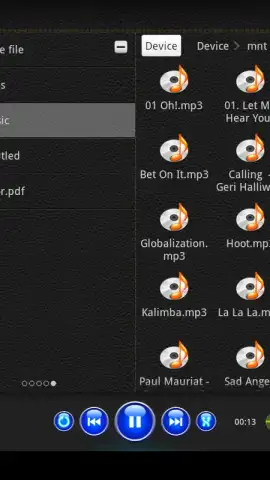
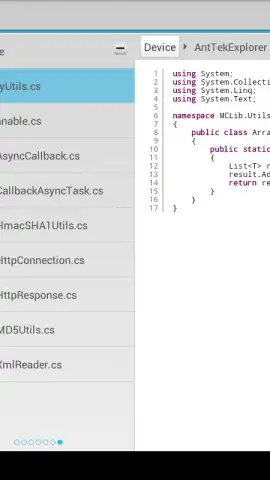
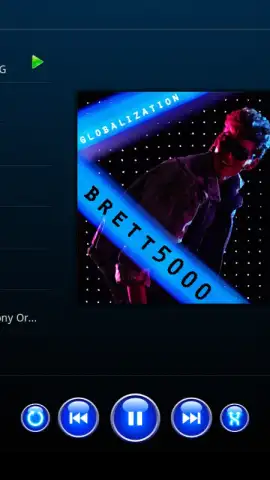
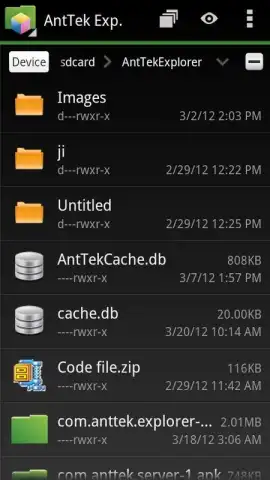
The application includes a robust suite of integrated viewers to eliminate the need for constantly switching between apps. You can preview images in a gallery, listen to audio files with a built-in music player featuring a multi-band equalizer, read PDF and TIFF documents, and even examine source code files with syntax highlighting for over 13 programming languages. It also contains a powerful archive handler for directly browsing and extracting ZIP and RAR files. For media on remote servers, the app supports direct audio and video streaming, saving your local storage space.
- Multi-Panel Interface & Drag-and-Drop: Configure up to four resizable panels on-screen for simultaneous folder access and effortless file transfers between any locations using intuitive drag-and-drop gestures.
- Universal Storage Connectivity: Manage files across local storage, networked PCs/NAS via SMB/FTP, and major cloud services (Google Drive, Dropbox, OneDrive) from a single, unified application interface.
- Root Access & System Tools: Gain elevated control on rooted devices to browse system partitions, manage root-level files, and uninstall pre-installed applications for complete device customization.
We suggest trying AntTek Explorer if you demand a truly powerful and unified file management solution that bridges the gap between your device, your network, and the cloud.
Download AntTek Explorer now to transform how you handle files on Android.
Disclaimer: This application requires an internet connection for cloud service integration, network server access, and potential license verification. The app may offer in-app purchases for premium features or a Turbo upgrade. Some advanced features, particularly system-level operations, require a rooted Android device and carry inherent risks if used improperly. Data usage applies when accessing remote servers or cloud storage. Please ensure your use complies with applicable laws and service terms.


