

AnyDesk plugin ad1
AnyDesk plugin ad1 screenshots (9)



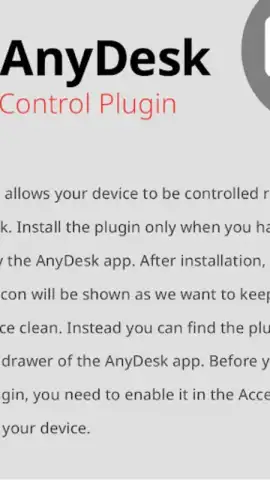

Description AnyDesk plugin ad1
What Does the AnyDesk Plugin ad1 Actually Do for Remote Access?
For professionals who rely on AnyDesk for remote desktop connections, managing the software's interaction with device-level accessibility services can be a technical hurdle. The AnyDesk Plugin ad1 addresses this specific need directly. It is a streamlined utility developed by AnyDesk Software GmbH that acts as a dedicated bridge between the main AnyDesk application and your device's core operating system. Its primary function is to facilitate and authorize remote control permissions, ensuring that connections are not only possible but also stable and responsive. This isn't a standalone remote access tool; rather, it's a focused enhancer that integrates silently into your existing AnyDesk workflow, removing a common point of friction for users who require reliable, administrative-level access to their devices from anywhere.
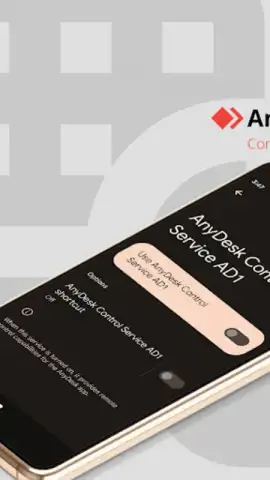
The plugin operates with a notably minimal footprint. Upon installation, it embeds itself within the AnyDesk app's navigation menu, avoiding any desktop clutter or persistent system tray icons. The initial setup is a one-time process that involves granting the necessary accessibility permissions within your device's system settings—a standard security step for any software requiring remote input control. Once configured, it works entirely in the background. This design philosophy prioritizes function over form, providing a clean, unobtrusive experience that keeps the focus on your remote session, not on managing the plugin itself. The integration is so seamless that its value is most apparent in its absence; without it, certain advanced remote control features within AnyDesk may be unavailable or unstable.
For users subscribed to AnyDesk's premium services, the plugin unlocks the full potential of features like Turbo mode, which is engineered to enhance connection speed and reduce latency significantly. This translates to smoother screen rendering, more responsive cursor control, and faster file transfer rates, which are critical for IT support, remote system administration, or accessing a high-performance workstation. The utility guarantees this enhanced performance by ensuring the main application has the proper system-level handshake to execute commands efficiently. It effectively streamlines the data pathway between the remote client and the host device.
Core Features and Integration
- Enables and authorizes critical remote control permissions at the device's operating system level for stable connections.
- Integrates directly into the AnyDesk app's interface via a dedicated menu for centralized access and management.
- Requires a simple, one-time configuration within the system's accessibility settings to activate full functionality.
- Operates with a zero-clutter design, running silently in the background without intrusive notifications or ads.
- Unlocks enhanced performance features for premium users, such as reduced latency and improved data throughput.
We suggest trying the AnyDesk Plugin ad1 if you use AnyDesk for professional or advanced remote access and have encountered permission prompts or performance limitations. It is a specialized tool that solidifies the connection framework, making complex remote management tasks noticeably more fluid and reliable.
Download the AnyDesk Plugin ad1 mobile app now.
Disclaimer: This application requires an active internet connection for its core functionality and integrates with the main AnyDesk software, which may offer in-app purchases for premium subscriptions. Use of this plugin necessitates granting specific accessibility permissions, which should only be enabled for trusted software. The developer, AnyDesk Software GmbH, collects data related to connection and device performance; review their privacy policy for details. This utility is intended for business and technical use.
 GooglePlay


