

Apex Launcher
Apex Launcher screenshots (15)

Description Apex Launcher
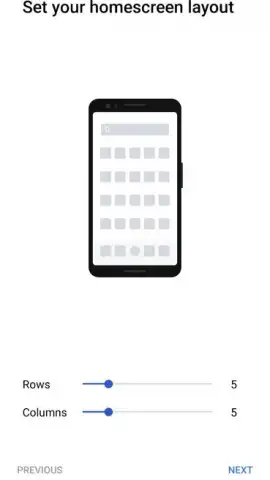
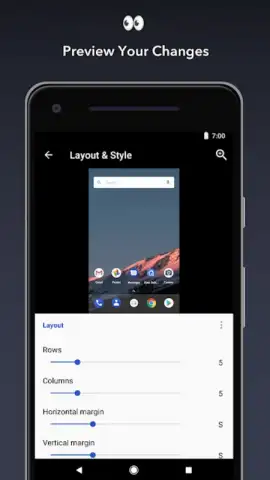
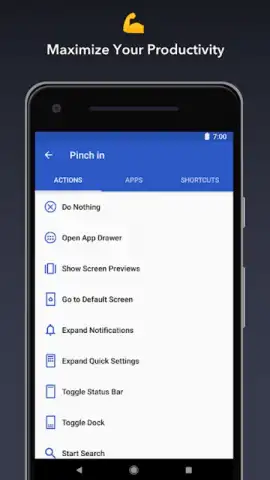
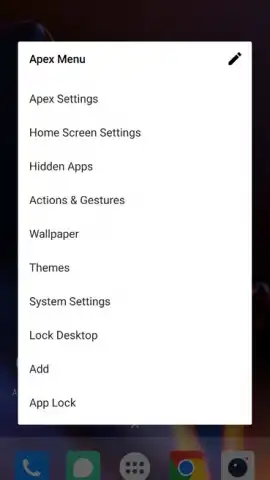
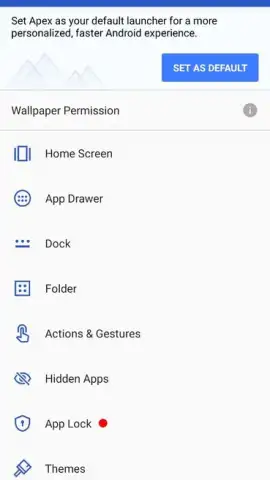
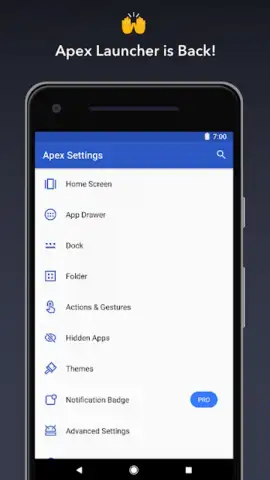
Is your phone's interface feeling rigid and uninspired, stuck with the same grid of icons and limited customization that came out of the box? Apex Launcher, developed by Android Does, directly addresses this by transforming your device's core navigation into a deeply personal and highly functional workspace. This personalization tool, version 5.0.3-rb, moves far beyond simple wallpaper changes, offering granular control over the home screen's layout, aesthetics, and behavior to match your workflow and style.
Core Functionality and Customization
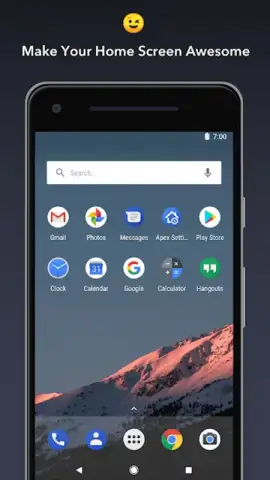
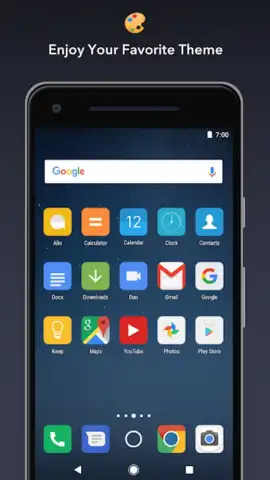
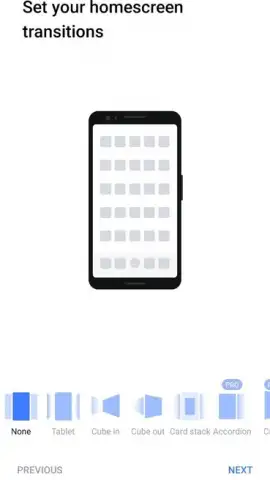
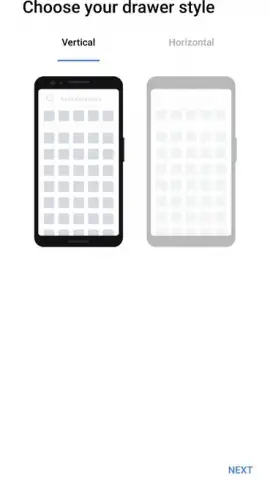
The application operates by replacing your device's standard launcher system, providing a new layer of interaction starting with the home screen. Users gain access to nine distinct visual themes that can be applied and cycled through, fundamentally altering the ambiance of your device. A configurable dock bar, supporting up to seven application shortcuts for immediate access, sits persistently for efficiency. The navigation experience is characterized by an infinite and fluid scrolling canvas, allowing you to sweep through home screen panels or your app drawer without ever hitting a hard stop, complemented by a selection of animated transition effects for moving between these panels.
Detailed Feature Analysis
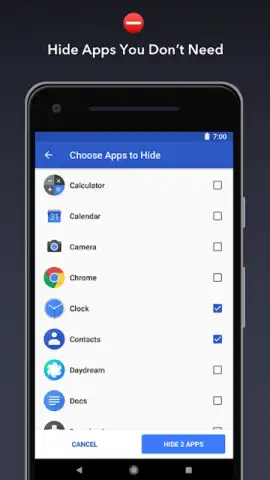
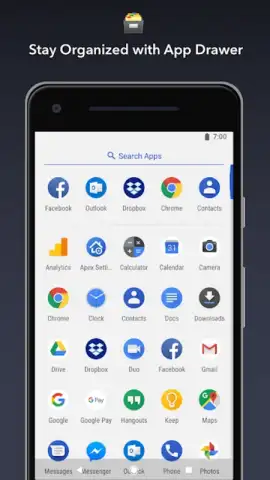
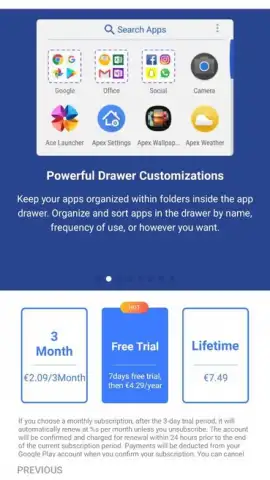
For users seeking a streamlined visual field, Apex Launcher includes robust options to declutter the interface. You can choose to hide persistent system elements like the status bar at the top of the screen or even the dock itself, creating a maximized, immersive view for your widgets and backgrounds. Organizational control extends to the very elements you interact with; icons and folders can be individually resized, renamed, and have their visuals altered. The app further introduces intelligent sorting within the app drawer, enabling automatic categorization of your applications into user-defined groups for faster retrieval.
- Expansive Visual Themes: Implement and cycle through nine distinct home screen themes, each offering a complete visual overhaul with coordinated icons and backgrounds.
- Advanced Interface Controls: Hide system elements like the status bar and dock, and utilize infinite, smooth scrolling across all panels for a seamless navigation experience.
- Granular Element Management: Resize and customize app icons and folders, while automatically sorting your app drawer into logical categories for superior organization.
The absence of advertising clutter is a significant note, with the optional Turbo mode providing enhanced performance optimizations and access to premium features for a faster, more responsive experience. This focus on a clean, user-controlled environment is central to the launcher's design philosophy.
Don't wait to reclaim control of your device's interface! Download Apex Launcher now and start building a home screen that truly reflects your needs and style.
Heads up: you'll need wifi for initial theme downloads and updates. Some cool stuff, like additional premium themes and advanced Turbo features, is extra.


