

APK Installer by Uptodown
APK Installer by Uptodown screenshots (15)
Description APK Installer by Uptodown
Unlock Every Android App: The Universal Installer That Handles Any Format
Tired of hitting a wall when trying to install an APK file, only to find your phone's default package installer doesn't recognize it? The landscape of Android app distribution has evolved far beyond simple APKs, introducing formats like XAPK and split APKs that can stump standard tools. APK Installer by Uptodown is the definitive technical solution, engineered to bypass these compatibility barriers entirely. This powerful utility provides a seamless bridge between you and any Android application package, regardless of its underlying structure or compression standard. It transforms the complex process of manual installation and backup into a straightforward, one-tap operation, ensuring you have complete control over the software on your device without needing to delve into technical directories or file management.
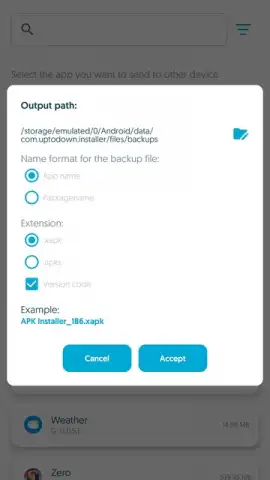
This application functions as a dual-purpose tool, excelling in both installation and archival. Its core intelligence lies in automatically detecting and adapting to the package format you provide. When you initiate an installation, it meticulously unpacks XAPK files—which may contain the core APK, split APK components for different device architectures, and essential OBB data files—and places each element in the correct system directory. Conversely, for backup, it performs the reverse operation: it scans your installed apps, gathers all their constituent files (including any split APKs and OBB folders), and packages them into a single, clean XAPK file for portability and storage. This eliminates the historical headache of manually copying OBB data to specific folders, a process that often led to failed installations.
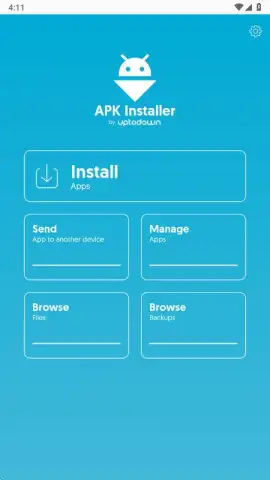
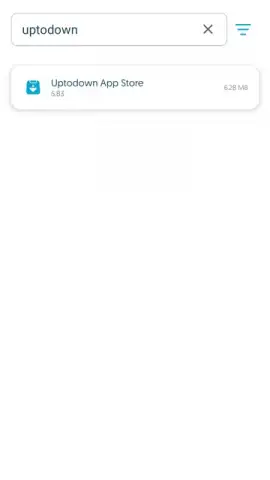
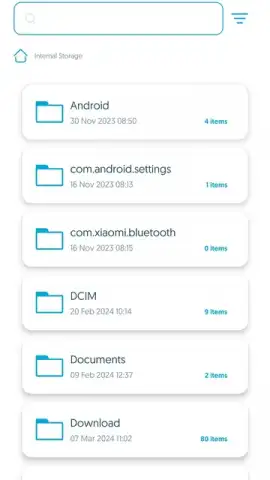
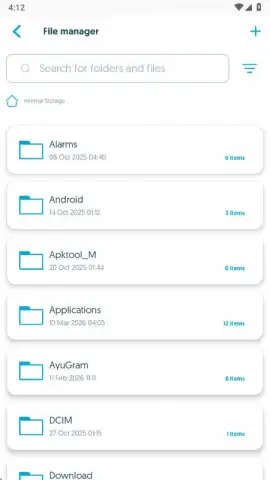
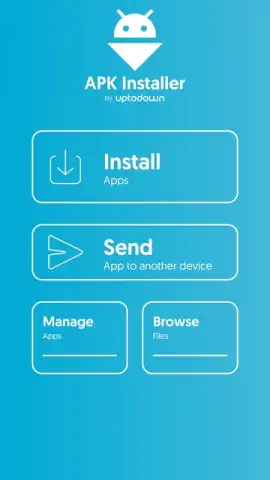
Beyond core installation, the app includes a robust file browser to navigate your device's storage, allowing you to directly locate and manage APK or XAPK files from any folder. Furthermore, its network-sharing feature lets you send packaged applications to other devices on the same local Wi-Fi network, facilitating easy app distribution between your own phones and tablets without using data. The optional Turbo mode removes all advertisements, providing an unobstructed, high-speed experience for power users who demand peak efficiency from their tools.
Core Functionality & Features
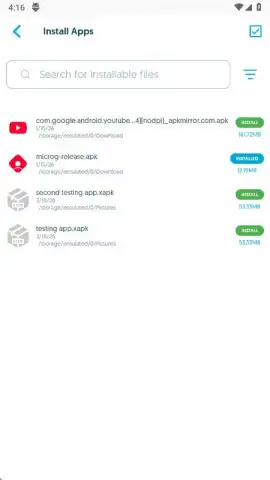
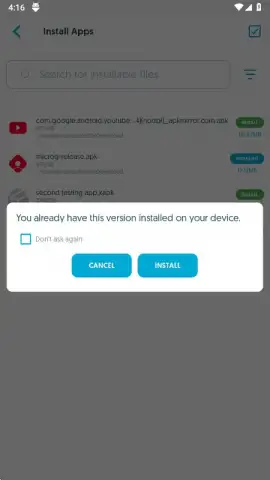
- Universal APK/XAPK Installation: Installs any Android application package format, including standard APKs, complex XAPK bundles, and the newer split APK (App Bundle) formats, automatically handling all embedded components.
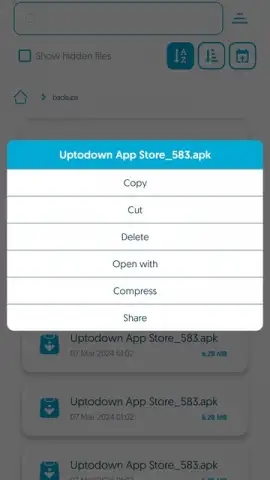
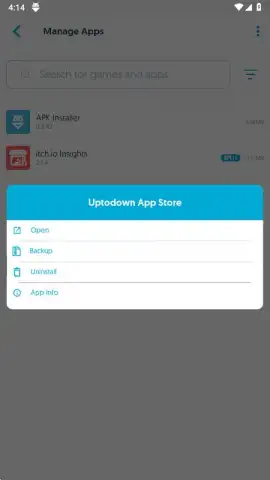
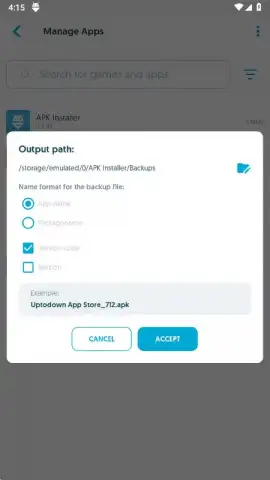
- Comprehensive App Backup & Packaging: Creates complete backups of your installed apps by automatically packaging the APK, all split APK files, and associated OBB data into a single, restorable XAPK file for easy management.
- Integrated File Browser & Network Share: Features a built-in file manager to browse device storage for packages and includes a local network sharing function to send apps wirelessly to nearby devices.
How It Simplifies Modern Android Management
The method of distributing and installing Android apps has undergone significant technical changes. Google's introduction of the Android App Bundle (AAB) format means apps on the Play Store are now split into multiple APKs based on language, screen density, and CPU architecture. While this saves bandwidth, it complicates manual installation. Similarly, large games use OBB files to store media assets separately. APK Installer by Uptodown abstracts this complexity. It acts as a universal interpreter, so you don't need to research formats or correct folder paths. When you back up an app, it intelligently bundles everything. When you install, it expertly unbundles and deploys. It's the essential tool for sideloading apps, testing beta versions, managing multiple device profiles, or simply keeping personal copies of your favorite software without relying on a store.
Get direct, unfettered access to any Android application. Stop worrying about incompatible formats and failed installations.
Download APK Installer by Uptodown now and take full command of your device's software library.
Heads up: you'll need wifi for the local network sharing feature. The Turbo ad-free experience is an optional in-app purchase.
 GooglePlay


