

Apps Share
Apps Share screenshots (9)
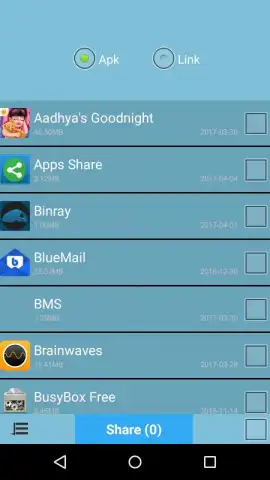
Description Apps Share
Effortless App Sharing Is No Longer a Technical Challenge
For anyone who has ever tried to recommend a mobile application to a friend or family member, the process is often more cumbersome than it should be. You might send a text with a name, hope they spell it correctly in their app store search, or fumble with generating and sending a store link. Apps Share directly addresses this specific, common friction point in digital communication. It is a utility-focused application designed with a single, clear purpose: to streamline the act of sharing applications from your device to another. This review examines its mechanics, from the core selection process to the final delivery method, to determine if it delivers on its promise of simplicity.
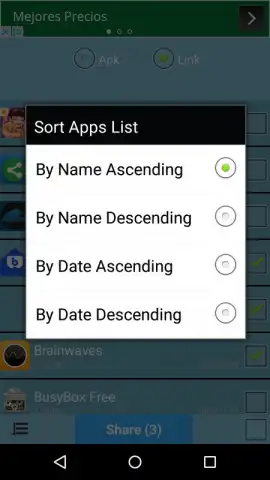
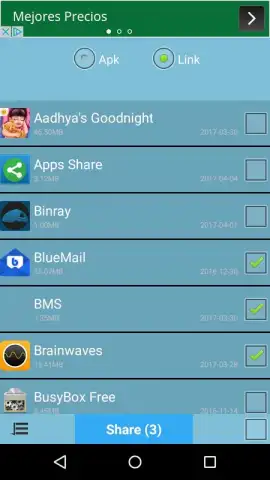
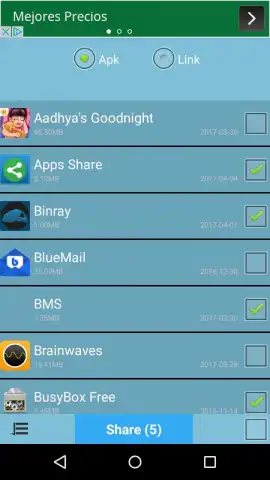
The application’s interface is built around a minimalist, list-based view of the apps installed on your device. The primary action begins with a simple tap to select one or multiple applications. The system’s efficiency becomes apparent in batch operations; you can queue several apps for sharing in one continuous session, eliminating the need to repeat the process for each recommendation. A critical decision point follows selection: you choose whether to share the application file (APK) directly, if permissible, or a direct download link to the official app store. This choice accommodates different scenarios, such as sharing apps between Android devices or sending a trusted store link to iOS users.
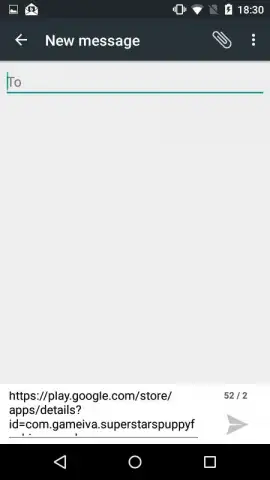
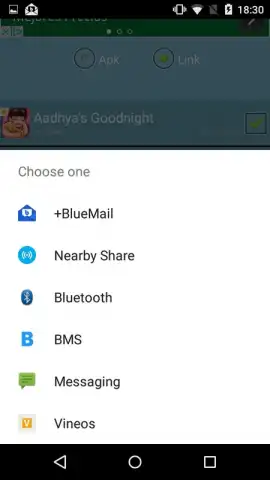
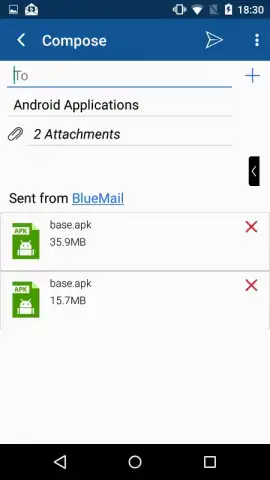
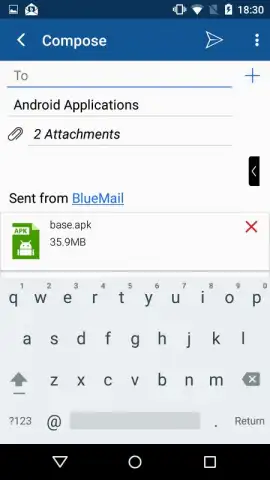
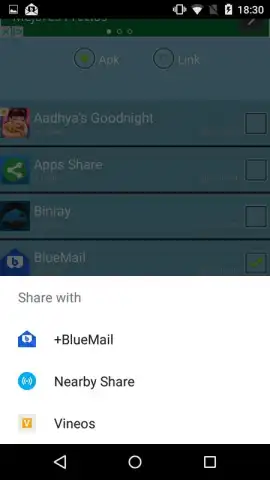
Following this, the app hands off the packaged information to your device’s native sharing menu. This is a smart integration, as it leverages existing, familiar channels like email, SMS, messaging platforms (WhatsApp, Telegram, etc.), or cloud storage services. You select your preferred contact or channel from this standard system menu and complete the send command. The entire workflow is a linear, three-step process: select, define share type, and dispatch via your chosen method. Notably, the experience is reported to be free of banner or interstitial advertising, which is a significant advantage for a utility tool, preserving its focus and speed.
- One-tap selection for single or multiple apps
- Choice between direct APK or store link sharing
- Integrates with native device sharing menus
- No advertising clutter for streamlined use
This utility transforms a multi-step annoyance into a seamless, sub-minute task. For power users who frequently recommend tools, games, or productivity apps, it effectively removes a persistent digital hurdle. Download Apps Share now while the streamlined, ad-free experience is fully active for all new users—this level of focused utility often becomes monetized later.
Heads up: you'll need wifi or a stable data connection for generating and sending store links. Sharing APK files directly may be restricted for some system-protected applications.


