
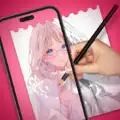
AR Drawing: Sketch & Trace
AR Drawing: Sketch & Trace screenshots (16)

Description AR Drawing: Sketch & Trace
Struggling to Translate Images from Screen to Paper Accurately?
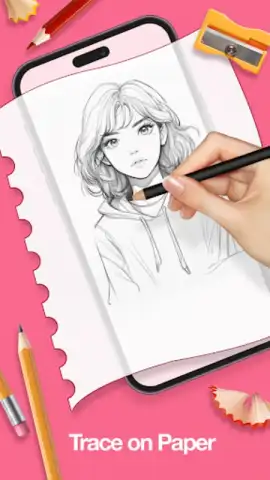
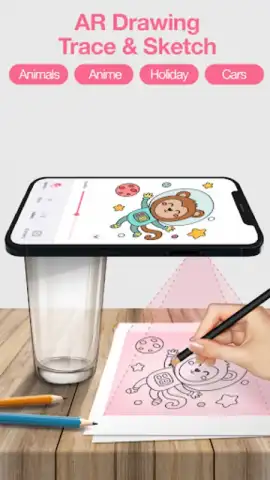
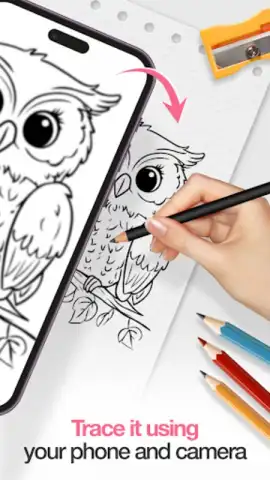
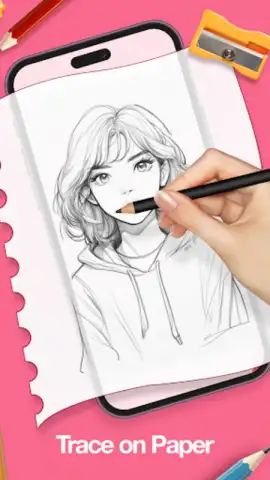
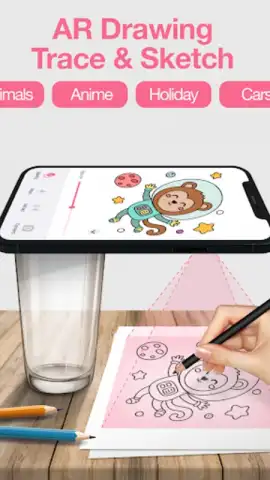
A common challenge for artists and hobbyists is accurately transferring a reference image onto a physical drawing surface. Freehand sketching often leads to issues with proportion, perspective, and alignment. AR Drawing: Sketch & Trace addresses this core problem by utilizing your device's camera and augmented reality technology to project images directly onto your paper or canvas. This method provides a real-time tracing guide, effectively bridging the gap between digital reference and physical artwork.
Core Functionality and Feature Analysis
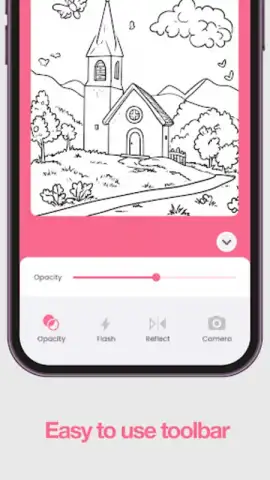
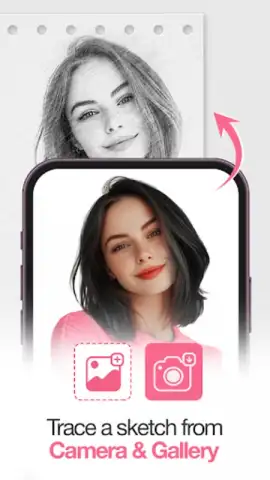
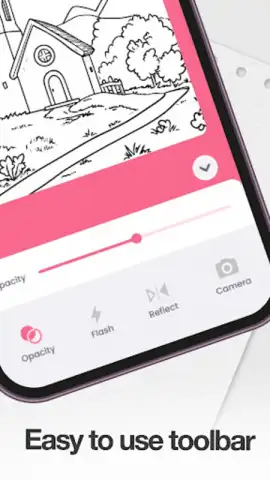
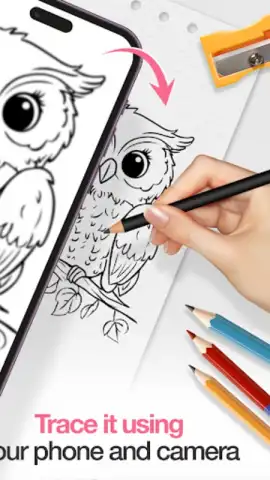
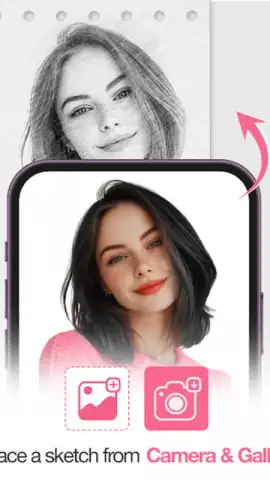
The application operates by overlaying a selected image from your gallery or its built-in library onto the live feed from your camera. You position your device above your drawing surface, and the app calibrates the image to the plane, allowing you to trace the projected outlines with precision. A key technical feature is the adjustable transparency slider, which lets you control the opacity of the projected image for optimal visibility against your paper. The integrated alignment grid tools assist in maintaining correct proportions and perspective, which is particularly useful for architectural sketches or complex compositions.
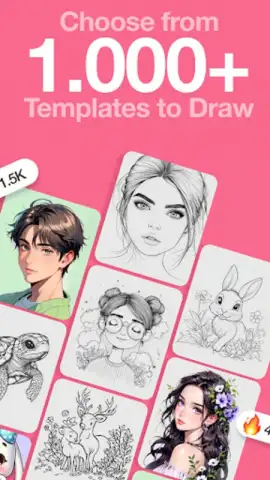
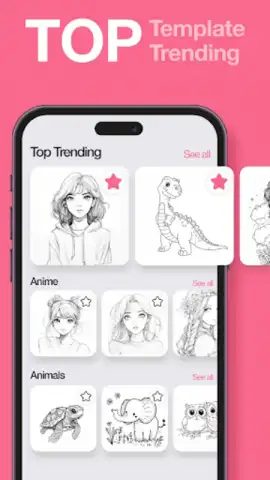
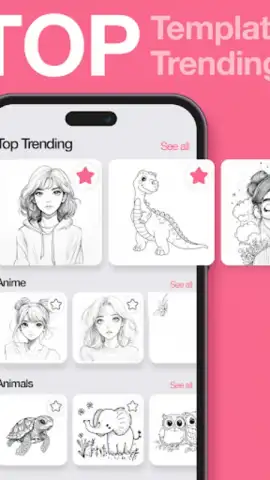
For operation in suboptimal lighting, the app can activate the device's flashlight directly through the interface, ensuring the projected guide remains clear. The library of traceable templates is categorized, including sections for portraits, animals, landscapes, and various design patterns, serving as a starting point for different artistic projects. The app also functions as a digital portfolio; a built-in gallery automatically saves your progress shots and finished works, enabling you to document and review your artistic development over time.
Application Performance and Usability
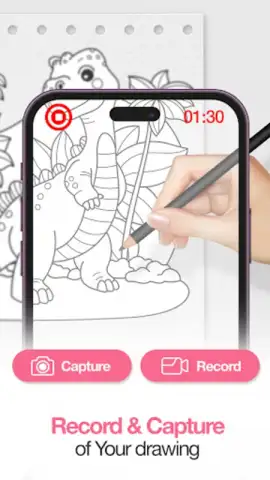
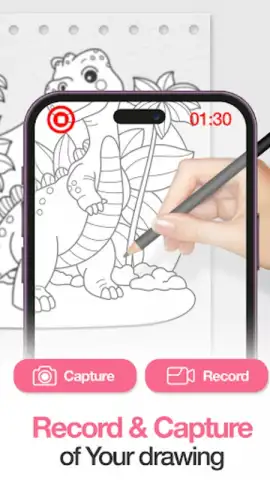
The software is designed to be lightweight, ensuring minimal lag and smooth performance on a wide range of Android devices. The user interface is structured to be intuitive, with primary controls for image selection, transparency, and tools accessible from the main drawing view. It accommodates various skill levels: beginners can use it to understand form and structure, while experienced artists may employ it for underpaintings or complex layout drafting. The process of saving and sharing artwork is streamlined, with options to export images or record time-lapse videos of your tracing and drawing session directly to social media platforms.
- AR-guided tracing on any surface
- Adjustable transparency and grid tools
- Built-in template library and gallery
- Optimized for smooth device performance
We suggest trying AR Drawing: Sketch & Trace if you seek a practical method to improve drawing accuracy or wish to experiment with new artistic subjects without initial sketching hurdles. Consider downloading the app to explore a technical approach to traditional drawing.
Heads up: you'll need wifi for initial downloads and some features. Some cool stuff is extra.
 GooglePlay


