

ArtFlow
ArtFlow screenshots (11)
Description ArtFlow
Looking for a Professional-Grade Drawing App on Android?
What separates a basic sketching tool from a true digital art studio on a mobile device? ArtFlow addresses this by transforming your Android phone or tablet into a comprehensive canvas, offering a depth of features typically reserved for desktop software. This review examines its core mechanics, from its extensive brush engine to its non-destructive layer workflow, to determine if it delivers a professional creative experience.
Core Functionality and Toolset Analysis
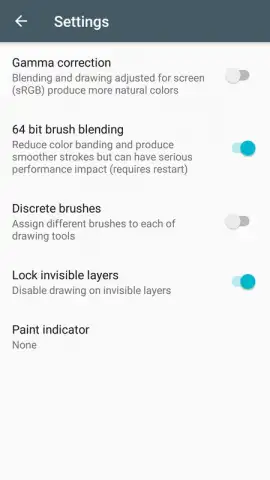
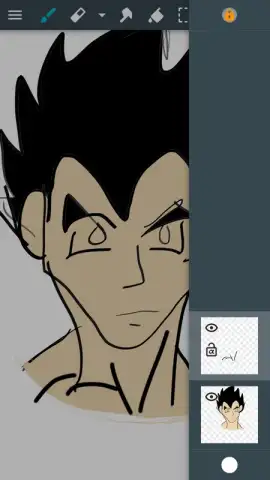
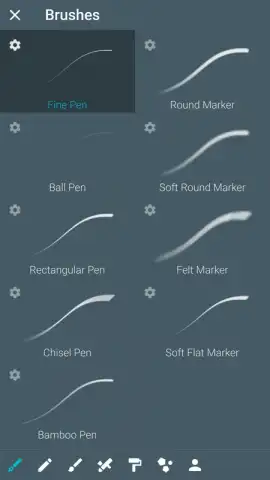
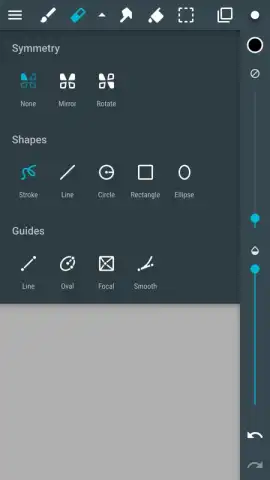
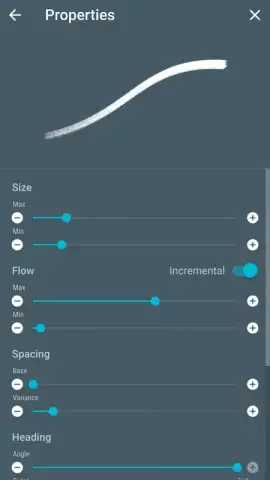
ArtFlow’s primary strength lies in its highly customizable toolset. The app provides access to over 80 unique brushes, each with adjustable parameters for size, opacity, flow, and texture gradient, allowing for precise emulation of physical media like charcoal, ink, or watercolor. Beyond brushes, the workspace supports advanced layer management, enabling artists to work with multiple layers simultaneously. Each layer maintains independent opacity and blend mode controls, and the inclusion of layer masks allows for complex, non-destructive editing and compositing directly on your device.
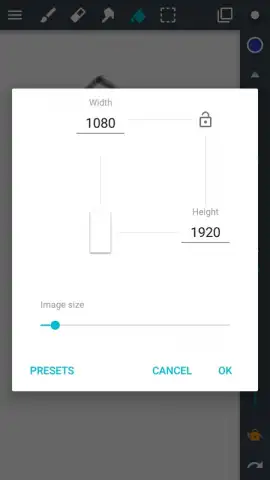
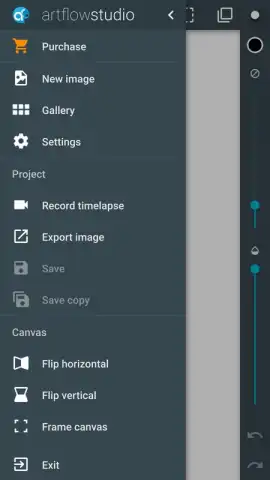
The application supports high-resolution canvases, which is critical for detailed work or professional prints. Performance at maximum resolutions (2560x2560 pixels and above) is contingent on your device's hardware capabilities; on less powerful hardware, users may experience lag with complex, multi-layered projects. Upon completion, artwork can be exported in several standard formats, including layered PSD for further editing in desktop applications like Photoshop, as well as PNG and JPG for immediate sharing or publication.
- Offers a library of over 80 fully customizable brushes with control over size, opacity, and texture.
- Supports professional layer-based editing with individual opacity controls and layer masking tools.
- Enables work on high-resolution canvases suitable for detailed artwork and print.
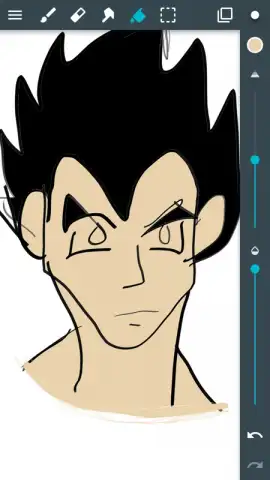
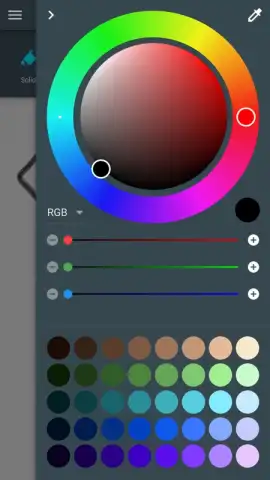
- Provides a full suite of auxiliary tools including fill, shapes, and precise selection instruments.
- Features flexible export options to PSD, PNG, and JPG formats for workflow integration.
We suggest trying ArtFlow if you require a serious, feature-rich drawing studio that leverages the full potential of your Android device. Consider downloading it to explore a professional-grade toolset designed for both aspiring and experienced digital artists.
Heads up: you'll need wifi for initial download and updates. Some advanced brushes and export features are part of the premium upgrade.
 GooglePlay


