

Audio Extractor
Audio Extractor screenshots (9)


Description Audio Extractor
What is the most efficient way to isolate audio from a video file on a mobile device?
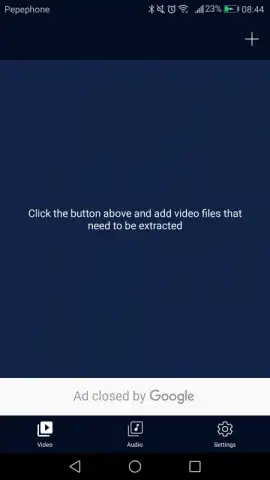
For users who regularly work with media, the need to separate an audio track from a video file is a common task. Audio Extractor by Power Star APPS addresses this specific utility requirement directly. The application functions as a dual-purpose tool, focusing on audio extraction and subsequent basic waveform editing. Its operation is built around a streamlined process designed to convert video containers into standalone audio files, which can then be modified. The current version 205 presents an interface that prioritizes function over form, guiding the user from media selection to final export with minimal intermediate steps.
Core Functionality and Editing Capabilities
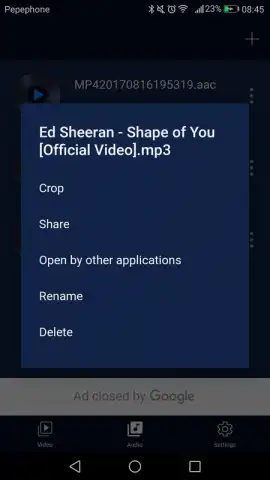
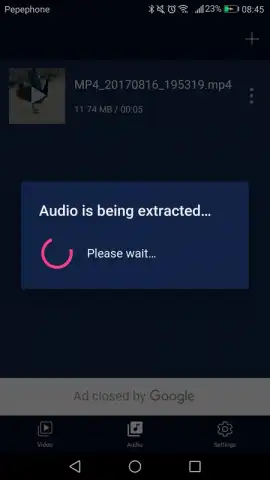
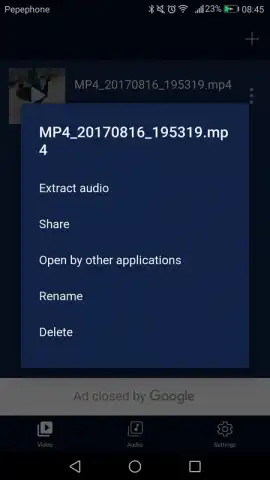
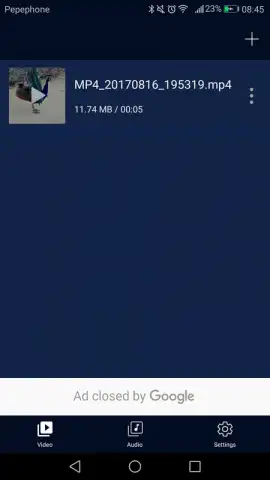
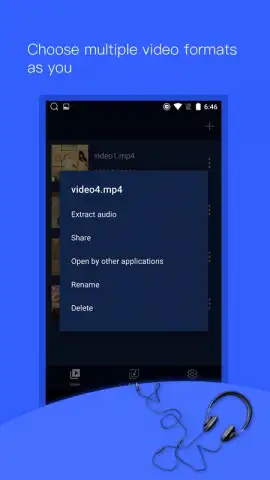
The primary extraction tool processes a wide range of common video formats. The user selects a file from their device's storage, and the application decodes the multimedia container to isolate the audio codec. This process results in a new audio file, typically in a standard format like MP3 or M4A, saved to a user-designated folder. The secondary tool is an audio trimmer. This editor loads any audio file, including newly extracted tracks or existing music files, and provides a visual timeline for selecting precise start and end points. The edit is non-destructive until export, allowing for adjustments before creating a final, trimmed audio clip.
The application's structure is built for sequential task completion: extract first, then edit if needed. Performance is dependent on the source file's length and resolution, with processing times varying accordingly. For basic trimming tasks, the editor offers essential cut functionality without advanced features like fade effects or volume normalization. The absence of bundled advertisements in the core workflow, particularly when utilizing the optional performance-enhanced processing mode, removes interruptions during these operations.
- Video-to-Audio Conversion: Extracts and encodes audio tracks from video files into portable audio formats for standalone use.
- Precision Audio Trimming Tool: Allows users to set exact in and out points on a timeline to remove unwanted sections from any audio file.
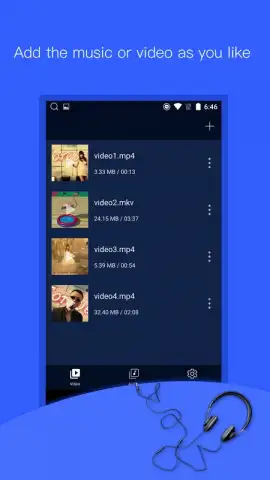
- Direct Media Library Integration: Accesses and processes video files directly from the device's storage without requiring intermediate file transfers.
Download Audio Extractor now to process your media today. This version includes exclusive, optimized processing for the first 1,000 users—access this limited performance upgrade before it expires.
Disclaimer: This application requires an internet connection for initial download and potential verification. It may contain optional in-app purchases for enhanced features or to remove processing limitations. The tool is intended for personal use with content you own or have licensed. Data usage depends on file source and size. Please be aware of your local copyright regulations regarding media modification and distribution. Some functions may require access to device storage for file management.
 GooglePlay


