

Authenticator Pro
Authenticator Pro screenshots (21)






Description Authenticator Pro
Your Digital Keys, Fortified and Always in Your Pocket
Imagine a single, secure vault on your phone that holds the master keys to your entire digital life—your email, social networks, banking apps, and work accounts. Every login becomes a fortress, not just a door. Authenticator Pro transforms your smartphone into that essential vault, generating secure, one-time codes that act as a second, impenetrable lock beyond your password. This is two-factor authentication (2FA) made seamless, powerful, and entirely under your control. You move through the web with confidence, knowing your most sensitive accounts are shielded by a professional-grade tool that respects your privacy and intelligence.
A Deep Dive into Security and Control
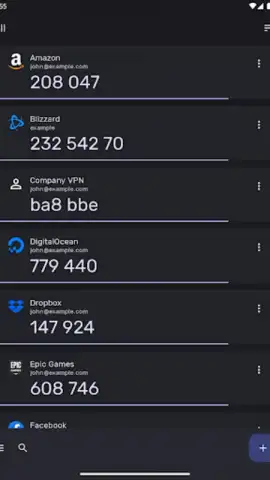
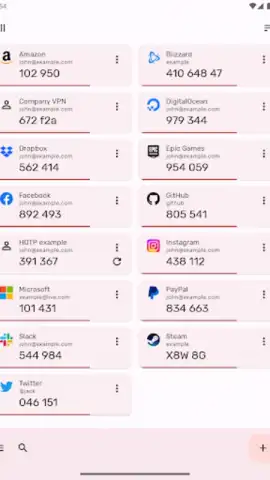
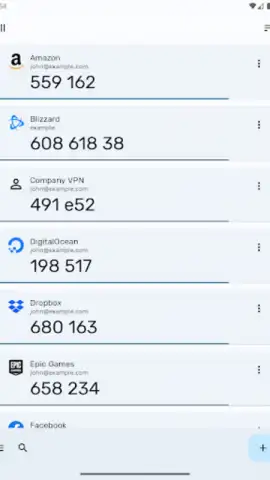
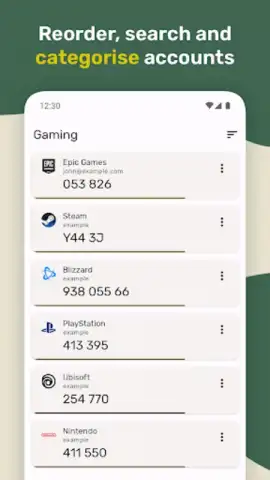
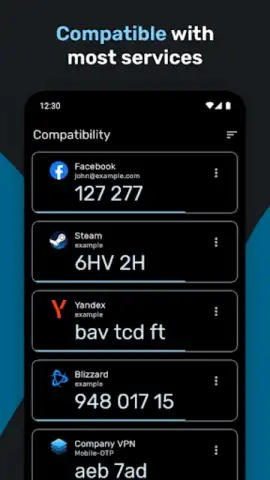
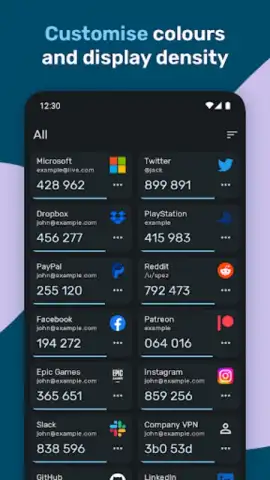
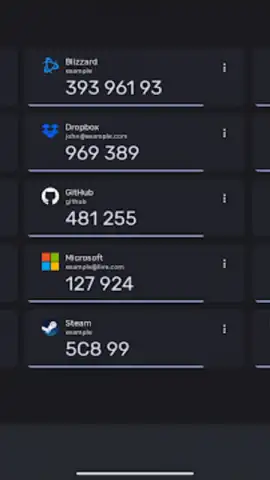
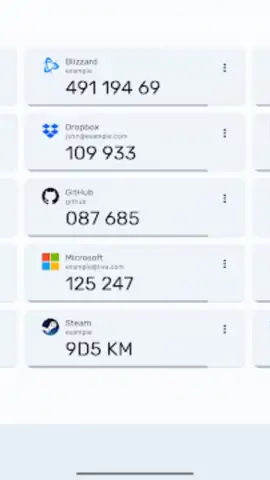
Authenticator Pro is engineered for those who understand that true digital security requires both robust technology and elegant simplicity. You start by adding an account—simply point your camera at a QR code provided by a service like Google, Microsoft, GitHub, or Steam, and the app instantly begins generating time-based (TOTP) or counter-based (HOTP) codes. The interface presents your authenticators in a clean, modern layout that you can fully customize. You are not stuck with generic icons and labels; you can reorder entries, assign custom icons, and create categories to instantly find your work, personal, or financial accounts. Whether you prefer a light theme or a sleek dark mode to reduce eye strain, the app adapts to your visual preference.
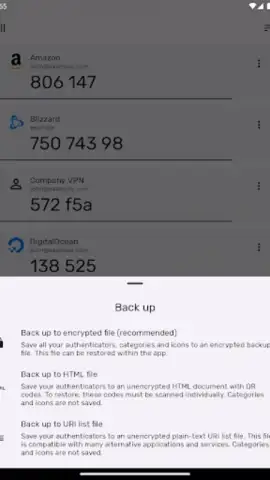
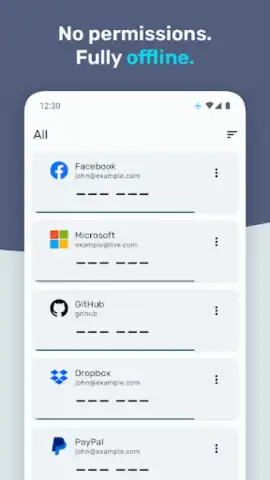
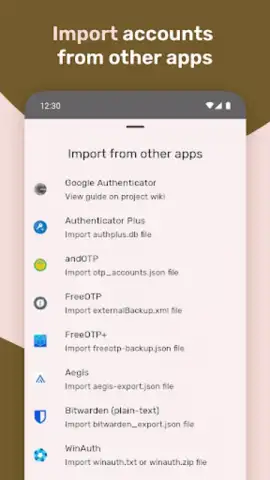
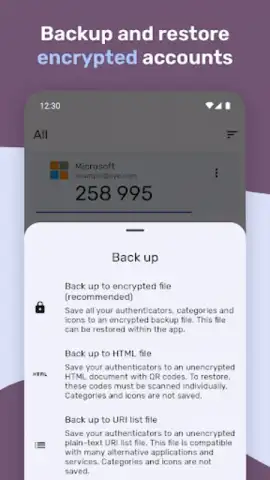
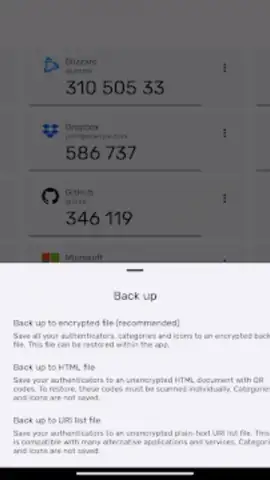
The true peace of mind comes from knowing your digital keys are safe and recoverable. Authenticator Pro operates completely offline; your secret codes never leave your device unless you decide they should. For backup, you have flexible, encrypted options. You can create a strongly encrypted backup file to store on your own device or in a cloud service of your choice, giving you full sovereignty over your data. When you upgrade your phone or need to recover from a loss, restoring your entire set of authenticators is a straightforward process. The app further secures access with optional password protection or biometric authentication using your device's fingerprint or face scanner, ensuring only you can open the vault.
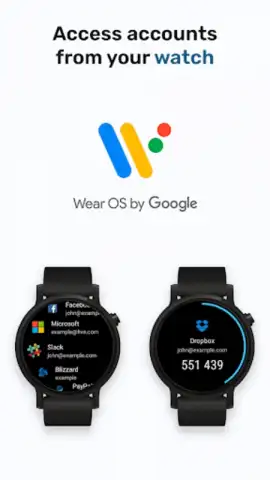
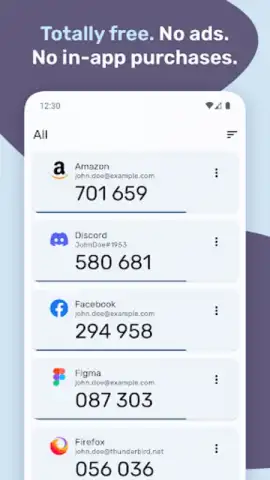
For maximum convenience, the experience extends beyond your phone. A dedicated companion app for Wear OS smartwatches means your 2FA codes are accessible with a glance at your wrist, perfect for quick logins when your phone is not immediately at hand. The app is proudly free, open-source, and devoid of any advertisements or tracking. Its source code is publicly available for audit on GitHub, fostering a transparent environment where security is verifiable, not just promised. This commitment means you are using a tool built on trust and community scrutiny, not hidden agendas.
- Offline Operation & Strong Encryption
- Custom Icons, Order & Categories
- Encrypted Backup & Restore
- Wear OS Smartwatch Companion
Take definitive control of your online security today. Download Authenticator Pro now and turn your device into the most trusted security key you own.
Disclaimer: The application requires an internet connection for initial account setup via QR code and for optional encrypted cloud backup functions. The core code generation works entirely offline. This is a free application; no in-app purchases are required for full functionality.


