

Auto Clicker - Automatic tap
Auto Clicker - Automatic tap screenshots (16)
Description Auto Clicker - Automatic tap
Tired of Tapping? Automate Your Screen Interactions
Imagine needing to perform the same exact tap on your phone screen, hundreds or even thousands of times. Whether it's for grinding resources in a massive online game, automating a repetitive task in another app, or testing a specific interaction, manual tapping quickly becomes a tedious chore. Your finger gets sore, your focus drifts, and you waste precious time on a mindless activity. This is where a dedicated automation tool transforms the experience, turning a monotonous burden into a seamless, background process.
Auto Clicker - Automatic Tap is designed specifically to handle those repetitive screen interactions for you. It functions by simulating precise touch inputs at locations and intervals you define, effectively becoming an extra pair of hands for your Android device. The setup is refreshingly straightforward, requiring no complex registration process or risky device modifications like rooting. You simply grant a one-time accessibility permission, and the tool is ready to configure for your specific needs. This permission is a standard security feature that allows the app to observe your screen and replicate your actions accurately.
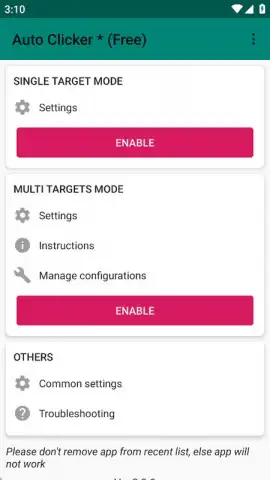
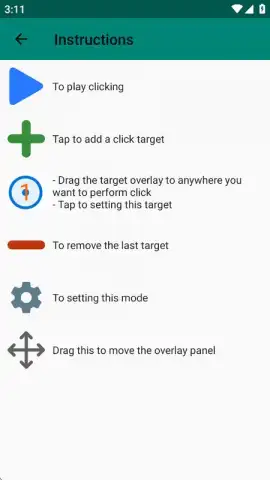
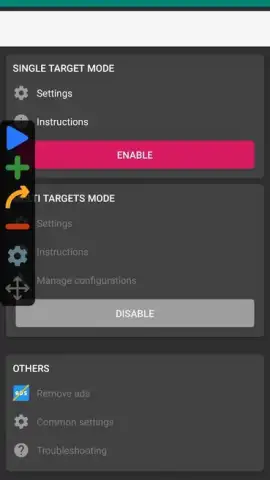
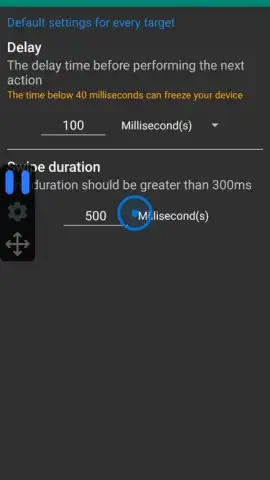
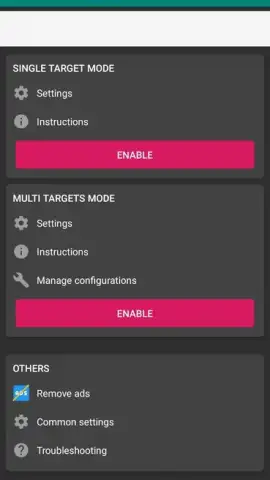
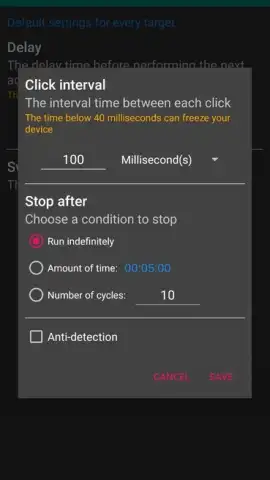
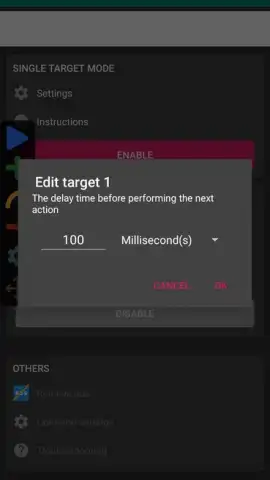
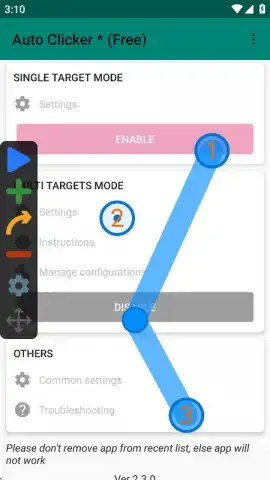
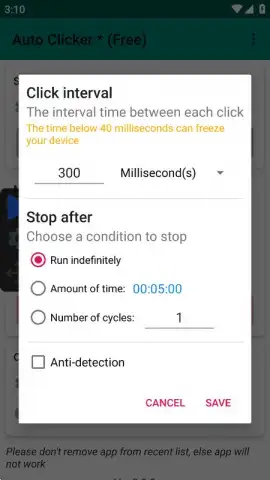
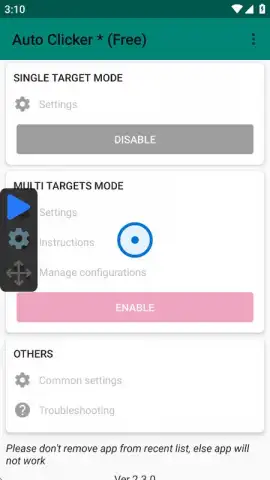
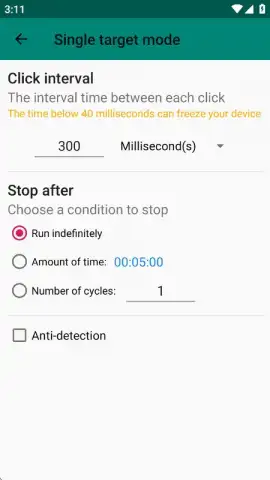
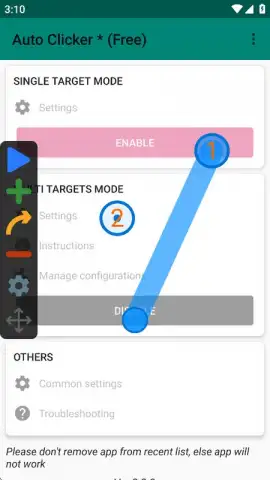
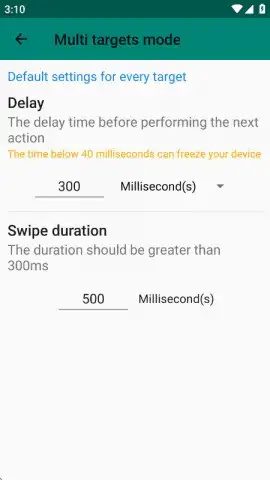
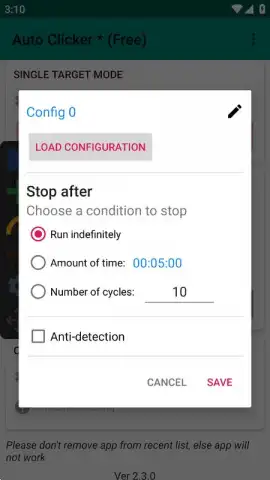
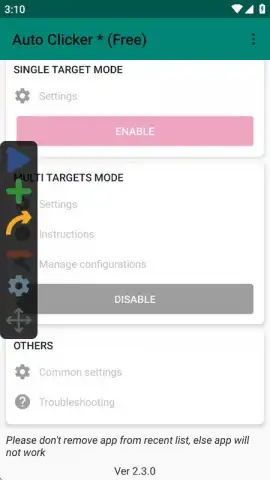
The core power of this utility lies in its two operational modes, catering to both simple and complex automation scenarios. The Single Target Mode is your go-to for a constant, repetitive tap in one fixed spot. You can set the tap speed down to millisecond intervals, perfect for rapid-fire actions in any application. For more sophisticated routines, the Multi Target Mode allows you to create full tap-and-swipe patterns. You can plot multiple points on the screen, define the order and timing between them, and set the entire sequence to loop indefinitely or for a set number of cycles. This mode is ideal for creating intricate macros, such as automating a complete farming route in an MMO, where a character must move, collect items, and use skills in a specific order.
While mobile games, especially grindy MMOs and RPGs, are a primary use case, the applications extend much further. You can use it to automate data entry, stress-test app interfaces, or perform any routine that involves predictable screen interaction. A significant advantage is the ability to save and export your custom tap scripts. This means you can share efficient farming macros with friends or import community-built scripts to streamline your own tasks, fostering a collaborative approach to automation. The experience is kept clean and focused, as the tool operates without intrusive advertisements, allowing you to run your automations without disruptive interruptions.
- Configure precise automatic tapping at custom intervals and screen locations.
- Utilize two distinct modes: simple single-point tapping or complex multi-point macros.
- Create and execute elaborate tap-and-swipe patterns for advanced gameplay automation.
- Save and export your custom scripts to share or reuse across different sessions.
- Operates without advertisements and requires no device rooting or user registration.
If you're ready to reclaim your time and automate the repetitive taps in your mobile games or daily apps, consider downloading Auto Clicker - Automatic Tap to streamline your digital tasks.
Internet connection required for initial download. In-app purchases may be available.
 GooglePlay


