

Auto Reply Keyboard
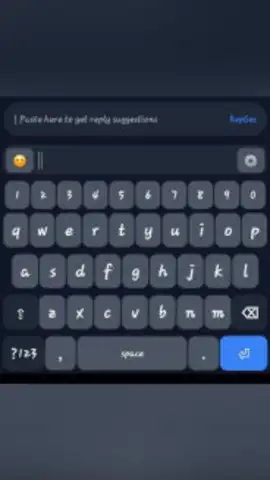
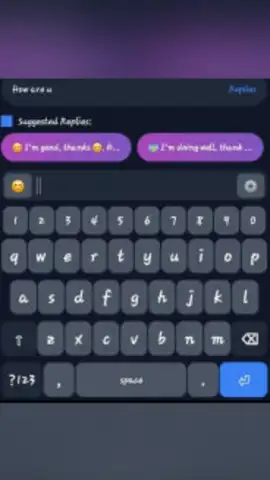
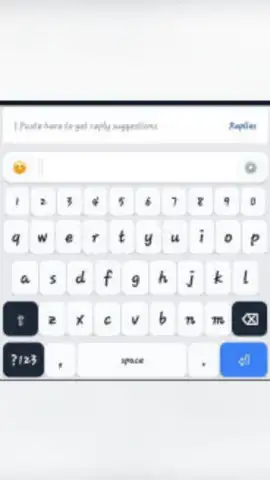
Auto Reply Keyboard screenshots (3)
Description Auto Reply Keyboard
Never Miss a Message While Your Eyes Are on the Road
Imagine you’re driving, navigating busy traffic, and your phone lights up with a stream of incoming messages. The urge to glance, to reach for the phone, is a dangerous distraction you can’t afford. That moment of split attention is where accidents happen. This mobile app transforms your smartphone into a co-pilot for communication, allowing you to stay connected safely and legally, without ever taking your hands off the wheel or your eyes off the road. It’s about reclaiming your focus and ensuring every journey ends as safely as it begins.
Your Intelligent, Hands-Free Communication Hub
This isn’t just a simple auto-reply tool; it’s a comprehensive driving assistant designed for the realities of modern communication. The app integrates seamlessly with your device’s keyboard, activating intelligent automated responses whenever you’re in motion. You can customize messages for different contacts or situations, letting friends know you’re driving and will reply later, or informing colleagues that you’re en route to a meeting. The system uses motion detection to activate automatically, ensuring the replies are only sent when you are genuinely driving, preventing awkward auto-replies while you’re simply a passenger. Beyond text, the app can also read incoming messages aloud through clear voice synthesis, so you stay informed without looking at the screen.
Key Advantages That Put Safety First
- Smart Motion-Activated Intelligence: The app intelligently detects when you are driving using your device’s sensors, activating its automated features only when necessary to avoid false triggers.
- Fully Customizable Message Library: Craft personal, professional, or funny auto-replies for different contacts or messaging apps. Create a library of responses for any scenario.
- Clear Voice-to-Text and Read-Aloud: Have your messages read to you aloud and even dictate replies using your voice, enabling truly hands-free operation.
- Seamless Keyboard Integration: Works as a dedicated keyboard overlay that functions across all your favorite messaging and social media applications without switching between apps.
- Minimal Battery and Data Usage: Engineered for efficiency, it runs quietly in the background with a negligible impact on your phone’s performance and data plan.
- Simple, Intuitive Interface: Get set up in seconds with a user-friendly design that requires no technical expertise to configure and use daily.
Drive Safely, Stay Connected – Download the App Now
Turn every drive into a focused, stress-free experience. Eliminate the distraction, reduce the risk, and maintain your connections effortlessly. Install Auto Reply Keyboard today and make safe communication your new standard.
Requires an active internet connection for initial setup and certain features. The app may contain optional in-app purchases for premium functionalities. Please be aware of and comply with all local laws regarding the use of mobile devices while driving.


