

AutoCAD 360
AutoCAD 360 screenshots (5)
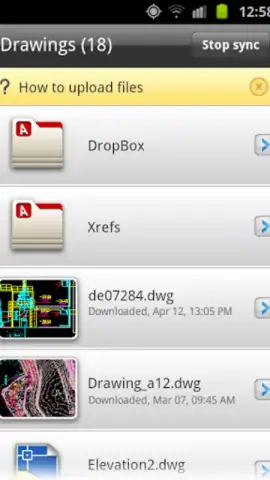
Description AutoCAD 360
Ever wished you could take the power of your professional CAD workstation with you, right in your pocket? What if you could review a critical design on the go, make urgent edits from a construction site, or share progress with your team without being chained to your desk? That’s no longer a futuristic dream—it’s your new reality with AutoCAD 360.
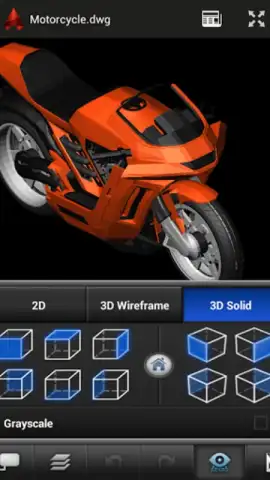
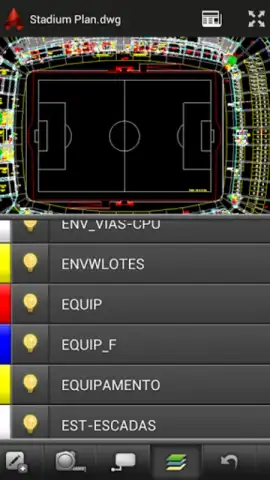
This is the official, mobile extension of the world’s leading design software, transforming your Android device into a potent, on-the-move drafting station. Imagine having the freedom to open, examine, and modify any DWG file directly from your phone or tablet. You’re no longer just viewing a static image; you’re interacting with the full, intelligent drawing. Need to check a measurement during a client meeting? Want to mark up a floor plan while walking through the actual space? This app puts that control literally at your fingertips. The magic truly happens with its seamless cloud sync. All your projects, stored securely with your Autodesk account, are instantly available. Start a sketch on your desktop, then refine the details from your tablet over coffee—the workflow is beautifully fluid.
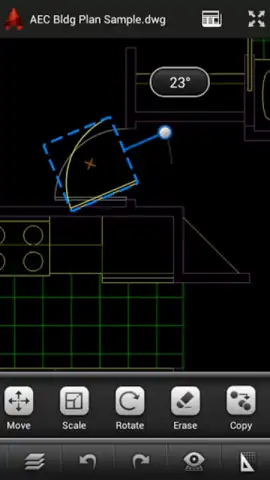
But what can you actually do? The capabilities will surprise you. Dive into basic yet powerful editing with intuitive tools for drawing new elements, precisely moving objects, scaling components, and adding detailed annotations. The game-changer? You can do all this offline. Boarding a flight or heading to a remote site? Download your essential drawings beforehand. Work on them intensively without a single bar of signal. The app quietly saves every change locally, then automatically syncs everything back to the cloud the moment you reconnect. It’s effortless continuity that keeps your projects moving forward 24/7.
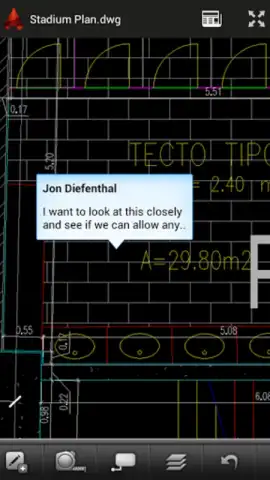
Collaboration is also reimagined. Share any drawing with colleagues or clients directly from the app to kickstart a real-time review session. They can view, comment, and even mark up the same file, turning feedback loops from days into minutes. You can enrich discussions by attaching photos from the field or supplementary images directly to the drawing. And when it’s time for hard copy, the integrated ePrint & Share service lets you send documents to a printer anywhere, straight from your mobile device. For power users who live in AutoCAD, this mobile access isn’t just convenient—it’s revolutionary. It means your most important work is always with you, editable anywhere inspiration or necessity strikes. For those ready to unlock even more advanced tools, a feature-rich Pro version stands by to elevate your mobile drafting to the next level.
- Official Mobile AutoCAD Experience
- View, Edit & Share DWG Files
- Full-Featured Offline Mode
- Real-Time Drawing Collaboration
Ready to Unleash Your Designs Anywhere? This is your exclusive invitation to transform how you work. For a limited time, experience the full potential of professional CAD mobility. Download AutoCAD 360 now and claim your freedom to create—today is the day your workspace becomes limitless.
Disclaimer: The app requires an internet connection for initial account setup, cloud synchronization, and certain sharing/printing features. In-app purchases are available to upgrade to the Pro version. Product functionality may vary by device.
 GooglePlay


