

aWallet Password Manager
aWallet Password Manager screenshots (4)
Description aWallet Password Manager
A Dedicated Local Password Manager That Operates Without Cloud Reliance
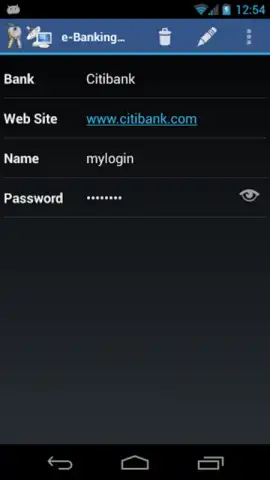
This application functions as a comprehensive data vault, designed for the structured storage and retrieval of sensitive personal information. Its core mechanism is the local encryption and categorical organization of credentials, financial details, and other private data, providing a centralized and secure alternative to memorization or insecure recording methods. The system is engineered for direct user control, with all data residing solely on the device and protected by a master password established during initial setup.
Functional Analysis and Core Architecture
The utility is built around a local-first security model. All entered data is encrypted directly on the device, meaning no information is transmitted to or stored on external servers. Access is gated exclusively by a user-defined master password, which acts as the single key to the encrypted database. For organizational efficiency, the manager supports the creation of custom categories and folders, allowing for logical separation of data types—such as isolating all e-commerce login credentials into a dedicated section. An additional security feature includes a data destruction protocol, enabling the selective or complete wiping of the vault's contents under duress or emergency scenarios.
Primary Operational Features
- Local Device Encryption: Implements robust encryption algorithms that secure all data directly on your device, eliminating cloud dependency and associated risks.
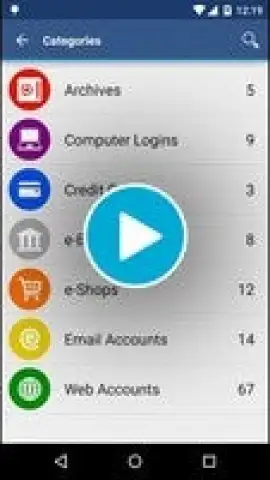
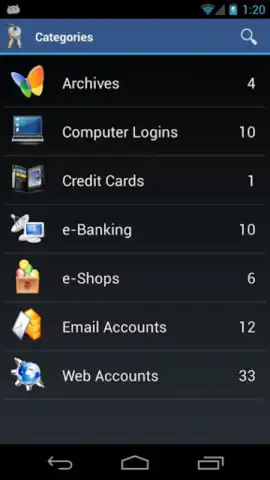
- Custom Categorical Organization: Provides tools to create and manage folders for systematic sorting of logins, financial data, and personal notes.
- Emergency Data Purge: Includes a failsafe function to instantly delete stored information from specific folders or the entire database if required.
The absence of advertising and network synchronization features underscores its focus on being a self-contained, high-performance utility. Its design prioritizes offline accessibility and user-managed security above all else.
Download this mobile app immediately to establish a private, organized vault for your critical digital information!
Internet required for initial download only. IAP available.
 GooglePlay


