

Blackmagic Camera
Blackmagic Camera screenshots (10)
Description Blackmagic Camera
What if your smartphone could match the cinematic quality of a professional cinema camera?
The Blackmagic Camera app for Android is a direct translation of professional digital film camera controls into a mobile interface, effectively bypassing the automated limitations of standard smartphone camera software. It provides granular, manual control over every critical imaging parameter, transforming your device into a potent tool for photography and videography. This is not a simple filter suite; it is a control surface that demands engagement, offering the creative latitude typically reserved for dedicated hardware. The absence of in-app advertisements ensures an uninterrupted, focused workflow, allowing you to concentrate solely on composition and exposure.
A Professional Control Interface at Your Fingertips
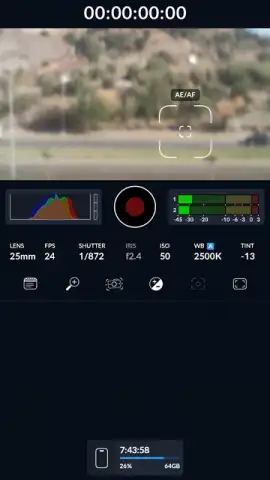
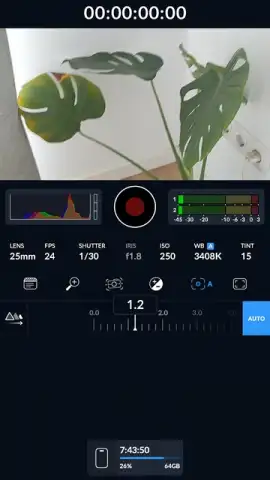
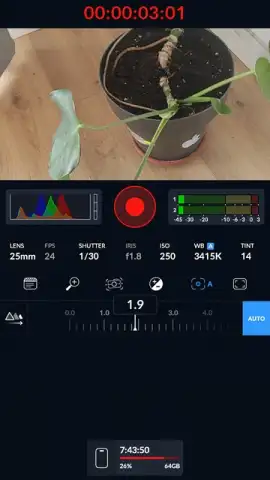
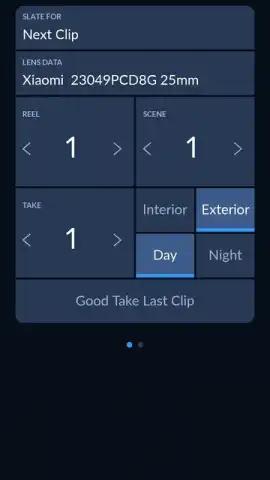
Upon launching Blackmagic Camera, you are presented with a clean, utilitarian interface modeled after high-end camera monitors. The layout prioritizes immediate access to manual settings, relegating automatic modes to a secondary position. The central viewfinder is flanked by tactile digital dials and sliders for real-time adjustment. This design philosophy minimizes hunting through menus, placing professional-grade control directly in the shooting environment. The learning curve is present but logical, appealing directly to users who understand the relationship between shutter speed, ISO, and aperture.
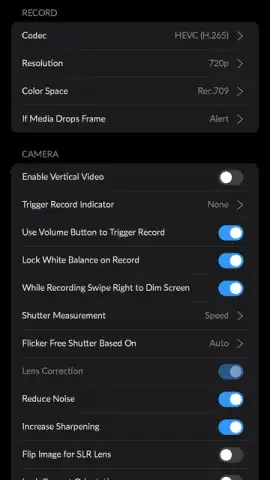
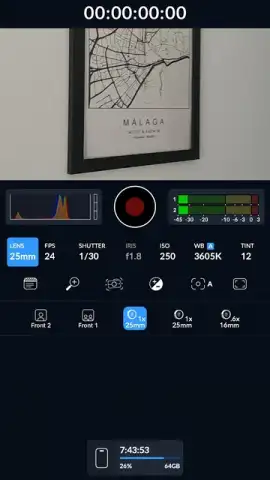
The application’s core functionality resides in its manual camera module. Here, you gain independent control over sensor sensitivity (ISO), shutter angle (or speed), aperture simulation, focus peaking, and white balance in Kelvin. Crucially, it allows for precise frame rate selection, supporting variable rates for creating specific motion blur effects or preparing footage for different playback standards. The app also simulates various lens profiles, enabling virtual focal length adjustments that affect field of view and perspective directly within the capture stage, aiding in pre-visualization without physical lens changes.
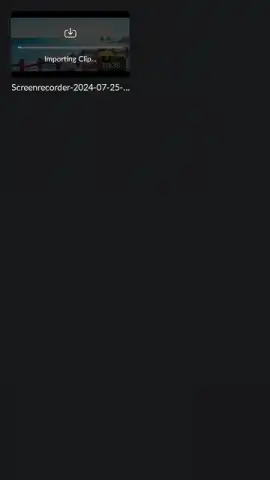
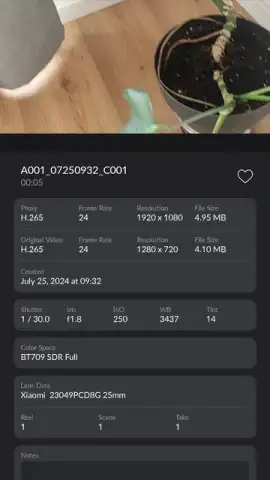
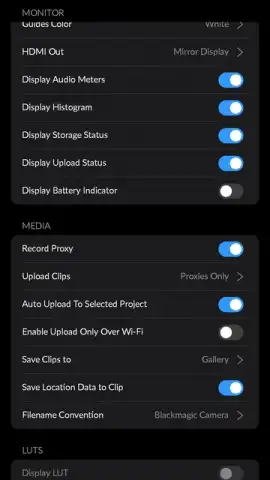
For videographers, Blackmagic Camera supports high-bitrate video recording, capturing footage that retains superior detail and dynamic range for post-production color grading. The dedicated recording interface includes professional monitoring tools like zebra stripes for exposure warnings and a histogram. The integrated, albeit basic, editor allows for straightforward clip trimming and framing adjustments post-capture, facilitating quick exports without immediately requiring a separate desktop editing suite. Furthermore, the app fosters a community aspect, providing access to a global chat forum where users can exchange techniques, feedback, and project ideas with other photography enthusiasts.
- Complete manual camera control over ISO, shutter speed, aperture, white balance, and focus.
- Professional video recording with adjustable frame rates and high-quality bitrate options.
- Virtual lens simulation for altering focal length and composition during capture.
- Built-in clip editor for basic trimming and formatting without third-party apps.
- Ad-free professional environment with monitoring tools like zebra stripes and histogram.
Download the mobile app now to unlock cinematic control—this limited-time offer provides exclusive access to professional tools typically reserved for expensive hardware.
Internet required. IAP available.
 GooglePlay


