

Bright Todo
Bright Todo screenshots (10)
Description Bright Todo
Looking for a to-do list that actually works with your brain, not against it? Bright Todo transforms task management from a chore into a clear, visual workflow, helping you focus on what matters today while keeping your long-term goals in sight.
Core Functionality & Tools
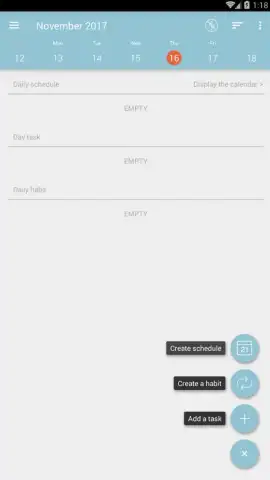
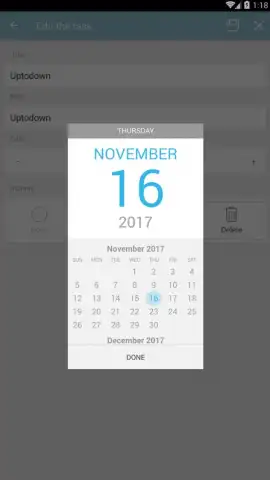
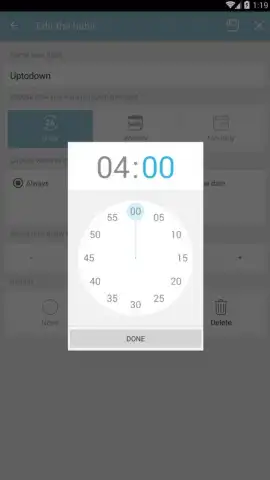
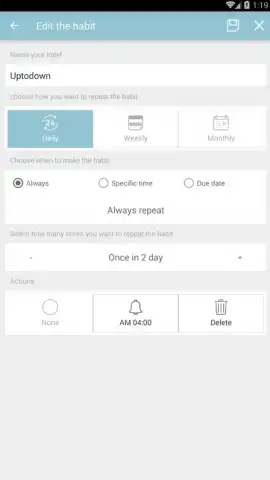
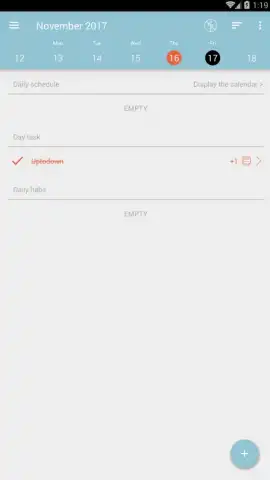
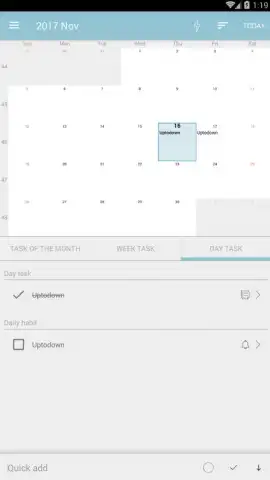
Bright Todo provides a structured yet flexible environment for personal productivity. The app centers on a dynamic main board where tasks are visualized as cards, which can be dragged and dropped between customizable columns like "To Do," "In Progress," and "Done." Each task card supports detailed descriptions, subtask checklists, priority flags, and due dates with configurable reminders. A dedicated calendar view offers a timeline perspective, syncing all dated tasks and deadlines. For managing recurring responsibilities, the app includes a robust template system, allowing you to save and instantiate common task sequences with a single tap.
Key Advantages & User Experience
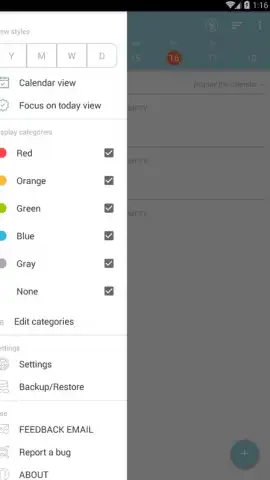
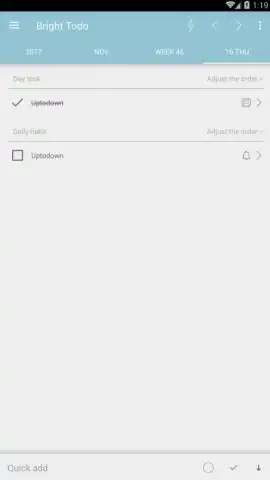
The interface employs a clean, minimalist design with a focus on typography and strategic use of color coding for priorities and categories, reducing visual clutter. Performance is optimized for quick entry and zero-lag sorting, even with extensive task lists. A comprehensive search and filter tool allows you to isolate tasks by project, tag, or date range instantly. The app operates fully offline, with optional cloud synchronization to securely back up your data and maintain consistency across your registered devices.
- Organize tasks visually with a drag-and-drop Kanban board and list views.
- Break down goals using nested subtasks, detailed notes, and file attachments.
- Schedule precisely with calendar integration, reminders, and recurring task templates.
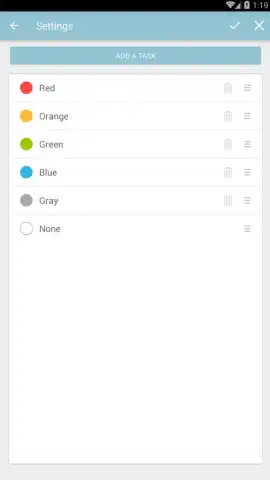
- Customize workflows with tags, priority levels, and personalized project categories.
- Access your lists anywhere with reliable offline functionality and optional cloud sync.
Don't wait to take control of your time and projects. Download Bright Todo now and build a productivity system that lasts.
Requires an internet connection for initial download, optional cloud synchronization, and backup services. The app may contain offers for in-app purchases.


