

Button Mapper: Remap your keys
Button Mapper: Remap your keys screenshots (13)
Description Button Mapper: Remap your keys
Unlock Your Phone's Hidden Potential with a Single Tap
Ever feel like your phone's physical buttons are stuck in the past, limited to just volume and power? What if you could transform them into a personalized command center, shaving seconds off every task and making your device truly yours? That's the exact power Button Mapper puts directly into your hands. This isn't just an app; it's a master key to a faster, more intuitive Android experience, turning every hardware button into a multi-tool for your digital life. Stop adapting to your device's limitations and start making it adapt perfectly to you.
Your Buttons, Your Rules: A New Layer of Control
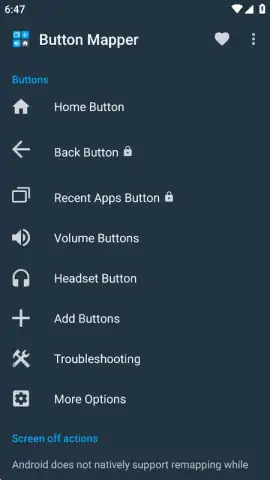
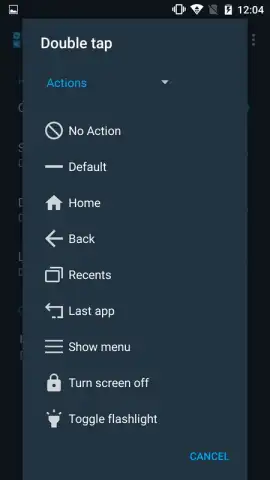
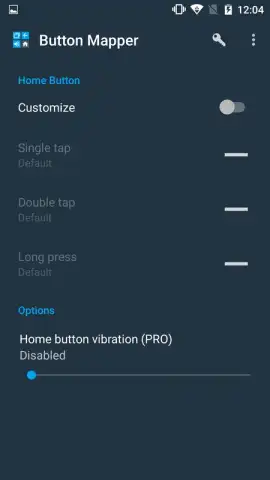
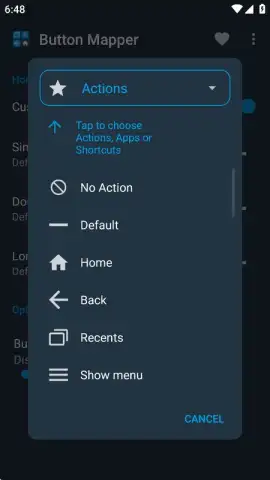
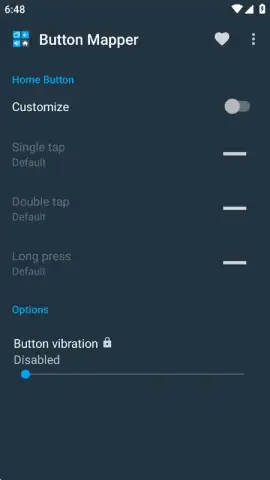
Button Mapper fundamentally changes your relationship with your phone. It recognizes that your device's physical buttons—power, volume up, volume down—are prime real estate waiting to be developed. Instead of settling for their default actions, you become the architect. The core magic lies in assigning distinct commands to three different types of presses for each button: a single tap, a double-tap, and a long press. Imagine your morning routine: a double-tap on the volume down button instantly launches your favorite podcast app, while a long press on the power button (instead of just turning the screen off) opens your camera to capture a fleeting moment. The possibilities are vast, logical, and designed to eliminate friction from your daily interactions.
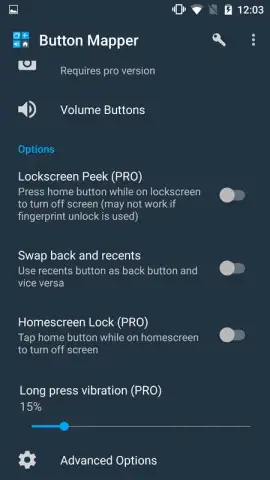
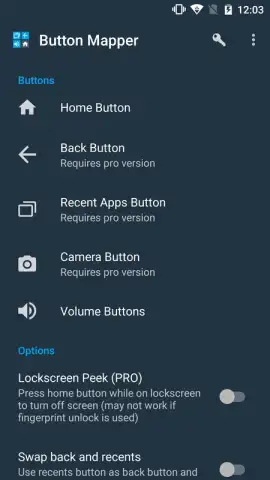
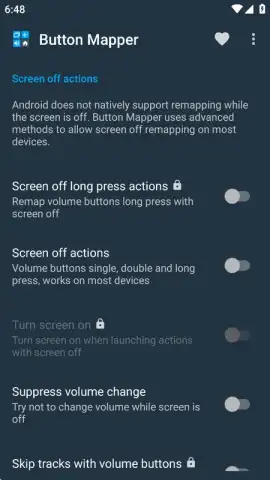
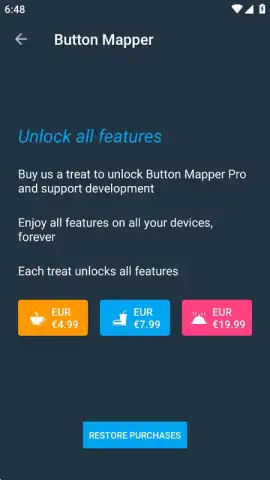
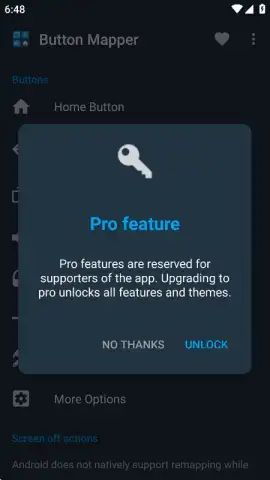
The free version offers a generous taste of this control, but the Pro upgrade is where your device truly becomes limitless. Unlock the ability to remap every button, including advanced features like controlling media playback—skip tracks or play/pause music with your volume keys—even when your screen is off. The Pro license is a one-time purchase, a permanent investment in a superior, ad-free experience that continuously pays off in saved time and effortless control.
A Deep Dive into Your Customization Toolkit
-
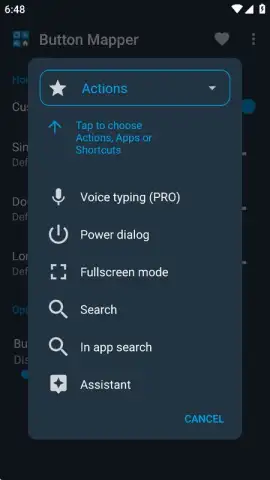
Triple-Action Mapping: Assign a unique function to a single press, a double-tap, and a long press for every hardware button. Transform a single button into a shortcut for your messaging app, your flashlight, and your voice assistant.
-
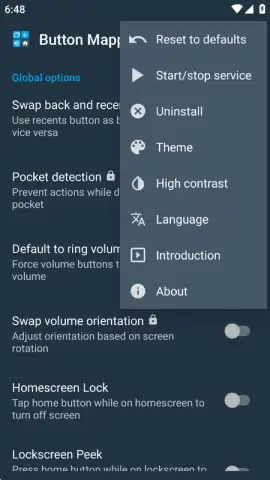
Seamless Toggle Control: Need to temporarily revert to standard button functions? A simple tap on 'Start/Stop Service' in the app's menu instantly enables or disables all your custom mappings without deleting your precious setups.
-
Advanced Pro Features: Gain full system-wide control with the Pro version. Remap buttons even when the screen is locked, use volume keys for media navigation, and enjoy a completely clean, ad-free interface that focuses purely on your productivity.
-
Visual Personalization: Access the menu to not only control the service but also tailor the app's look. Choose from different visual themes and enable high-contrast mode for optimal readability in any lighting condition.
-
Universal Compatibility: Designed to work across a wide range of Android devices and brands, giving you a consistent, powerful customization tool no matter which phone you use.
You're not just changing settings; you're building muscle memory for efficiency. Linking your most frequent actions—taking a screenshot, launching a navigation app, toggling Wi-Fi—to a simple button press saves countless minutes every day. This is the indispensable tool for Android enthusiasts who refuse to accept a one-size-fits-all experience and for anyone who values speed and personalization in their pocket.
Command Your Device—Download Button Mapper Now
Stop wishing your phone worked smarter. Start making it happen today. Consider downloading Button Mapper to experience a new dimension of Android customization. We suggest trying the robust free version to feel the immediate boost in efficiency, and upgrading to Pro to claim complete, permanent mastery over your device's hardware. Tap into a faster, more personalized mobile life.
Please note: This app requires an Android device and may need specific permissions for full functionality. Some advanced features require a one-time Pro license purchase. An internet connection may be necessary for initial setup and license verification.
 GooglePlay


