
Calca App
Calca App screenshots (7)
Description Calca App
Transform Your Screen into a Transparent Tracing Canvas
Imagine wanting to draw a complex portrait, a detailed landscape, or a perfect copy of a digital sketch onto real paper. The challenge has always been transferring that image accurately without a lightbox or projector. Now, your Android device becomes that precise tool. Calca App redefines the art of tracing by turning your camera view into a dynamic overlay, placing any image you choose directly between your eyes and your canvas. This isn't about simple filters; it's about giving your hands the guidance they need to replicate anything you can imagine, with pixel-perfect alignment on any physical surface.
A Digital Art Assistant That Works Anywhere You Do
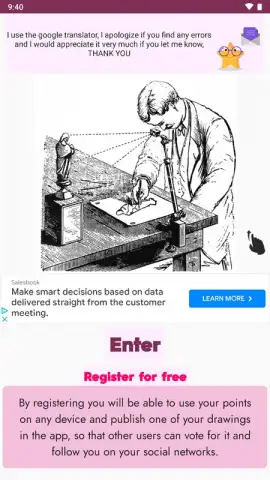
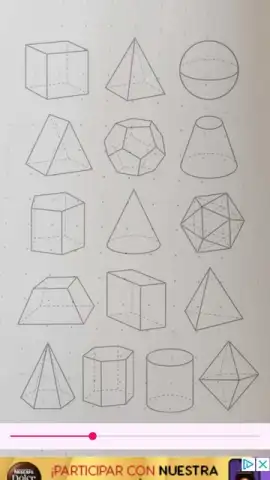
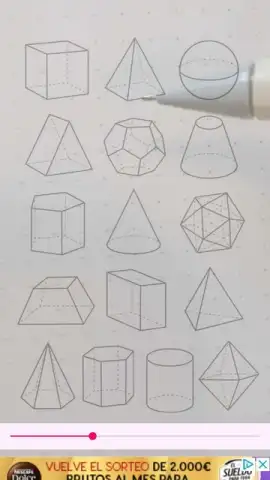
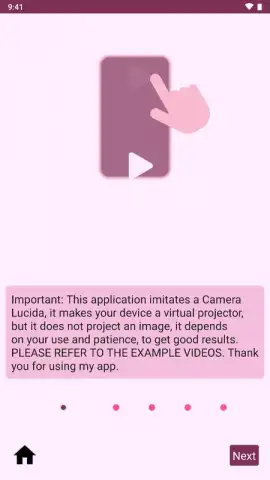
Calca App functions as a modern, portable camera lucida. Instead of complex projections, it uses smart overlay technology. You select an image—from your personal gallery, a screenshot, or even a picture you take on the spot—and it appears semi-transparently over your camera's live feed. This creates a direct visual guide on your screen, showing exactly where to place your pencil or brush on the paper, wall, or board beneath your device. The key to flawless results is a stable setup; using a stand or support for your device keeps the overlay perfectly still, freeing both your hands for the creative work. This method ensures that your final drawing maintains the exact proportions and details of the original source.
The application removes all barriers between your digital inspiration and physical creation. Whether the source is a classic artwork, a personal photo, or a simple line drawing, Calca App prepares it for transfer.
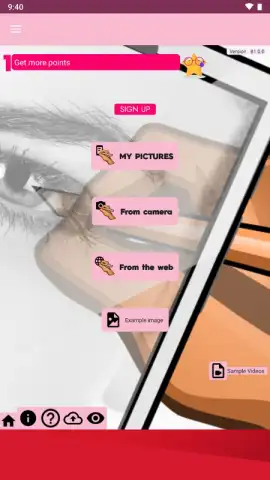
- Universal Image Source: Import artwork directly from your device's gallery, download an image from the web for inspiration, or use the camera instantly to capture a scene or object to trace. Every image format is compatible.
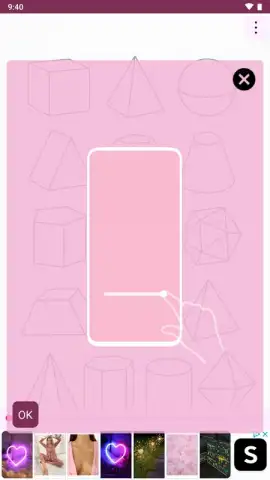
- Real-Time Adjustable Overlay: Once your image is loaded, you have full control. Precisely position it over your canvas and adjust the transparency level with a slider. This lets you find the perfect balance between seeing the guide and seeing your own drawing lines emerge.
- Multi-Surface Compatibility: The process works identically on paper, sketchbooks, walls for murals, whiteboards, or wood. Simply position your Android device facing the surface, align the overlay, and start translating the digital image into a physical masterpiece.
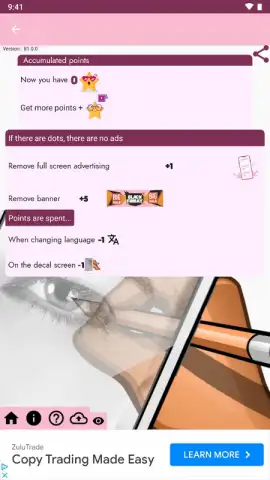
- Focused, Ad-Free Environment: The experience is designed for concentration. With no disruptive advertisements, your creative flow remains uninterrupted from the moment you open the app to the final stroke of your drawing.
Claim Your Exclusive Early Access to Creative Precision
This is more than just a tracing tool; it's an upgrade to your entire artistic process. For a limited time, new users can integrate this professional technique into their workflow at no cost. This exclusive access won't last forever—the opportunity to download and master this method is available today.
Download the Calca App mobile app now and start tracing anything, anywhere.
Internet required. IAP available.
 GooglePlay


