

Calendar Notify
Calendar Notify screenshots (8)
Description Calendar Notify
A Persistent Reminder, Not a Fleeting Notification
In the constant stream of push alerts and chat bubbles, critical calendar events are too easily dismissed with a single swipe. You mark an important meeting or a family birthday, only for it to arrive silently and be forgotten amidst the digital noise. Calendar Notify rethinks this fundamental interaction, transforming your device's notification panel into a persistent, intelligent dashboard for your schedule. It ensures your commitments remain visually anchored in your line of sight, demanding attention until you consciously act upon them.
Core Functionality and Analytical Overview
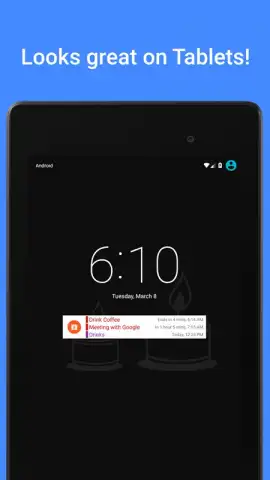
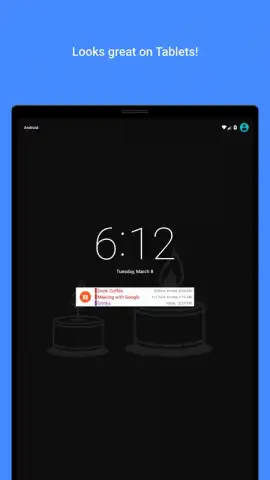
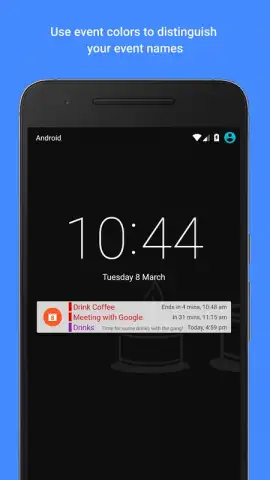
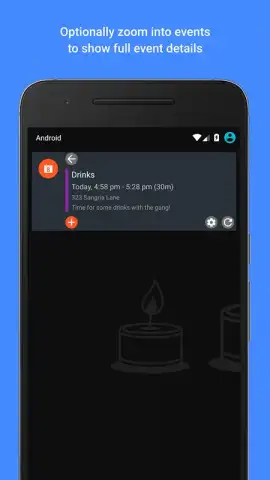
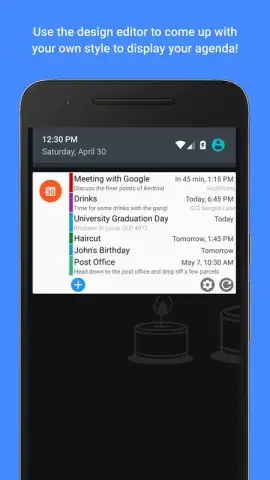
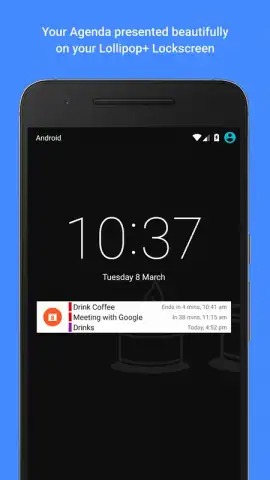
This utility operates by creating durable, ongoing notifications for your upcoming calendar entries. Unlike standard alerts that appear and vanish, these notifications remain active in your panel, serving as constant, glanceable reminders. The application typically integrates directly with your device's native calendar system, pulling event titles, times, and details to populate clear, customizable status bar alerts. The primary user interaction involves configuring which calendars to monitor, setting how far in advance notifications should activate, and defining their visual persistence. The mechanics are built around reducing the cognitive load of manually checking your calendar, instead surfacing the information passively yet persistently to your device's most immediate interface layer.
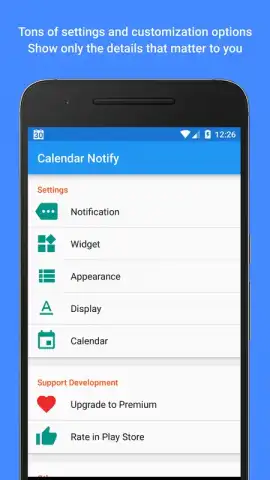
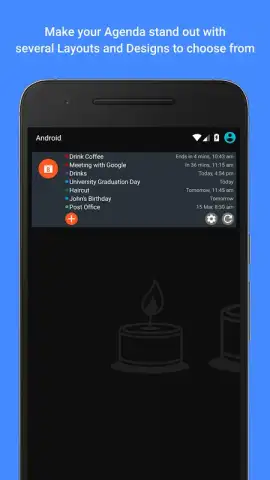
The utility's advantage lies in its focused simplicity and system-level integration. It avoids feature bloat, concentrating on executing its core promise with reliability. The user experience is often streamlined, with settings geared towards practical customization—such as notification priority, vibration patterns, and LED color control—rather than ornamental themes. Performance is typically lightweight, as it functions as a conduit for existing calendar data rather than a resource-intensive application running in the foreground. The visual design of the notifications tends to be clean and information-dense, prioritizing readability at a glance within the constrained space of the notification shade.
Key Operational Advantages
- Persistent Notification Display that remains until manually dismissed, preventing missed events.
- Direct Synchronization with your device's native calendar providers for seamless data flow.
- Fully Customizable Alert Timing to control when reminders begin before an event starts.
- Granular Notification Controls including priority, sound, vibration, and LED light settings.
- Selective Calendar Filtering to display reminders only from chosen personal, work, or shared calendars.
We suggest trying Calendar Notify if your current reminder system feels ephemeral and unreliable. Consider downloading it to create a failsafe, always-visible layer for your daily agenda.
Disclaimer: This application requires an internet connection for initial calendar synchronization and may offer optional in-app purchases for advanced features. It may collect calendar data as necessary for core functionality. Please review the app's data practices on the Google Play Store listing. Requires Android 4.1 or later. Content and features are subject to change.


