
Camera Go
Camera Go screenshots (13)


Description Camera Go
Struggling with Bloated Camera Apps?
Many Android camera applications are packed with excessive features, filters, and complex settings that drain battery life and consume significant storage space. This often results in a slow, cluttered experience that gets in the way of simply capturing a moment. Camera Go, developed by Google, directly addresses this by providing a complete, high-functionality photography tool engineered for efficiency. It delivers core camera capabilities, including instant translation, within an APK file sized under 100 MB, ensuring minimal resource and memory usage on your device.
Core Functionality and Operational Modes
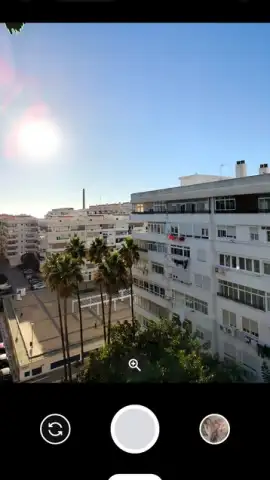
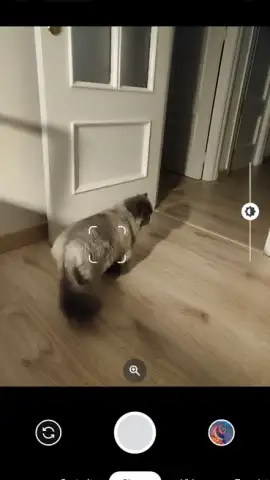
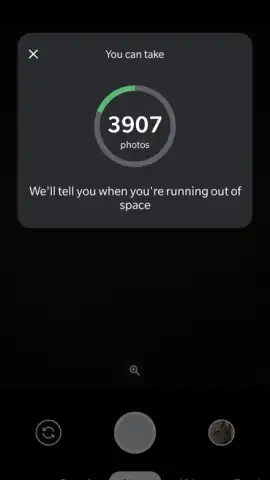
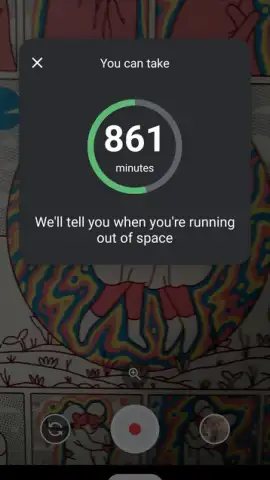
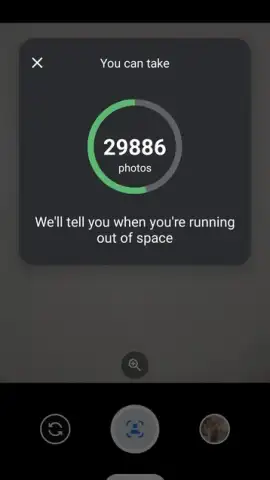
The application interface is designed for immediate usability, eliminating navigational clutter. The primary shooting modes are accessible through a bottom menu, allowing rapid switching between standard photo, portrait, and video functions. The viewfinder screen maintains an uncluttered layout, displaying only essential indicators such as remaining storage time for video recording and toggle buttons for key settings. This design philosophy ensures that operational controls do not obscure the subject being captured.
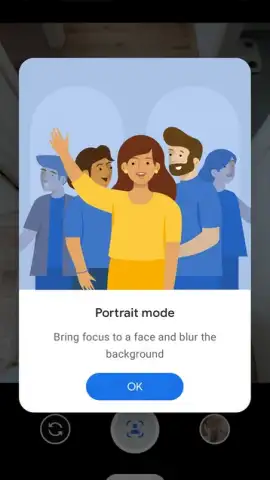
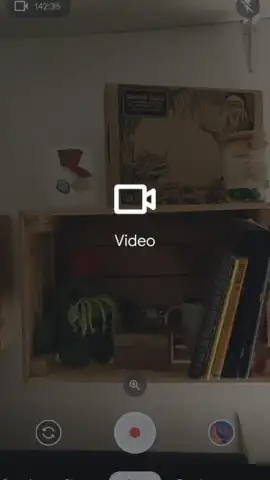
The portrait mode utilizes computational photography to create a depth-of-field effect. When selected, the algorithm automatically detects a primary subject—such as a person or animal—and processes the image to keep the subject in sharp focus while applying a graduated blur to the background. This processing occurs locally on the device following the capture. For video, the system employs a one-touch record protocol; pressing the dedicated red button initiates capture, with pinch-to-zoom gestures available for framing adjustments during recording.
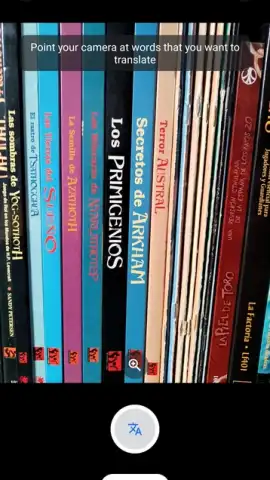
A distinct operational mode is the integrated translation tool. This function activates the camera as a real-time text scanner. The user frames printed text within the guide markers on screen and captures an image. The application then processes the text through on-device or cloud-based translation services, depending on connectivity, and overlays the translated text directly onto the camera feed or a results screen within seconds.
Technical Specifications and Feature Set
- Ultra-Lightweight Application Package: Installation file under 100 MB.
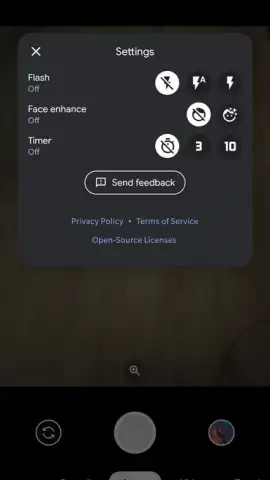
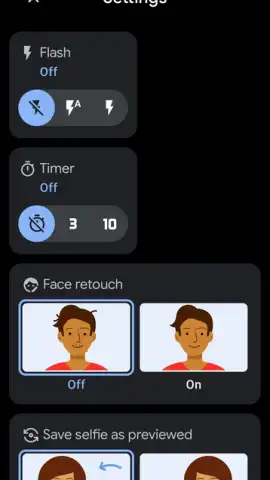
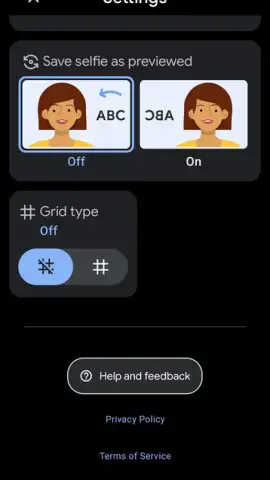
- Minimalist Control Suite: Flash toggle, timer, auto-retouch, selfie mirror.
- Direct Video Recording: Single-touch operation with storage counter.
- Real-Time Visual Translation: Translate printed text via camera scan.
The settings panel provides discrete toggles for four core functions: enabling or disabling the camera flash, setting a delay timer for the shutter, activating automatic facial retouch (disabled by default), and inverting the selfie camera preview. No granular editing suites or filter libraries are included. Media management is automated; all photos and videos are saved directly to the device's local gallery and can be configured to sync with Google Photos when a Wi-Fi connection is detected, facilitating backup and organization without user intervention.
System performance is optimized for lower-specification hardware, prioritizing stable frame rates during viewfinder operation and efficient encoding for video files. The absence of display advertising within the application interface removes interruptions during the capture process. This combination of focused tools, automated storage handling, and a streamlined codebase defines the application's operational parameters, positioning it as a utility for reliable capture and translation without superfluous features.
Download Camera Go now! Install this essential tool immediately and transform your device into an efficient photo and translation hub.
Internet required for some features. IAP available.


