

Camera HD
Camera HD screenshots (8)




Description Camera HD
A Practical Review of Camera HD
Many users seek a straightforward camera application that provides manual control without the complexity of professional software. Camera HD, developed by algeria, positions itself as a functional alternative to a device's default camera. This review examines its operational mechanics, feature set, and practical utility for everyday photography.
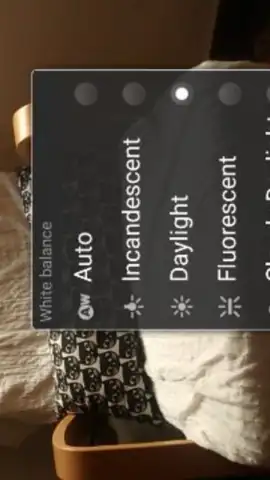
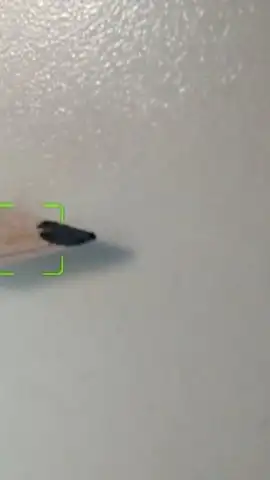
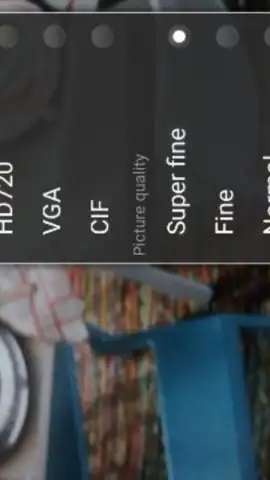
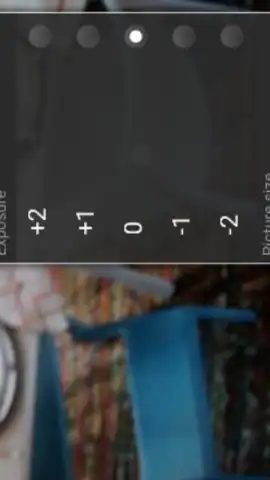
The application provides a suite of adjustable parameters for image capture. Users can select from automatic, infinite, and macro focus modes to control the focal plane. The manual white balance tool includes five preset values to correct color temperature under different lighting conditions. Additional controls include configurable image size and quality settings, a selection of lighting presets, real-time filter application, and a four-times digital zoom operated via a two-finger pinch gesture. The shooting interface utilizes a focus-and-capture method: maintaining pressure on the shutter button locks focus and adjusts depth of field, influencing background blur, while releasing the button takes the photo. A configurable timer is also available for delayed capture.
Core Functionality and User Workflow
- Manual Focus Control: Switch between automatic, macro, and infinite focus modes to dictate subject sharpness.
- Advanced Image Parameters: Adjust white balance with five presets and set specific image size and quality output.
- Shooting and Zoom Tools: Utilize a focus-hold shutter button and a two-finger pinch gesture for four-times digital zoom.
Start capturing with greater technical control today. Download the Camera HD mobile app now.
Heads up: you'll need wifi for initial download and updates. Some advanced features or filters may be part of additional packages.


