

Cheetah Launcher
Cheetah Launcher screenshots (7)
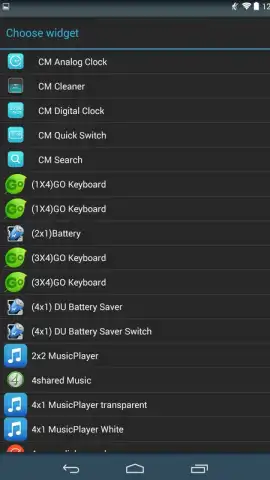

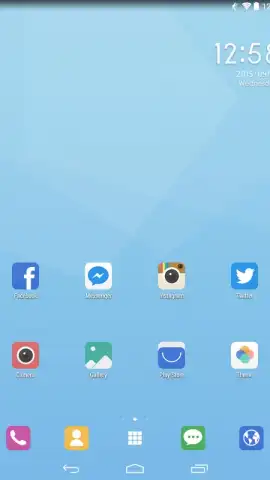
Description Cheetah Launcher
Streamline Your Android Interface with a Customizable Launcher
Managing a cluttered Android home screen can reduce efficiency and visual appeal. This launcher application provides a systematic approach to interface customization, enabling users to reorganize their device's layout, visual theme, and application management tools. It functions as a replacement for your default system launcher, offering granular control over the home screen, app drawer, and overall device aesthetics through an integrated theme store and detailed settings panel.
Core Functionality and User Customization
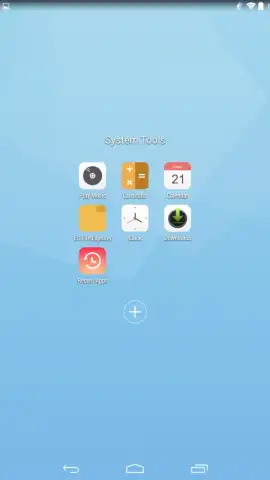
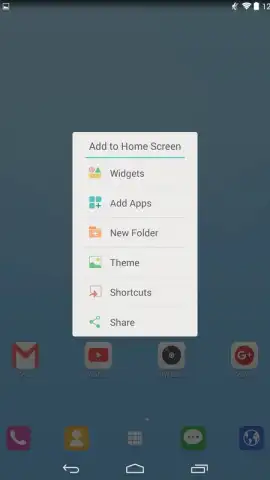
The application operates by installing as the default home screen handler, where it presents a clean grid for placing application shortcuts, widgets, and folders. A primary feature is the advanced edit mode, activated by a long-press on any app icon. This mode allows for the instantaneous deletion of applications from the home screen and provides options to hide infrequently used apps from the main app drawer, effectively decluttering the visible interface. Performance is maintained through optimized rendering to ensure smooth transitions and scrolling.
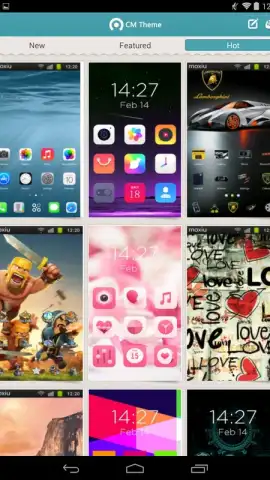
Personalization is extended via a dedicated Theme Store accessible from within the launcher's settings menu. This store offers a catalog of visual themes that alter system icons, color schemes, and sometimes home screen wallpapers. The launcher's own settings provide adjustments for grid size, animation speed, and folder behavior. An optional Turbo mode is available, which is designed to enhance operational fluency and is advertised as providing an ad-free user experience.
- Activate an advanced editing mode by long-pressing icons to quickly remove or hide applications.
- Access a built-in Theme Store to download and apply complete visual themes for your device.
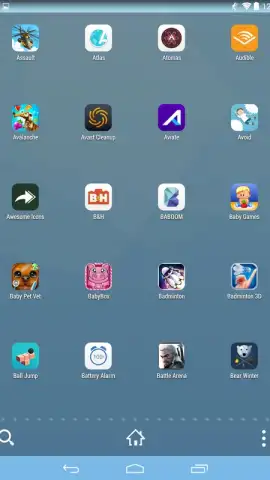
- Hide applications you seldom use to maintain a clean and organized app drawer.
- Adjust home screen grid dimensions, animation styles, and folder transparency in settings.
- Enable a dedicated Turbo mode for optimized performance and an interface free of advertisements.
We suggest trying this launcher to gain precise control over your Android device's layout and visual design. Consider downloading it to experiment with its extensive customization options and organizational tools.
Internet required. IAP available.


