

Chrome Beta
Chrome Beta screenshots (25)
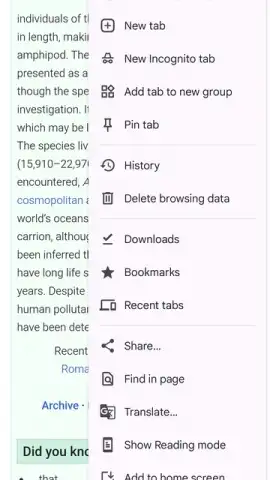
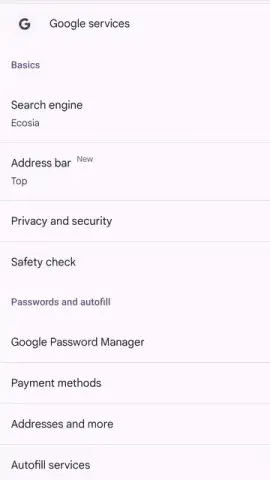


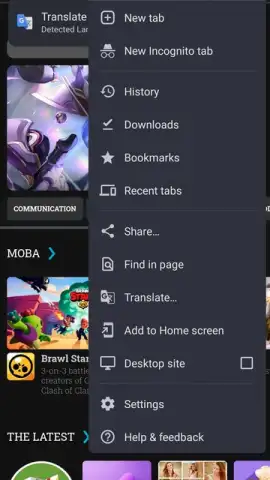

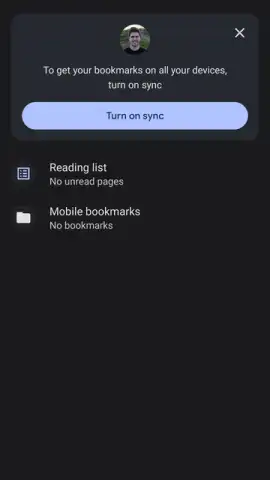
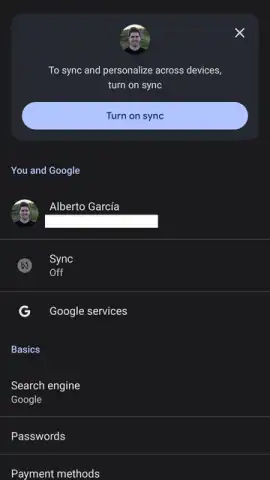
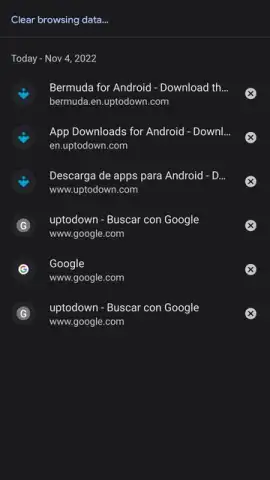
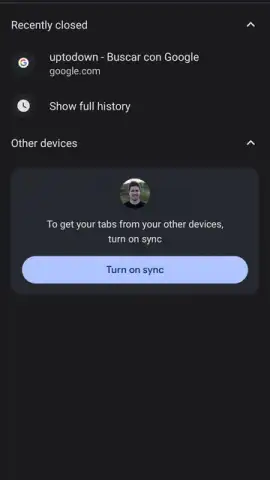
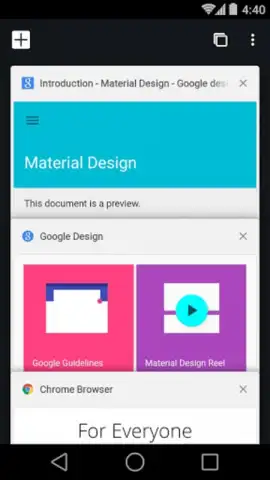






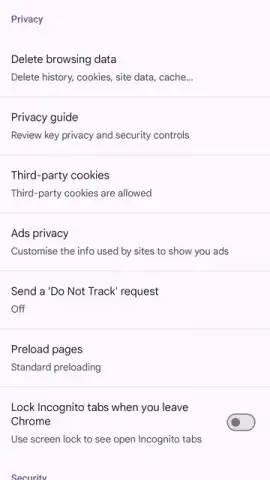


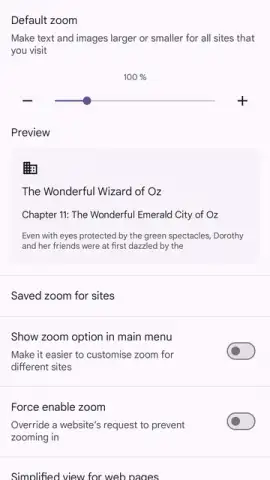
Description Chrome Beta
A Practical Path to Chrome's Future, Minus the Instability
For users who rely on Google Chrome for daily browsing but are frustrated by the long wait for new features in the stable release, there is a common dilemma. Venturing into the developer builds often means encountering disruptive bugs, while staying on the stable channel feels like missing out. Chrome Beta for Android presents a calculated solution to this problem, occupying a precise middle ground between raw innovation and daily reliability. It is not a separate browser, but a parallel, frequently updated version of Chrome that allows for early access to polished features without the instability of its more experimental counterparts.
This application is compiled several times per week, integrating the latest code that has graduated from the more volatile Dev and Canary channels. This process acts as a final refinement stage, where the most severe bugs have typically been identified and resolved. Consequently, while you gain access to functionalities approximately one month before they reach the stable public build, the experience is remarkably solid. Serious, workflow-breaking errors are exceptionally rare here, as the beta phase is designed specifically to catch regressions that slip through earlier testing. The core functionality remains identical to the standard Chrome: you have full access to tabbed browsing, bookmark and history synchronization across devices, Incognito mode, site notifications, and the ability to add home screen shortcuts.
A significant operational advantage is that Chrome Beta installs as a completely independent application. It can coexist on your device alongside the stable version of Chrome without conflict. This architecture enables a powerful use case: managing two distinct Google accounts simultaneously in separate browser instances. Instead of switching profiles within a single app, you can maintain logged-in sessions for different accounts—such as personal and work—side-by-side, streamlining multitasking and organization. The feature set you test today in Beta is, in essence, a preview of the next stable release, offering a transparent look at Chrome's development pipeline.
- Early Access to Polished Features: Experience new Chrome tools and interface improvements roughly four weeks before their official public rollout, with minimal risk of critical bugs.
- Independent Parallel Installation: Run this Beta version alongside your main Chrome browser to use two separate Google accounts simultaneously without profile switching.
- Frequent Stabilized Updates: Receive updates multiple times weekly that incorporate tested fixes and enhancements, serving as the final proving ground before a stable release.
This build is the optimal tool for anyone who wants to stay ahead of the curve without sacrificing daily usability. It transforms waiting for updates into active participation in the browser's evolution. Don't wait for the future of web browsing to come to you—grab it now.
Download Chrome Beta for Android immediately and start testing tomorrow's features today!
Internet required. IAP available.
 GooglePlay


