

CircleLauncher light
CircleLauncher light screenshots (7)
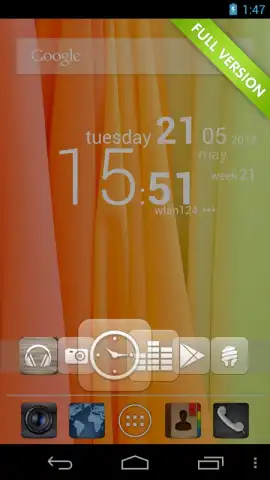
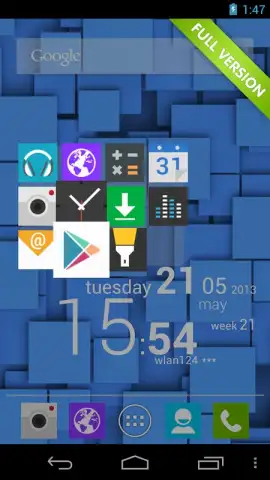
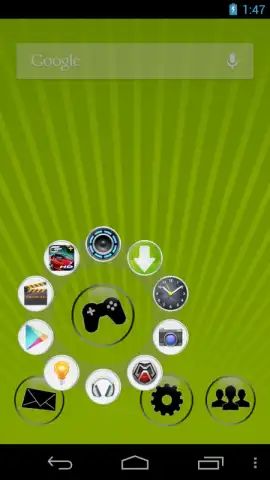
Description CircleLauncher light
Imagine a home screen that feels less like a static grid and more like a personal command center, where your most essential apps and actions are a single, fluid gesture away. This is the core proposition of CircleLauncher light, a utility that rethinks Android navigation by replacing cumbersome folders and crowded docks with an elegant, radial menu system. It addresses the common frustration of digging through pages or app drawers for frequently used items, offering instead a system of instant access that feels intuitive and surprisingly natural to use.
Core Functionality & Mechanics
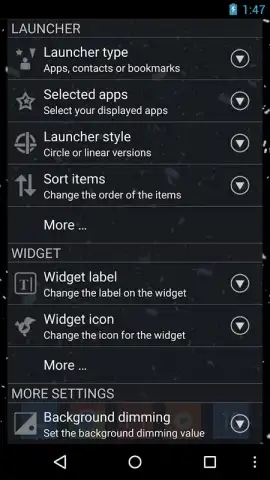
CircleLauncher light operates on a simple yet powerful principle: you define a trigger area on your screen—a corner, an edge, or a specific spot—which, when tapped or swiped, summons a circular menu. This radial menu, or "circle," can be populated with your choice of applications, direct dial contacts, website bookmarks, or specific system shortcuts. The app functions as a persistent, lightweight overlay, meaning your custom launcher is available from within any other app or from your home screen without interrupting your current workflow. You can create multiple, distinct circles for different contexts—one for social apps, another for productivity tools, and a third for quick settings—allowing for a highly organized yet accessible setup.
Key Advantages & User Experience
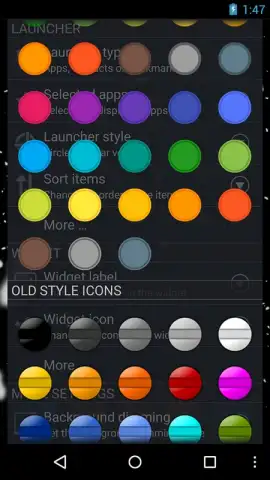
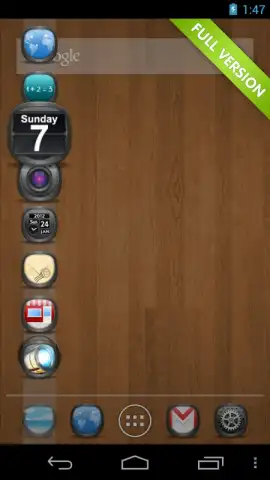
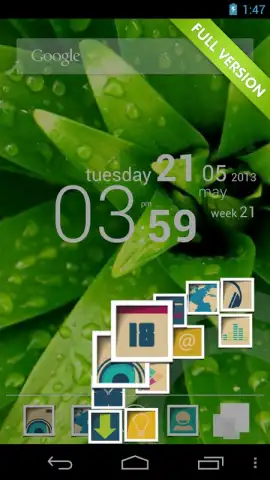
The primary advantage lies in its streamlined efficiency. By reducing multiple taps to a single gesture, it significantly cuts down the time and effort required to launch common tasks. The visual design is clean and minimalist, with customizable icons, circle sizes, and background transparency, ensuring it complements your device's aesthetic rather than clashing with it. Performance is a noted strength; as a lightweight application, it runs smoothly even on older hardware, maintaining system responsiveness without draining battery life through excessive background activity. It provides a depth of personalization typically found in full-scale launcher replacements, but without the need to overhaul your entire Android interface.
- Gesture-Activated Radial Menus: Summon customizable circles of shortcuts from any screen edge with a simple tap or swipe.
- Multi-Circle Organization: Create separate, themed launchers for apps, contacts, bookmarks, and settings for logical access.
- Lightweight & Non-Intrusive: Runs as a minimal overlay that conserves system resources and battery, preserving device performance.
Stop organizing your apps the slow way. Transform your device into a model of efficiency today.
Download CircleLauncher light now!
Internet required. IAP available.
 GooglePlay


