

Clarosync
Clarosync screenshots (5)

Description Clarosync
Struggling to manage your digital life across multiple devices and accounts?
Clarosync provides a unified synchronization platform designed to streamline data management and enhance productivity. It enables seamless integration between your smartphone, tablet, and cloud services, ensuring your essential information is consistently updated and accessible from any location. The app operates by creating a secure, private network for your data, automating backups and transfers to eliminate manual file handling and reduce the risk of data loss.
Core Functionality and Tools
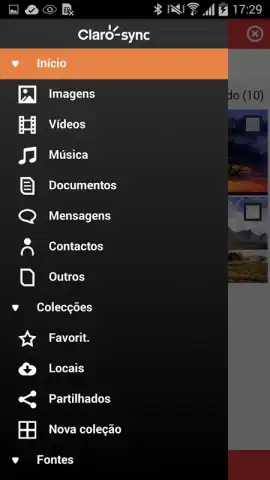
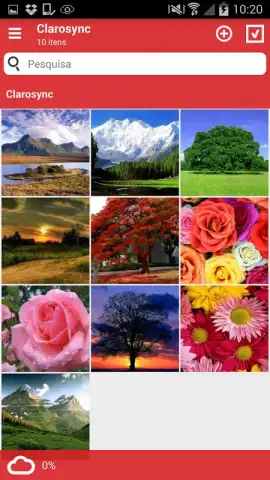
The application establishes a continuous sync engine for contacts, calendars, documents, and media files. It features a centralized dashboard for monitoring sync status and managing data flows between connected devices and linked cloud storage accounts. Users can configure custom sync rules, set bandwidth limits for transfers, and initiate on-demand synchronization for specific files or folders directly from the mobile interface.
Key Operational Advantages
- Cross-Platform Synchronization Engine: Maintains real-time consistency for files and personal data across Android devices and linked web services.
- Configurable Automation Rules: Set specific conditions for backing up photos, updating calendars, or syncing documents to run automatically.
- Centralized Management Dashboard: View sync history, manage connected devices, and control data transfer settings from a single control panel.
Limited offer: Exclusive access for first users! Download the mobile app now and configure your seamless sync ecosystem today.
Disclaimer: This application requires an internet connection for synchronization and cloud services. It may contain in-app purchases. Data usage charges may apply. Please check the specific age rating and permissions required during installation. The developer is not responsible for data loss. Ensure your device meets the minimum system requirement of Android 4.0.3 or higher.


