

Clipboardr
Clipboardr screenshots (16)
Description Clipboardr
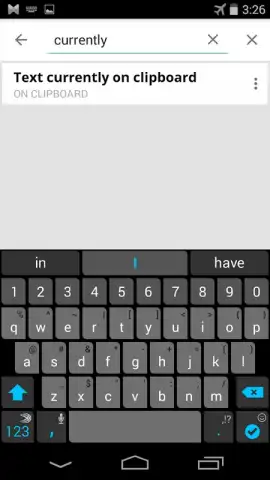
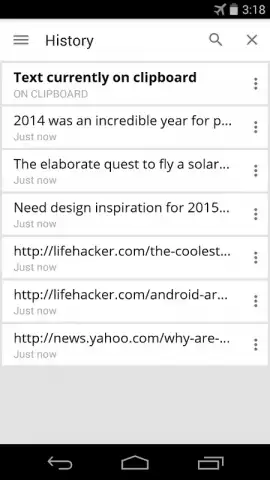
Imagine you’ve just copied a crucial piece of information—a confirmation code, a project detail, a web link—only to have it vanish from your clipboard moments later when you copy something else. This common digital frustration renders our devices' native clipboard function surprisingly primitive. Clipboardr enters the scene as a systematic solution, transforming the ephemeral clipboard into a persistent, searchable, and fully manageable archive. It operates as a background utility, meticulously logging every text fragment you copy, thereby creating a retrievable history that spans up to three days and is accessible without ever leaving your current application.
Core Functionality and User Experience
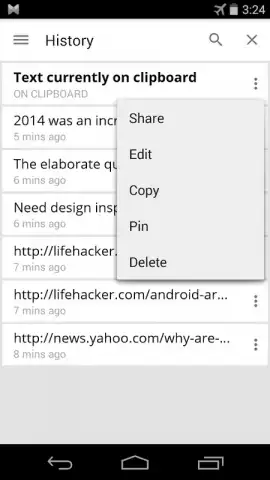
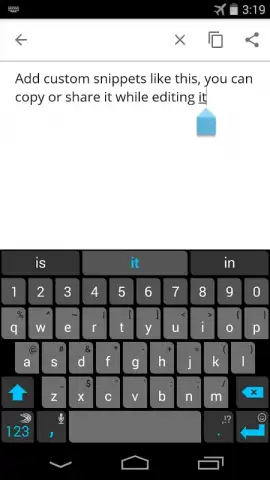
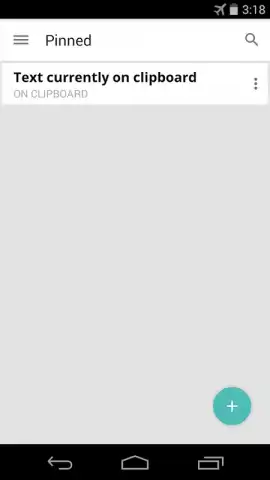
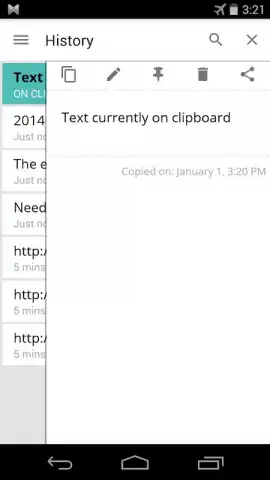
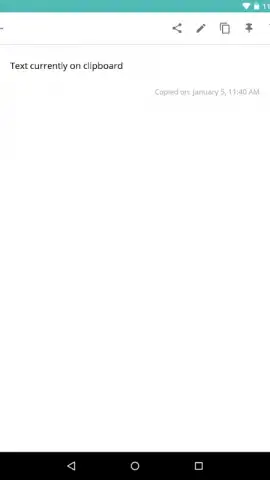
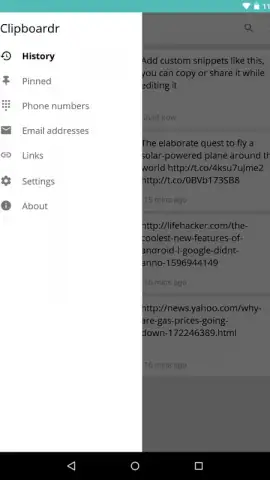
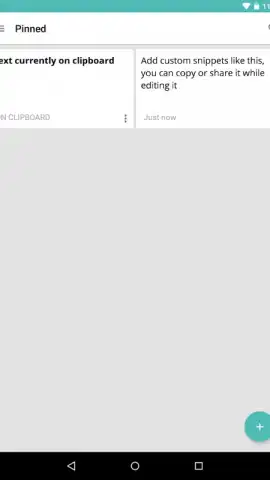
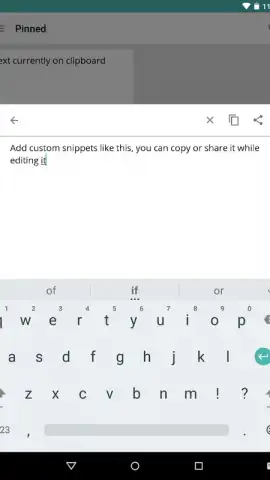
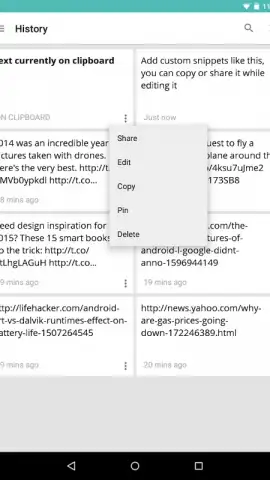
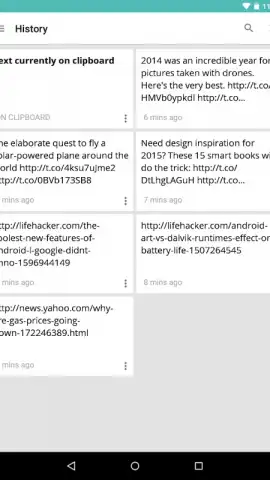
The application’s primary interface is a persistent notification panel tile, which serves as a direct portal to your clipboard history. Tapping this tile expands a clean, chronological list of your recently copied items. From here, the core mechanics are straightforward: tap any entry to instantly copy it back to your active clipboard, or tap a dedicated share icon to send the text directly to another app. This design eliminates the disruptive app-switching typically required for such tasks, creating a seamless workflow. A standout organizational feature is the ability to "pin" specific clips. Pinned items are exempt from the automatic three-day purge, allowing you to permanently store frequently used addresses, codes, or notes within the clipboard manager itself, effectively turning it into a lightweight snippet repository.
Detailed Feature Analysis
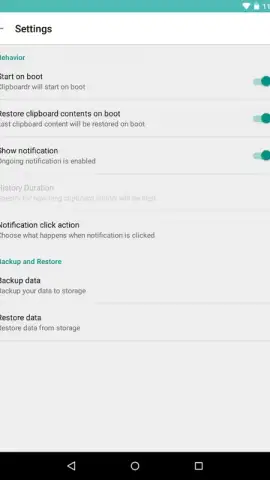
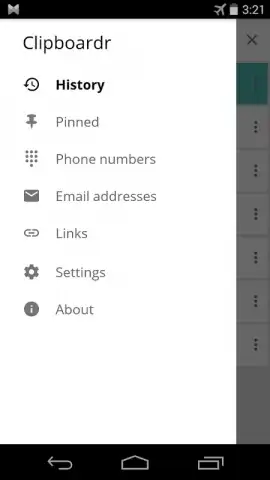
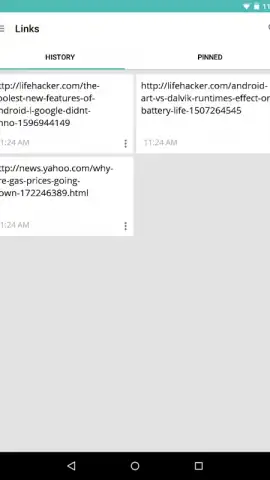
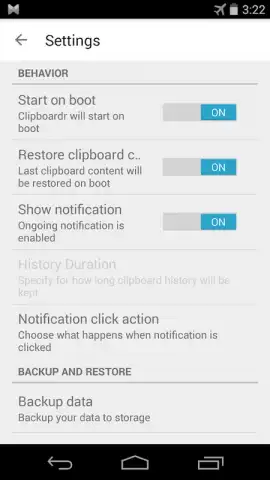
Beyond basic retrieval, Clipboardr is built with utility and customization in mind. It includes an intelligent filtering system that can automatically categorize and isolate common data types. With a single tap, you can view only URLs, email addresses, or phone numbers from your history, dramatically speeding up the search for a specific piece of information buried among general text. For bulk management, the app provides a selection mode, enabling you to quickly delete multiple clips at once to declutter your history. Furthermore, Clipboardr offers a resilience feature: an option to automatically restore your clipboard history after a device reboot. This ensures your curated history and pinned items are not lost during system restarts, a detail that underscores the app’s focus on data preservation.
The developer has optimized the experience by eliminating all advertising, resulting in an uninterrupted, utility-focused tool. Performance is smooth across both phones and tablets. A key technical recommendation for ensuring flawless background operation is to install the app on your device's internal storage rather than an SD card, which guarantees the automatic launch service functions reliably.
- Persistent Notification Access: View and manage your entire clipboard history directly from your notification shade without switching apps.
- Extended History & Pinning: Maintains a searchable record of all copied text for three days, with pinning for permanent retention of vital clips.
- Smart Content Filtering: Instantly filters your history to show only URLs, email addresses, or phone numbers for targeted searches.
- Bulk Operations & Sharing: Enables mass deletion of clips and provides direct sharing options for any saved text fragment.
- Reboot-Resistant Data: Features an optional auto-restore function to recover your clipboard history completely after a device restart.
Stop losing important text and start managing your digital workflow with professional efficiency. This tool fundamentally upgrades a core system function. Download Clipboardr now and experience a new standard of productivity on your Android device.
Download mobile app now!
Disclaimer: This application requires background permissions to monitor clipboard activity and may offer optional premium features via in-app purchases. An internet connection may be required for certain functions.


