
Cloud Print
Cloud Print screenshots (5)
Description Cloud Print
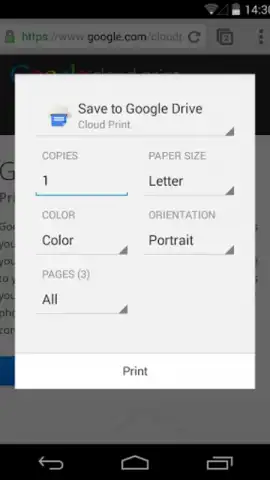
Need to print from your Android device without a computer? Cloud Print connects your smartphone directly to Google Cloud Print-enabled printers, enabling remote document printing from virtually any location.
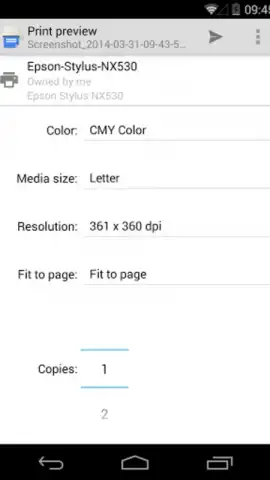
This application establishes a direct link between your Android device and printers registered with the Google Cloud Print service. It eliminates the need for a traditional computer as an intermediary, turning your mobile device into a standalone print station. You can submit documents, photos, and web pages directly to your chosen printer from your phone.
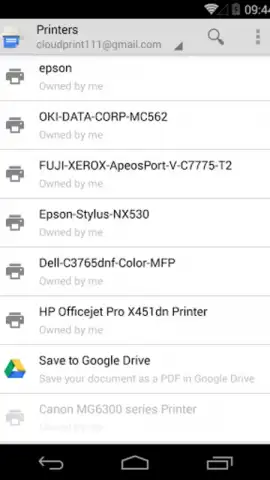
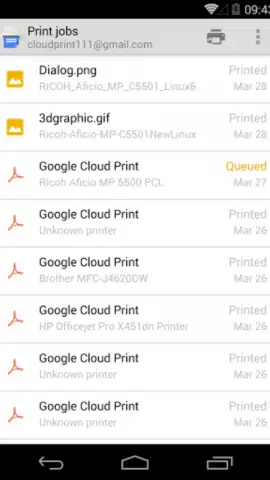
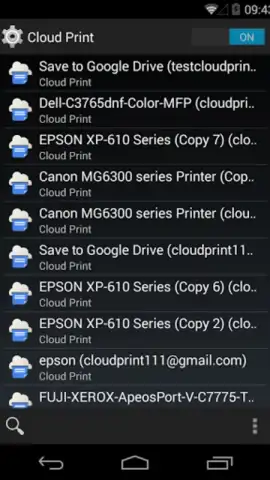
The interface provides real-time status updates for all print jobs, allowing you to monitor progress and confirm successful processing or identify any errors. The app supports management of multiple printers, letting you easily select between different devices, such as a home printer or an office printer, for each task. It is compatible with both classic printers connected to a cloud-linked computer and modern cloud-ready printers that connect directly to the internet.
Core Functionality
- Remote Printing Capability: Send documents and images to your cloud-connected printer from anywhere with an internet connection.
- Multi-Printer Management: Register, organize, and select from several printers for different printing needs.
- Print Job Monitoring: Track the status, queue position, and completion of every document sent to the printer.
We suggest trying Cloud Print to streamline how you handle documents on the go. Consider downloading it for a centralized mobile printing solution.
A stable internet connection is required for printer communication. This app interfaces with the Google Cloud Print service.


