

Color Palette
Color Palette screenshots (8)
Description Color Palette
What tools do professionals and hobbyists use to systematically build a color scheme from scratch? Color Palette by developer Yashas Gowda provides a comprehensive, ad-free utility for generating, managing, and applying color combinations directly from a mobile device. This application functions as a dedicated color library and laboratory, removing uncertainty from the process of selecting harmonious colors for digital and physical projects.
Core Functionality and Interface Design
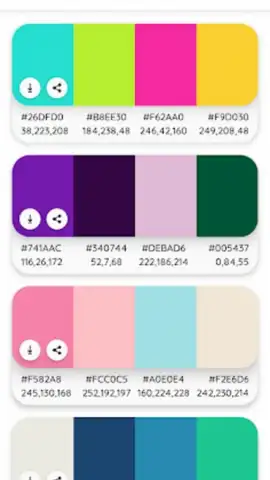
The application operates on a card-based system where each color or gradient is displayed as an individual tile. The interface adheres to Material Design principles, resulting in a clean and minimal layout that prioritizes the visual elements. A system-wide dark theme option is integrated, which serves both aesthetic preference and functional accessibility, reducing eye strain in low-light conditions. Navigation is intentionally straightforward, centering on creation, exploration, and organization tools rather than complex menus.
Detailed Feature Analysis
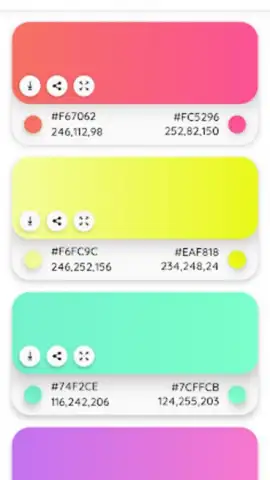
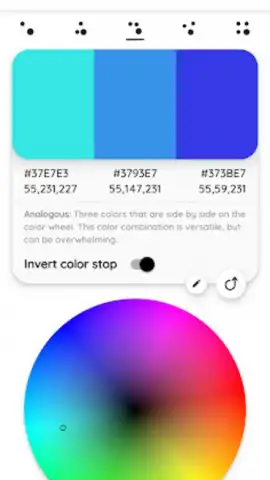
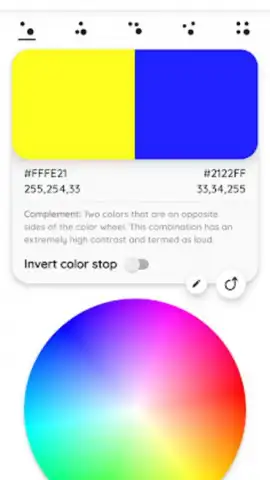
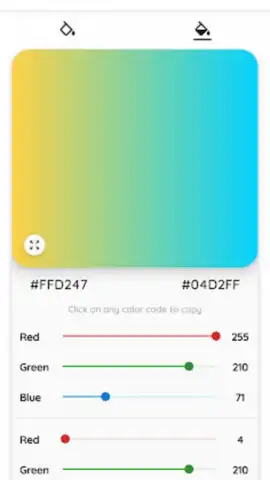
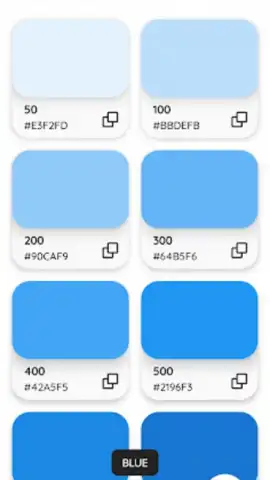
The primary utility lies in its dual generation engines. First, a precise color picker allows for the creation of solid colors by manipulating RGB, HEX, or HSV values, producing an infinite spectrum of shades. Second, a dedicated gradient generator enables the construction of multi-color blends by setting and positioning color stops along a spectrum. These gradients render with smooth transitions, capable of producing effects that suggest depth and modern texture.
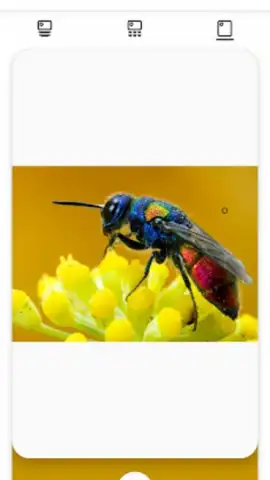
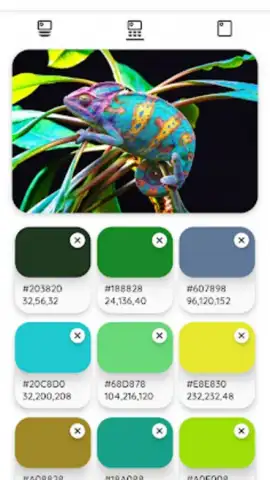
A critical workflow feature is the image color extraction tool. Users can import any photograph or graphic, and the application will algorithmically identify and present the dominant color codes present within that image. This allows for precise color matching or for building a palette inspired by an existing visual. Any generated color, whether solid, gradient, or extracted, can be saved indefinitely to user-defined collections for later retrieval.
Key Features of Color Palette
- Generate unlimited custom solid colors using a precise RGB/HEX picker.
- Build complex multi-stop gradient colors with smooth visual transitions.
- Extract accurate color codes directly from any imported image or photo.
- Save and organize all color creations into personal, named collections.
- Utilize a clean, ad-free interface with a system dark theme for accessibility.
The application positions itself as a practical, everyday tool rather than an occasional resource. Its value is in consolidating several discrete color tasks—creation, inspiration, matching, and storage—into a single, portable workspace. For developers requiring exact HEX codes, designers seeking harmonious combinations, or artists capturing inspiration from the environment, the tool streamlines a process that often requires multiple, disparate applications.
Consider downloading Color Palette to handle the foundational visual element of any project directly from your device.
Download the Color Palette mobile app now.
Heads up: you'll need wifi for most features. Some cool stuff is extra.
 GooglePlay


