

Colour Wheel App
Colour Wheel App screenshots (8)

Description Colour Wheel App
A Practical Review of the Colour Wheel App for Digital and Traditional Artists
For professionals and enthusiasts working with color, the process often involves switching between digital tools and physical media, leading to fragmented workflows. The Colour Wheel App by developer Alana Rain addresses this directly by functioning as a centralized hub for color theory application. It is engineered not as a simplistic palette picker, but as a comprehensive system for color analysis, scheme generation, and practical pigment mixing. This review examines its mechanics as a tool within the 'Work' category, assessing its utility for tasks ranging from UI/UX design to traditional painting.
Core Functionality and Analytical Tools
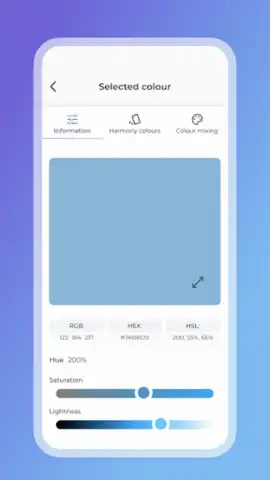
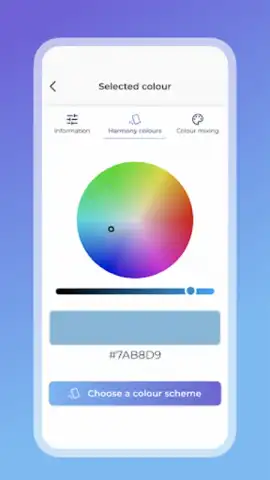
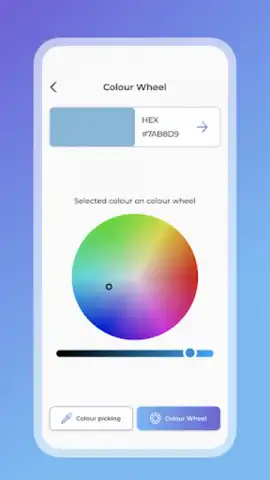
The application operates on a dual-input system. Users can either sample colors directly from any imported image using an eyedropper tool or select them manually from a fully interactive, dynamic color wheel. The core output is precise digital color data, including HEX codes, which is standard for digital design workflows. Beyond simple identification, the app provides real-time sliders for adjusting luminance and saturation, allowing for the fine-tuning of any selected hue directly within the application's environment. This eliminates the need to jump between apps to make minor adjustments before finalizing a color choice.
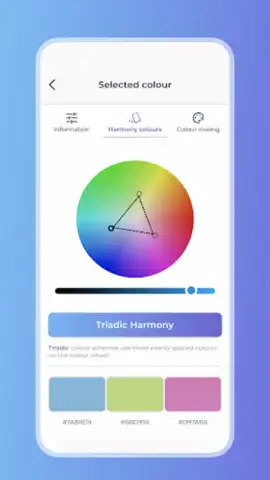
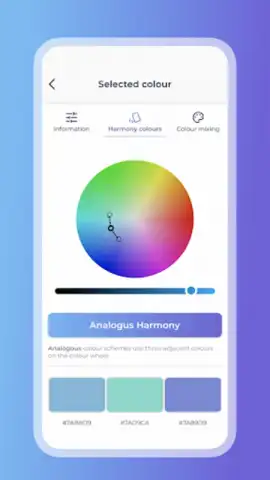
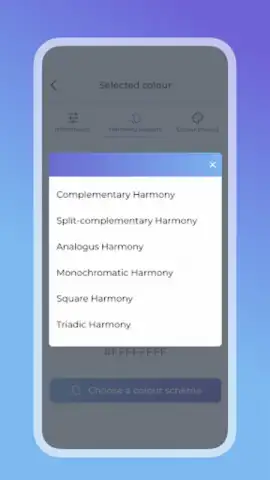
Its primary analytical feature is the automated generation of professional color schemes. The algorithm supports five standard harmonic rules: complementary, split-complementary, analogous, triadic, and monochromatic. Each scheme is displayed visually around the wheel, and crucially, the entire scheme can be rotated or adjusted with a single touch, dynamically updating all color values. This allows for rapid exploration of variations on a theme, which is particularly useful for establishing brand colors or illustration palettes under specific constraints.
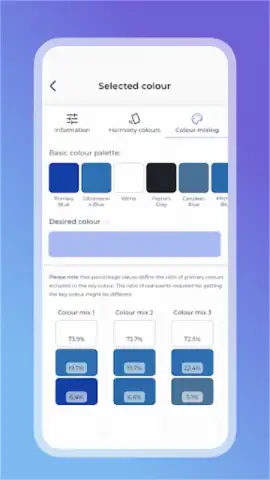
A distinct feature that bridges digital and physical work is the paint mixing guide. When a color is selected, the app calculates and displays proportional recipes using common paint names (e.g., cadmium red, phthalo blue, titanium white). This transforms the app from a purely digital asset into a studio tool, providing actionable instructions for replicating a digitally chosen color in acrylics, oils, or watercolors. The interface is minimal and task-focused, with major functions accessible within one or two taps, reducing friction during the creative process.
- Dynamic Color Wheel & Image Picker: Extract and define colors using interactive input methods for maximum flexibility.
- Professional Scheme Generator: Instantly creates five types of color harmonies with adjustable parameters.
- Precision Digital Color Data: Obtains HEX codes and supports live brightness and saturation adjustments.
- Physical Paint Mixing Recipes: Translates digital colors into practical pigment blending instructions.
- Ad-Free Turbo Experience: Offers an uninterrupted workflow with enhanced features for dedicated users.
The app's value is clear for anyone whose work depends on deliberate color choices. It systematizes theory into immediate, practical results. For a limited time, new users can access the full suite of professional tools, including the advanced Turbo features, without typical introductory restrictions. This exclusive offer is prioritized for the first wave of installs.
Download the Colour Wheel App now to integrate professional color management into your projects today.
Heads up: you'll need wifi for initial image uploads and accessing the full feature database. Some cool stuff, like the advanced Turbo mode and expanded paint libraries, is extra.
 GooglePlay


