

CPU-Z
CPU-Z screenshots (12)

Description CPU-Z
Ever wondered what’s really happening inside your phone?
You pick up your device every day, but how well do you actually know it? Behind the sleek screen lies a complex system of hardware, often shrouded in mystery. When your phone feels slow, heats up, or the battery drains unexpectedly, you’re left guessing about the cause. Generic system settings only show you the surface, leaving the critical technical details—the real-time performance metrics, the exact hardware specifications, the true battery health—completely hidden. Without this knowledge, you can’t make informed decisions, troubleshoot effectively, or truly understand your device’s capabilities and limits. You need a window into the machine, a tool that speaks its language and translates it for you.
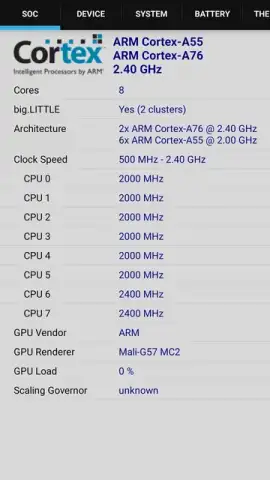
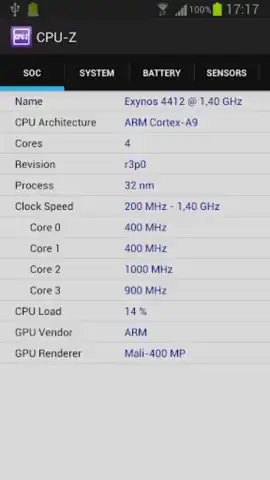
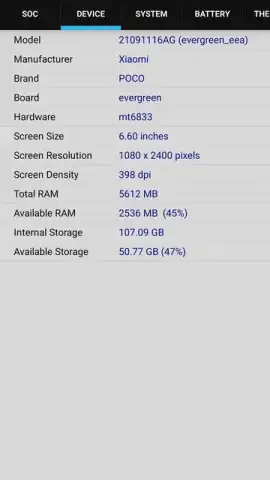
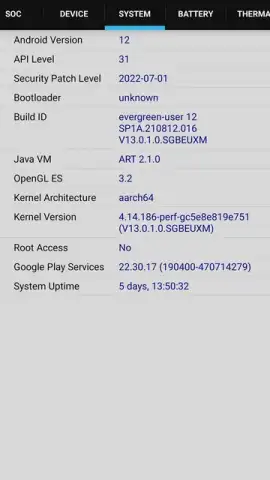
That’s where this application steps in. It acts as your personal device diagnostics lab, putting a comprehensive hardware report directly in your hands. Imagine having instant access to a detailed breakdown of your phone’s core components. You’ll see the precise name and architecture of the processor, watch the core clock speeds and multipliers fluctuate in real-time as you use different apps, and understand exactly what’s under the hood. It goes beyond the processor to catalog your device’s memory, displaying the brand, model, and detailed specifications of your RAM, giving you clarity on your system’s multitasking potential.
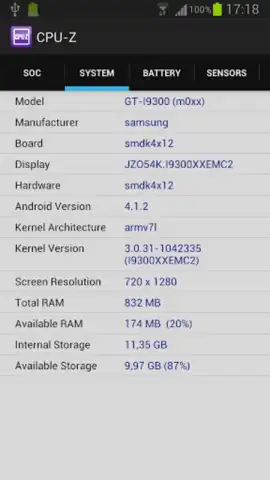
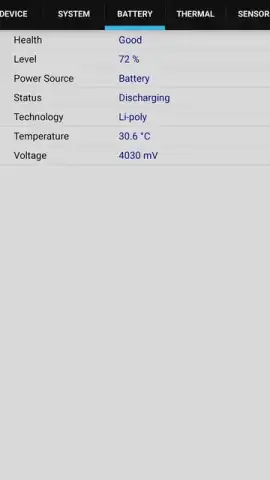
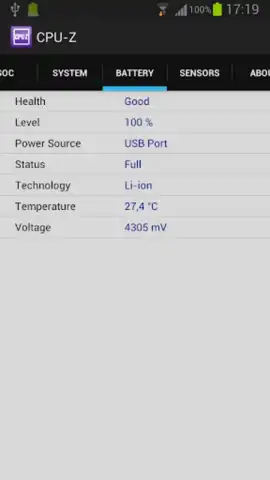
The utility extends to your visual and power systems. You can verify your screen’s exact resolution and technical parameters. For the battery, it provides a far deeper look than your standard settings menu, monitoring not just the remaining percentage, but the voltage, temperature, and overall health condition. A key advantage is its streamlined operation; the tool gathers all this detailed intelligence without demanding intrusive system permissions or special access, pulling data efficiently and presenting it in a clear, organized format. While the application carries the robust legacy of its renowned desktop counterpart, it’s been tailored for mobile, offering speed and accuracy that makes advanced hardware monitoring both accessible and incredibly useful directly from your Android device.
- Real-time CPU architecture & clock monitoring
- Detailed RAM & device memory specifications
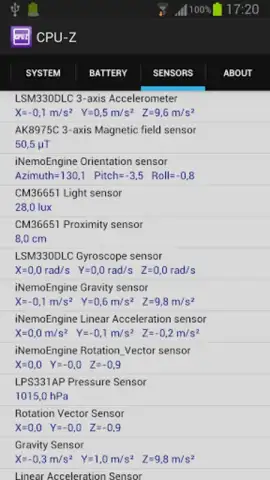
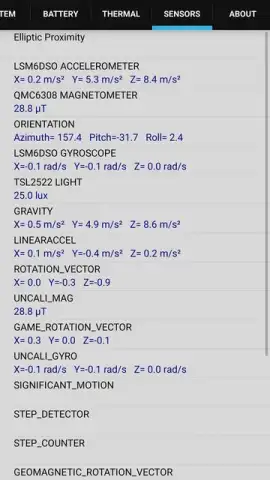
- Comprehensive battery health & sensor data
- No special permissions required for access
Download CPU-Z for Android now—exclusive access for the first users to gain complete mastery over their device’s performance!
Disclaimer: This application requires an internet connection for initial data verification and may contain optional in-app purchases for advanced features. It is intended for informational purposes and users should be aware of their device’s age restrictions. Data usage is minimal for functionality. Network conditions and device model may affect the availability of certain sensor information.
 GooglePlay


