
Cuadrante
Cuadrante screenshots (4)
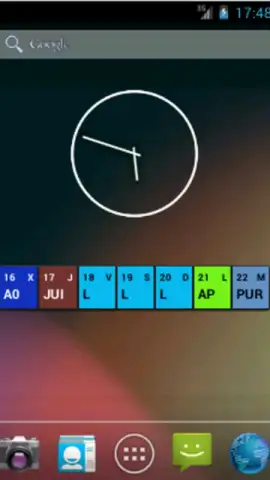
Description Cuadrante
What if your device's screen could be transformed from a cluttered grid into a personalized command center, where every tap is intentional and every widget is perfectly placed? Cuadrante reimagines Android home screen management, moving beyond static icons to offer a dynamic, quadrant-based layout system that prioritizes both aesthetics and efficiency.
Core Functionality & Layout Mechanics
Cuadrante operates on a principle of organized spatial division. The app introduces a persistent, customizable grid overlay—the quadrant—that segments your screen into distinct, user-defined zones. This is not merely a launcher skin but a foundational organizational tool. You can assign specific app categories, widget stacks, or shortcut actions to each quadrant. The core interaction involves long-pressing within a zone to access a context menu for editing its contents, grid density, and visual style. The system runs as an accessible overlay, ensuring your default launcher remains intact while providing a superior layer of control. The mechanics are built for deliberate interaction, reducing random screen taps and encouraging a more mindful digital workflow.
Key Advantages & User Experience
The application’s strength lies in its minimalist design philosophy and system-level integration. It avoids unnecessary bloat, focusing on smooth performance and low battery impact, even as a persistent service.
- Fully Customizable Grid Overlay: Define the number of rows and columns, adjust spacing, and set transparency levels to create a subtle or pronounced visual guide that fits your wallpaper.
- Per-Zone Action & Widget Binding: Designate one quadrant for communication apps with direct dial shortcuts and another for media players with embedded playback controls, all independently configurable.
- Gesture-Enhanced Zone Activation: Implement quick gestures, like a two-finger swipe from a screen edge, to temporarily highlight or expand a specific quadrant for faster access without leaving your current app.
We suggest trying Cuadrante to experience a structured approach to smartphone navigation that declutters your digital space and puts essential tools precisely where you need them.
Internet required. IAP available.


