

Darker
Darker screenshots (6)
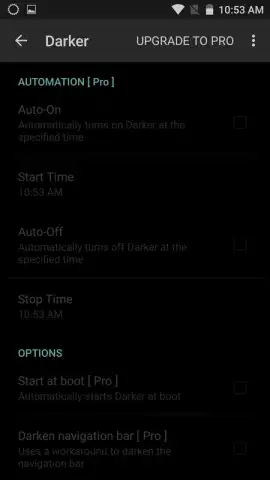
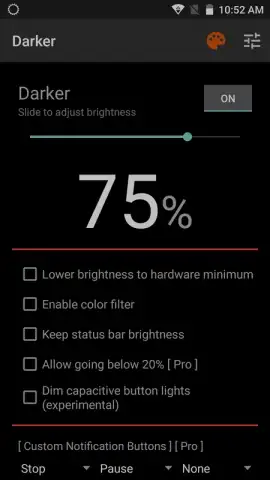
Description Darker
Take Full Control of Your Screen's Brightness Beyond the System Limits
Tired of your phone's minimum brightness still being too bright, especially at night? Darker (Screen Filter) is the essential Android tool that pushes your display into true darkness. It's not just a dimmer; it's a precision instrument for battery preservation and eye comfort, allowing you to set a screen brightness level far below what your device normally permits. This app solves a real problem for readers, night-time users, and anyone seeking relief from screen-induced eye strain.
Core Functionality and User Benefits
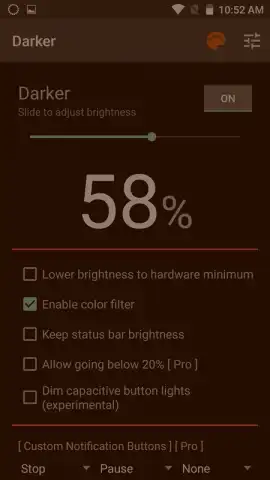
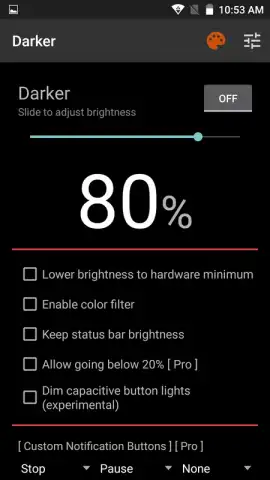
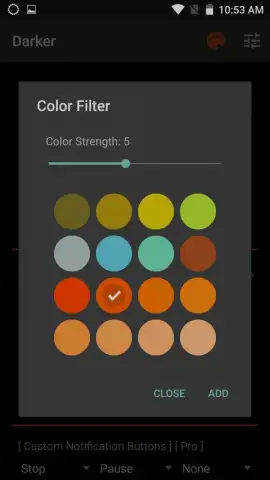
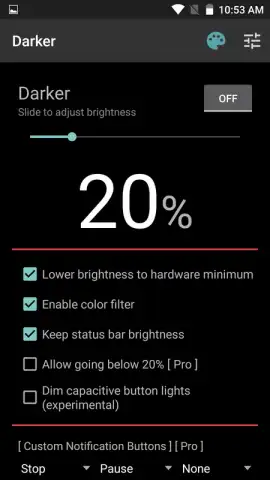
Darker operates as an overlay filter, giving you independent control separate from your system settings. The primary function is a deep, adjustable dimming layer that can make your screen extremely dark, directly contributing to longer battery life by reducing power draw from the display. For eye comfort, it offers a suite of color filters—including warm amber and gray tones—designed to minimize harsh blue light. You maintain complete manual control over the intensity of both the dimming and any color filter applied.
The app provides a straightforward, ad-free experience in its core mode, with enhanced features available. It's particularly valuable in dark environments where even the lowest standard brightness can feel overwhelming. While the darkest settings are exceptionally effective for battery saving, they naturally require your eyes to adjust for optimal visibility.
- Achieve extreme screen darkness for maximum battery savings and nighttime use.
- Apply manual color filters to reduce blue light and customize viewing comfort.
- Set a precise, permanent brightness level independent of your system controls.
- Enjoy a clean, uninterrupted experience with no advertisements.
- Access advanced tuning and features for ultimate display personalization.
Get the ultimate tool for battery life and eye care. Download Darker (Screen Filter) now and reclaim your comfort.
This app requires an internet connection for initial download and may offer in-app purchases for additional features. Use as an overlay on your device's display.
 GooglePlay




