
Data Folder
Data Folder screenshots (9)


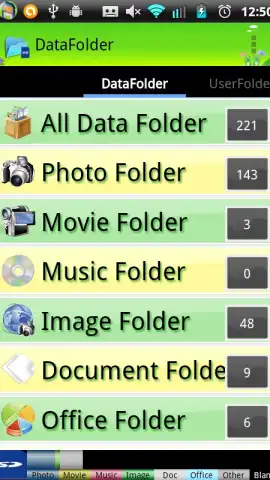
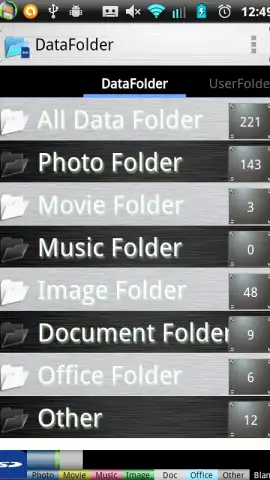

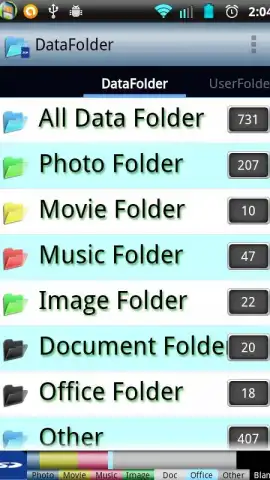
Description Data Folder
Your Phone's Hidden Files, Finally Under Your Control
Imagine finding a single, organized drawer for everything scattered across your phone. That receipt PDF from last month, the voice memo from a meeting, the funny GIF a friend sent—they all live in different app silos, forgotten and hard to find when you need them. Your device's storage feels like a digital attic, full of useful things you can't easily reach. This is the daily frustration that Data Folder is built to solve.
A Central Hub for Every File on Your Device
Data Folder acts as your phone's unified file command center. Instead of jumping between your gallery, downloads folder, document scanner, and messaging apps, you navigate one clean, powerful interface. The app intelligently indexes and categorizes files from across your device's storage, presenting them in a logical structure you can browse, search, and manage.
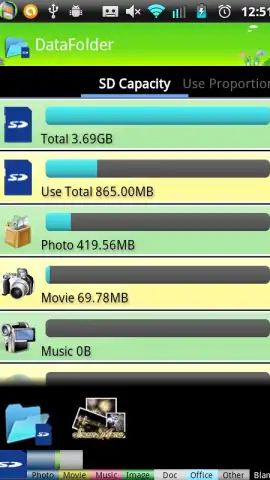
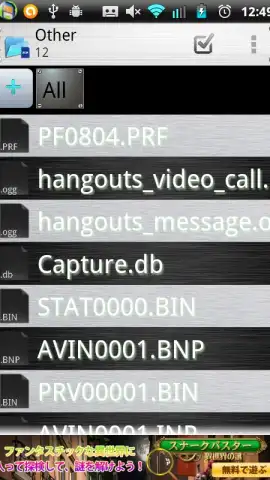
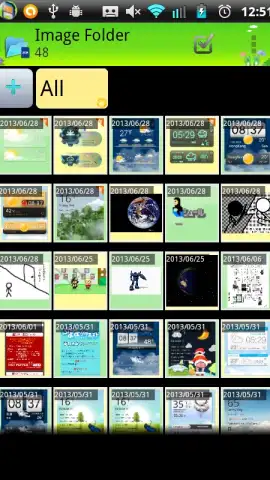
- Universal File Access: Instantly see and access all your images, videos, audio recordings, documents, downloads, and archives in one streamlined view. No more wondering which app is holding your file hostage.
- Powerful File Management: Perform essential actions with ease. Move, copy, rename, share, or delete files in bulk. Create new folders to establish your own organizational system directly within the app.
- Integrated File Tools: The app includes utilities to reduce friction. Extract compressed ZIP or RAR archives directly. Use the built-in document scanner to turn physical papers into crisp, searchable PDFs.
- Smart Search & Filters: Locate any file in seconds using powerful search that scans filenames. Apply filters to view only specific file types, like all PDFs from last week or the largest video files taking up space.
Key Advantages That Simplify Digital Life
The true strength of Data Folder lies in its focused utility and clean design. The interface prioritizes speed and clarity, avoiding unnecessary clutter so you can accomplish tasks in a few taps. Performance is optimized to handle large file operations smoothly, even on devices with more modest specifications. It provides a level of direct file system access and control that often feels missing from standard Android file managers, all wrapped in a user-friendly package.
- Streamlines your digital workflow by eliminating the need for multiple, single-purpose apps.
- Offers a clean, intuitive interface that makes advanced file management simple for anyone.
- Delivers robust performance for browsing and managing files without lag or slowdown.
- Provides essential tools like archive extraction and document scanning built-in, adding immediate value.
Consider downloading Data Folder to transform how you interact with everything stored on your phone. It’s the practical upgrade your device’s organization has been missing.
Download Data Folder now and declutter your digital space.
Heads up: You'll need an Android device running version 8.0 or later. A stable connection is recommended for certain operations like cloud service integrations, should they be utilized. The core file management functions offline perfectly.


