

Decoration Keyboard
Decoration Keyboard screenshots (9)
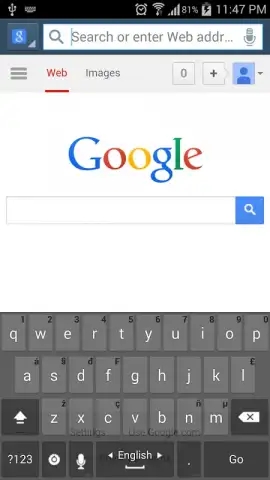
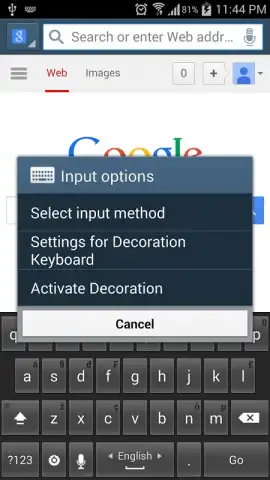
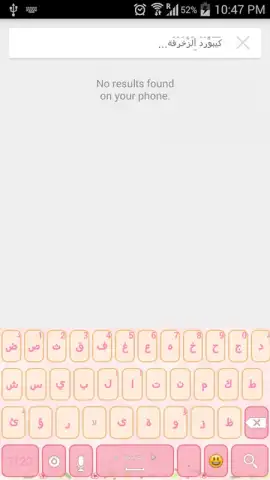
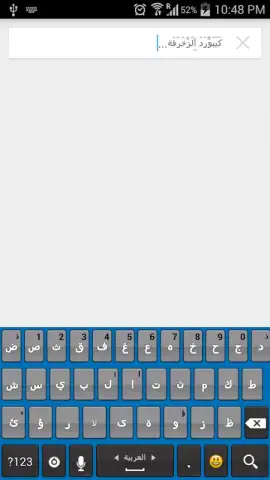
Description Decoration Keyboard
Imagine needing to type a quick message on a crowded train, only to fumble with small keys and autocorrect fails. The Decoration Keyboard for Android addresses this core interaction by re-engineering the typing experience from the ground up, focusing on precision, personalization, and global accessibility. This review examines its mechanics as a tool designed not just for decoration, but for functional, error-resistant communication across a wide array of devices.
Core Functionality and Typing Mechanics
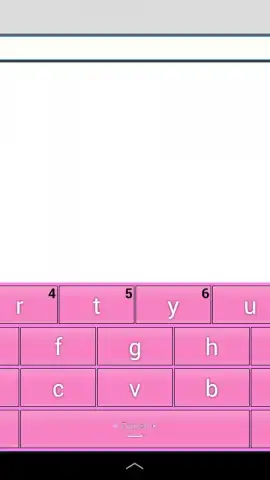
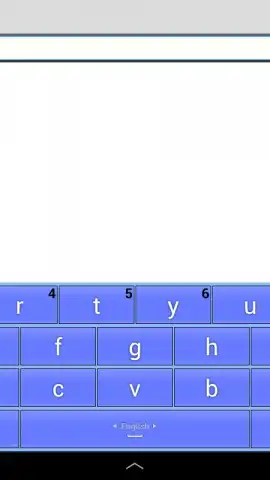
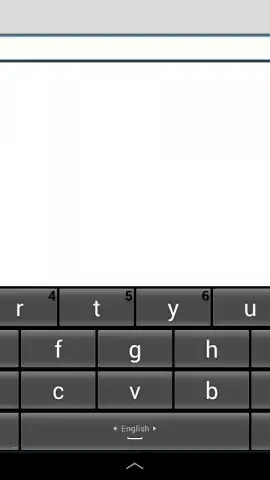
The application operates on a principle of enhanced tactile feedback and visual clarity. It employs deliberately oversized key buttons within its interface, a design choice that directly reduces mistaps and increases typing speed for most users. Underneath this, a robust prediction and correction engine analyzes input in real-time to suggest fixes for common spelling and grammatical errors before they are sent. The system is engineered to be lightweight, ensuring these processes occur without perceptible lag, even on older device models. Furthermore, it provides granular control over the sensory feedback of typing, allowing independent adjustment of keypress sound profiles and vibration duration and intensity, which can be tuned off entirely for silent operation.
Customization and Cross-Device Compatibility
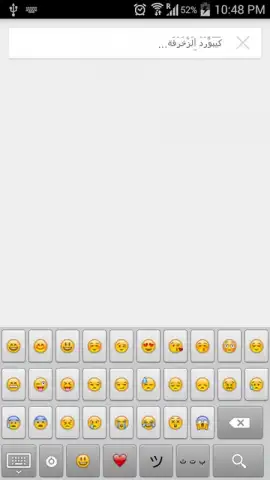
Beyond basic typing, the keyboard functions as a highly customizable input panel. Users have the option to show or hide key border labels, altering the visual density of the layout to suit preference. Its compatibility framework is notably broad, supporting stable operation on Android tablet screens ranging from 3 inches to 10 inches in diagonal measurement, with layouts that adapt dynamically to the available screen real estate. This makes it a versatile solution for users who switch between a phone and a tablet, maintaining a consistent typing experience. The decoration aspect is integrated into the typing flow, with automatic embellishment of characters for supported alphabets, adding a layer of personal flair to standard text.
Linguistic Support and Security Protocol
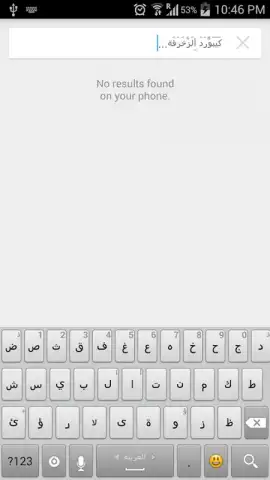
A primary technical differentiator is its extensive linguistic database. The keyboard includes fully localized layouts for over 40 languages, including English, Arabic, French, Spanish, Hindi, and Turkish, with specific optimizations for each. For languages like Arabic, the decorative font rendering is applied contextually to ensure legibility is not compromised. Regarding security, upon activation, the keyboard will trigger a standard Android system warning about potential data collection, which is a generic permission prompt for all third-party keyboards requiring full access to enable core features like text prediction and clipboard functionality. The developer states that the application focuses on local processing where possible.
- Precision Input Design: Features large, responsive keys and intelligent error correction to enhance typing accuracy and speed.
- Extensive Language Library: Offers localized keyboards for over 40 global languages with automatic decorative font rendering.
- Adaptive Device Support: Maintains full functionality across Android phones and tablets with screens from 3 to 10 inches.
We suggest trying Decoration Keyboard if you require a more reliable and personalized typing tool that supports multilingual communication without sacrificing performance.
Download mobile app now
Heads up: you'll need wifi for initial language pack downloads and updates. Some premium decorative themes and advanced customization options are extra.
 GooglePlay


