
Docs Viewer
Docs Viewer screenshots (7)
Description Docs Viewer
Ever found yourself scrambling to open a document on your phone, only to be met with an error or a request to download another app? That frustration ends here. Docs Viewer is your universal key, instantly unlocking access to your most important files wherever you are. From last-minute contract reviews to studying lecture notes on the bus, your documents are always ready, in perfect format, at your fingertips.
Your Pocket-Sized Document Hub
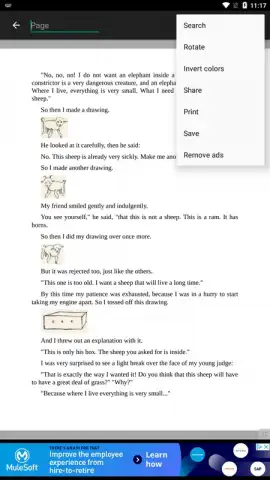
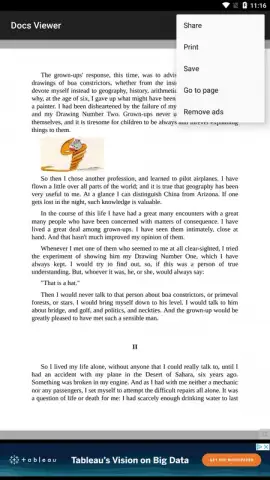
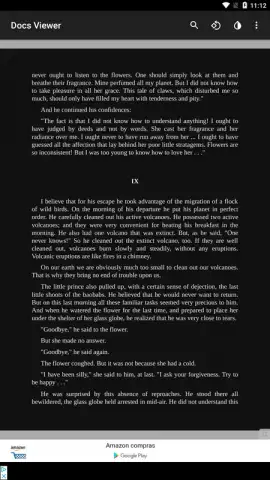
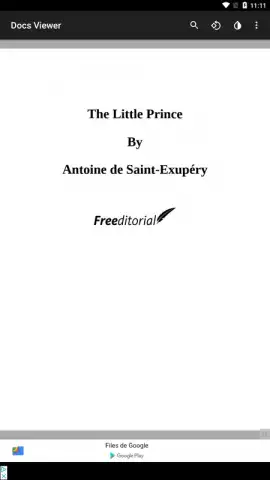
Docs Viewer transforms your Android device into a powerful, portable document workstation. It goes beyond simple viewing, offering a suite of tools designed for real-world use. Navigate lengthy PDFs with a smooth, reflowable text mode that adapts to your screen, or quickly jump to a specific page with the thumbnail overview. Need to share feedback? Use the integrated annotation tools to highlight key passages, add text comments, or draw attention to critical details directly on the document before sending it off. The app maintains crisp formatting for complex spreadsheets and preserves the original layout of presentations, ensuring you never miss a detail.
Engineered for Speed and Simplicity
The core strength of Docs Viewer lies in its relentless focus on performance and a clutter-free user experience. It launches documents in a flash, with no bloated interfaces or unnecessary steps. The intuitive design puts essential controls—zoom, search, page navigation—within easy reach. It handles heavy files with ease, providing a seamless scrolling experience even with graphics-rich reports or multi-page manuals. This is document viewing, streamlined and supercharged for productivity.
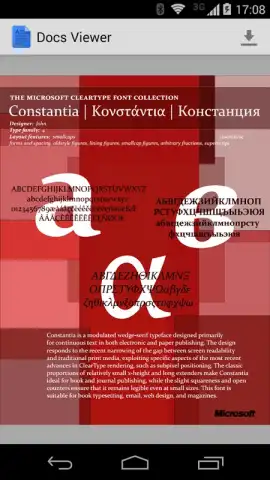
- Universal File Support: Open PDF, DOCX, XLSX, PPTX, TXT, and more without conversion.
- Advanced PDF Tools: Navigate with bookmarks, search text, and view in day or night mode.
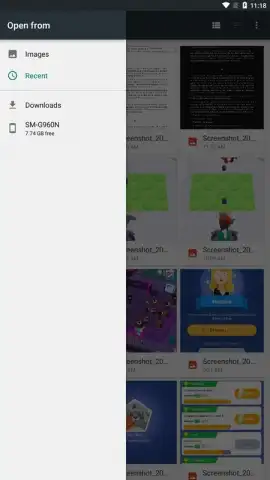
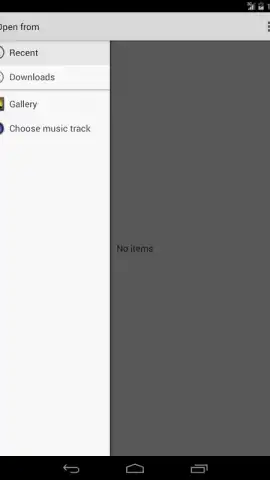
- Integrated File Manager: Organize, rename, and sort your local documents within the app.
- Fast Text Search: Instantly find keywords and phrases across any supported document.
- Seamless Sharing: Annotate any file and share it via email, cloud storage, or messaging apps.
Stop struggling with incompatible files and slow viewers. Get Docs Viewer now and turn your phone into a professional document workstation. Download the mobile app now and open anything, anywhere.
Disclaimer: Requires an internet connection for initial app download and potential feature updates. The app is free to download and use. It may contain advertisements and offer optional in-app purchases for premium features. Data charges may apply. Requires Android 4.1 (Jelly Bean) or later. Please review our privacy policy for details on data collection and usage.
 GooglePlay


