

Download Manager Android
Download Manager Android screenshots (8)


Description Download Manager Android
A Practical Look at Download Manager Android
In mobile environments where file management is often fragmented, users frequently toggle between a browser, a dedicated download utility, and a separate file explorer. Download Manager Android, developed by Renkmobil Bilisim, consolidates these functions into a single interface. The application operates as a hybrid tool, merging a capable download accelerator with an integrated file browser and a basic media player. This review examines its mechanics, interface layout, and practical utility for handling downloads and local file management on Android devices.
Core Functionality and Integrated Tools
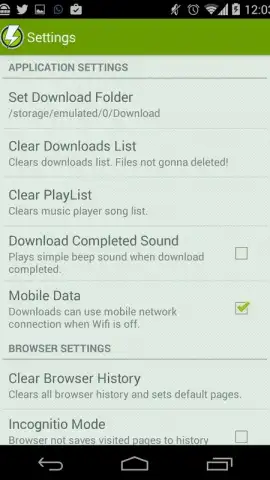
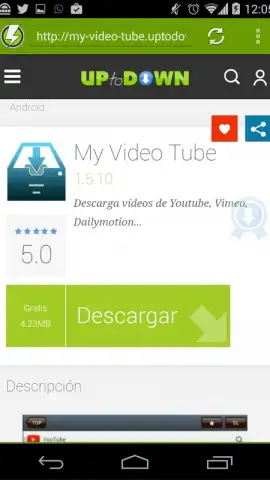
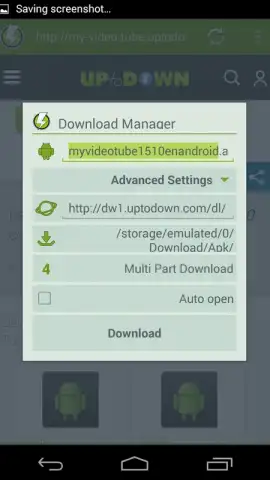
The application’s primary engine is a download manager that supports pausing and resuming transfers, a critical feature for managing large files or unstable connections. It employs a claimed ‘Turbo’ mode, which is designed to accelerate download speeds by optimizing connection threads. Separately, the app incorporates a built-in web browser. This is not a full-featured browser for general surfing but a utility specifically for navigating to and initiating downloads from web pages directly within the app, streamlining the process from discovery to saving the file locally.
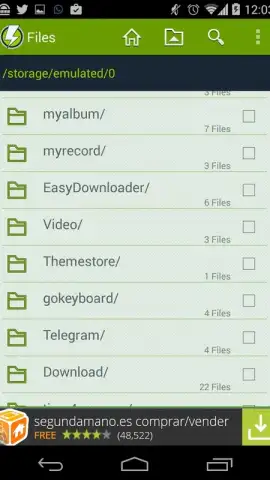
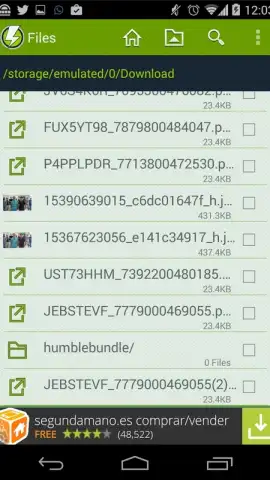
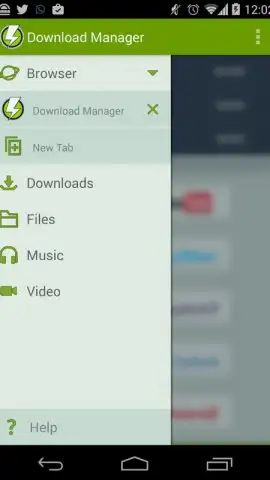
The second major component is an integrated file manager. Accessible via a dropdown menu or sidebar, this tool provides navigation through the device’s internal storage and SD card directories. It allows for basic file operations such as moving, renaming, and deleting. Furthermore, it includes a built-in media player capable of rendering common audio and video file formats, allowing users to preview downloads without switching to another application. The interface presents these tools in a unified layout, aiming to reduce app-switching for post-download file handling.
Detailed Feature Breakdown
- Turbo-accelerated downloading with support for pausing and resuming file transfers.
- Integrated file browser for direct navigation and management of device storage directories.
- Built-in media player for instant playback of downloaded audio and video files.
- Dedicated in-app web browser to locate and download content without leaving the application.
- Ad-free operation providing an uninterrupted interface for managing all download tasks.
The utility positions itself as a central hub for digital content acquisition and organization. Its design logic suggests use cases ranging from downloading documents and applications to fetching media files for immediate playback. The absence of interface advertisements, as promoted, contributes to a focused user experience, though the application may feature promotional links for its own premium services or other offers.
Download the Download Manager Android app now. This version offers exclusive, ad-free access for the first wave of users—a limited offer that may be subject to change. Install today to consolidate your downloading and file management.
Disclaimer: This application requires an active internet connection for download functionality. The app may contain options for in-app purchases. Product features are subject to change with updates.


