

Downloader by AFTVnews
Downloader by AFTVnews screenshots (15)

Description Downloader by AFTVnews
Imagine needing to install an essential app on your Android TV, only to find it's not in the official store. The standard workaround involves cumbersome transfers from a computer. Downloader by AFTVnews eliminates that friction, providing a direct gateway to install any APK file and browse the web on your big-screen device. This tool transforms your TV's locked-down ecosystem into an open platform, all navigable from your couch with a remote.
Core Functionality and Interface
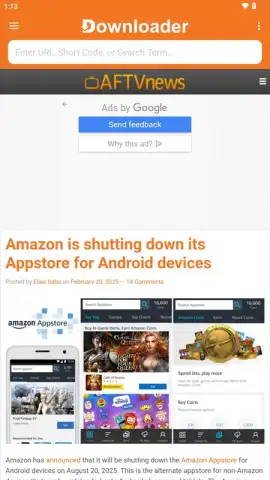
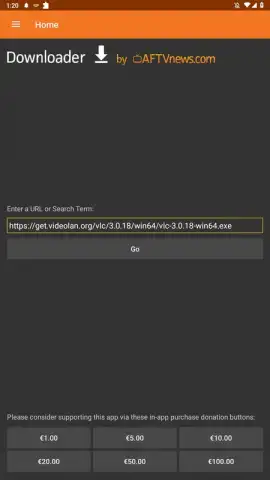
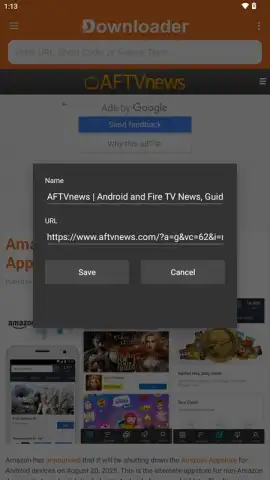
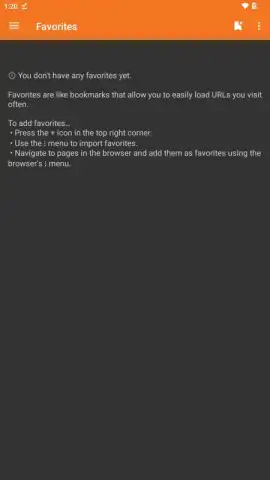
The application launches directly into a functional web browser, pre-loaded with the AFTVnews homepage for quick resource access. A prominent address bar at the top serves a dual purpose: it accepts full URLs for direct navigation and functions as a search engine for discovering files. A key efficiency feature is support for URL shorteners, allowing you to access download links by typing just a few characters instead of a lengthy web address. The interface is designed explicitly for remote control navigation, offering an on-screen keyboard and support for Bluetooth keyboard pairing for faster text entry.
Detailed Feature Set and Customization
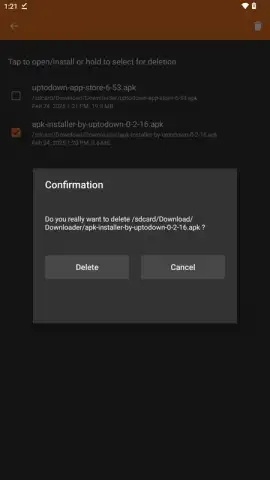
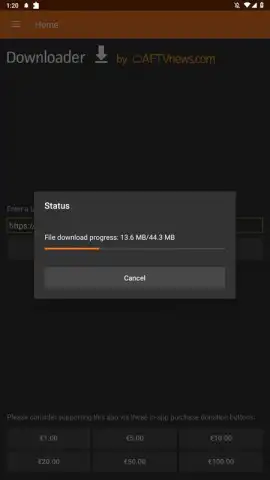
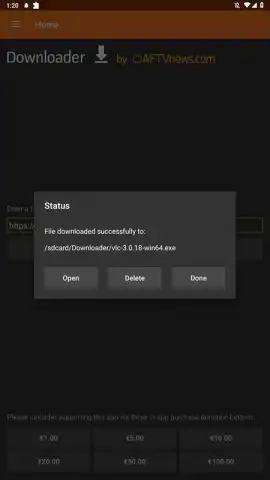
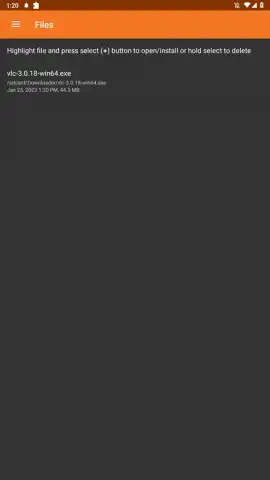
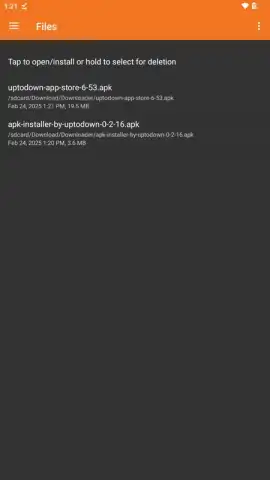
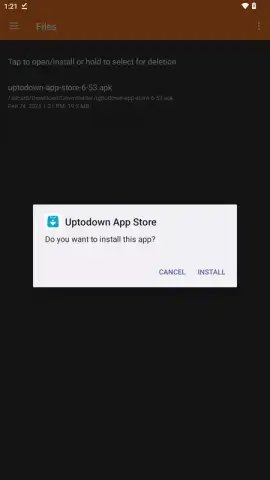
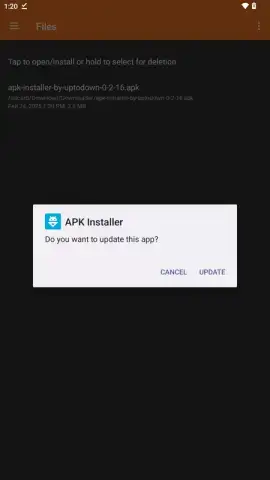
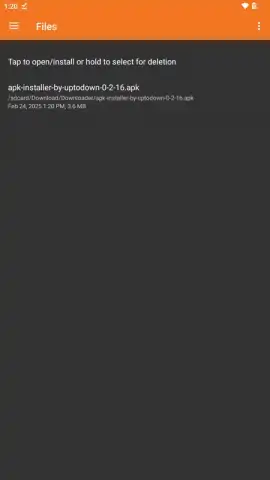
Beyond basic browsing, the app is engineered for APK management. You can download installation files directly after locating them online. The app maintains a full download history, letting you re-install previous APKs or clean up storage by deleting unwanted files. This is particularly critical for sideloading applications unavailable in official stores like the Google Play Store or Amazon Appstore.
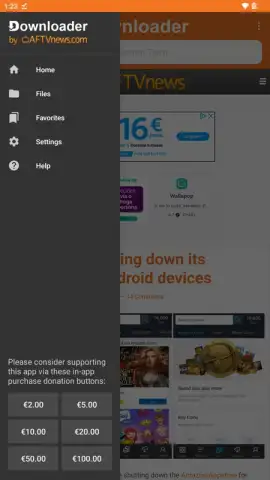
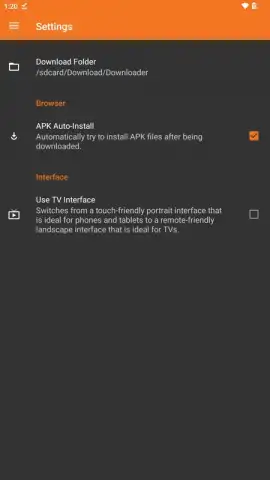
For system integration, Downloader offers several configuration settings. You can define the default download folder on your device and set APK files to install automatically once the download completes. An orientation lock forces the app into a horizontal landscape view, which is optimal for most television screens and correctly interfaces with non-TV Android media players that the app might otherwise detect as tablets.
- Direct APK Installation & Web Browser: Downloads and installs application packages (APK files) onto Android TV, Fire TV, and standard Android devices via URL input, while also functioning as a full-featured television web browser.
- Remote-Optimized Navigation & Shortcuts: Features an interface fully controllable by TV remote, with an on-screen keyboard, Bluetooth keyboard support, and compatibility with URL shortener services for rapid link access.
- Comprehensive Download Manager & Settings: Provides a history log of all downloads for easy re-installation, alongside configurable options for automatic installation, download location, and screen orientation forcing.
We suggest trying Downloader by AFTVnews if you regularly customize your Android TV or Fire TV experience beyond the confines of official app stores.
Download mobile app now
Heads up: you'll need wifi for most features. Some cool stuff is extra.
 GooglePlay


