

Drawing - Sketch
Drawing - Sketch screenshots (7)
Description Drawing - Sketch
A Comprehensive Digital Sketchbook Engineered for Precision and Creative Freedom
This application functions as a dedicated digital atelier, transforming your mobile device into a professional-grade drawing platform. It is engineered not merely for casual doodling but for executing detailed artistic projects with a level of control typically reserved for desktop software. The core experience is built around a robust, ad-free environment that prioritizes uninterrupted creation, offering a suite of tools that cater to both foundational sketching and complex illustrative work.
Core Functionality and Artistic Toolset
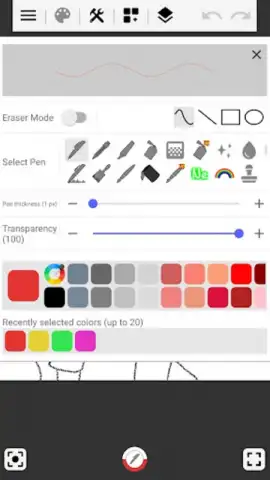
The app's foundation is its versatile drawing modes, which include essential vector-like tools such as freehand line, straight line, rectangle, and circle functions. These are complemented by an extensive library of pen types. Beyond standard and brush pens, artists can access specialized implements like neon pens for vibrant highlights, gradient pens for smooth color transitions, and mosaic tools for textured effects. Each tool offers granular customization through adjustable stroke width, opacity, and a full-spectrum color picker, allowing for minute adjustments to match any artistic intent.
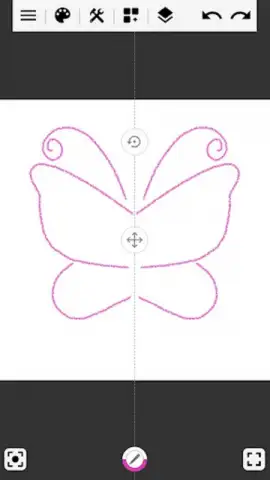
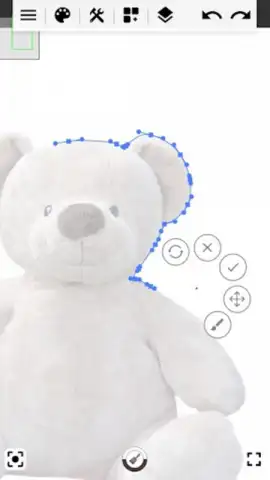
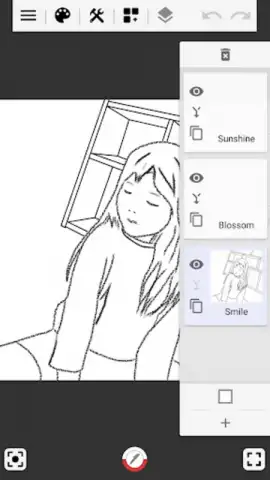
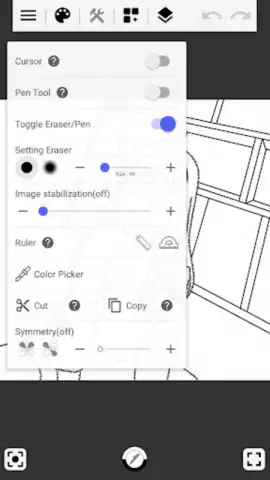
Technical stability is addressed through an image stabilization feature, ensuring smooth line work even when drawing freehand. For complex compositions, the app supports a multi-layer workflow with up to ten individual layers, enabling non-destructive editing and detailed scene building. The workspace itself is highly adaptable, with customizable canvas background colors and practical aids like a line selection tool for precise editing. Additional utilities such as undo/redo, straight and oval rulers, and a decalcomania function for creating mirror-image patterns round out a comprehensive feature set designed to enhance productivity.
Integration and Final Output Workflow
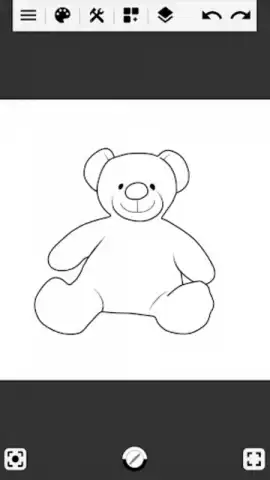
The application extends its utility beyond a blank canvas by allowing direct import of photos from your device's library or camera. This facilitates tracing, photo editing, or using images as reference backgrounds. Once a project is complete, the export and save functions provide flexibility; works can be saved within the app's internal gallery for later refinement or exported directly to your device's photo album. A final text overlay tool is included for adding titles, signatures, or annotations, providing a polished finish to any piece before sharing.
- Advanced Pen Library: Features gradient, mosaic, and neon pens alongside standard brushes for diverse artistic textures.
- Professional Layer System: Supports up to ten layers for constructing intricate, editable digital illustrations.
- Precision Enhancement Tools: Integrates image stabilization, shape rulers, and a decalcomania mirror effect for controlled creation.
Start creating with professional tools today. Download the mobile app now and claim your creative advantage.
Heads up: you'll need wifi for initial download and some asset imports. Some premium brush packs and advanced features are extra.
 GooglePlay


