

DroidCam
DroidCam screenshots (4)
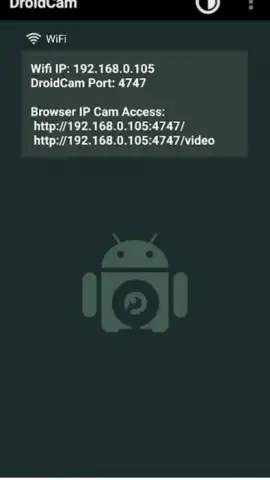
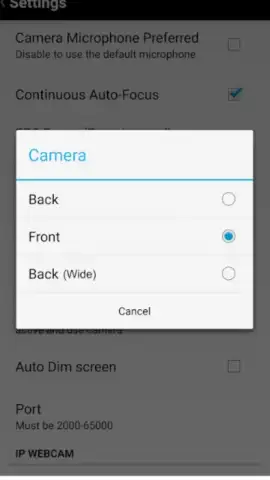
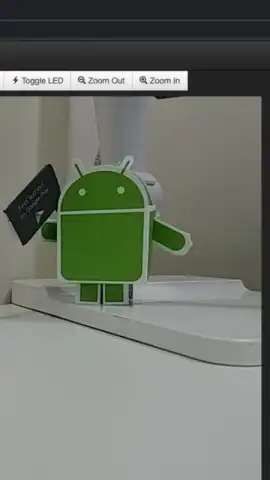
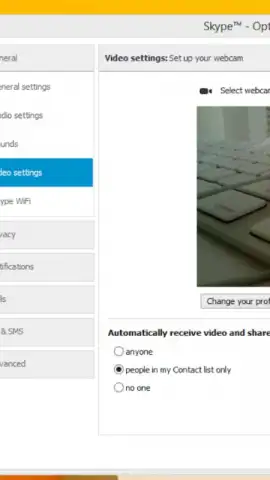
Description DroidCam
Turn Your Android Phone into a High-Quality Webcam Instantly
Struggling with a missing or low-quality webcam on your computer? DroidCam provides the perfect solution by transforming your Android device into a fully functional, high-definition webcam for your PC. This powerful app bridges the gap, enabling seamless video calls on platforms like Skype, Zoom, and Microsoft Teams, even if your laptop or desktop lacks a built-in camera. Experience the freedom of professional-grade video conferencing without any additional hardware costs.
DroidCam stands out with its exceptional ease of use and flexible connectivity. You can establish a stable, low-latency connection to your computer effortlessly via a standard USB cable or through your local WiFi network. This dual-connection capability ensures you have a reliable setup whether you prioritize speed or convenience. The app is meticulously engineered for efficiency, featuring advanced power management to minimize battery drain during extended use, so your phone stays functional throughout your longest meetings or streaming sessions.
Beyond basic functionality, DroidCam delivers a robust suite of customization tools. It supports crisp 720p video recording and includes all necessary drivers pre-packaged, eliminating complex installation hassles. You gain full control over your video source, with the ability to dynamically switch between your phone's high-resolution rear camera and the front-facing camera for the perfect angle.
Core Features at a Glance
- Transform your Android device into a full HD 720p webcam for PC.
- Connect seamlessly via low-latency USB or convenient WiFi.
- Switch dynamically between front and rear cameras during use.
- Enjoy optimized performance with minimal battery consumption.
- Access all necessary drivers included for instant plug-and-play setup.
Stop compromising on your video call quality. Unlock the professional webcam already in your pocket and join meetings, streams, and calls with crystal-clear confidence. Download DroidCam now and claim your visual advantage today!
Disclaimer: This application requires an active internet connection for initial driver setup and WiFi mode functionality. The free version may contain advertisements; optional in-app purchases are available for premium features. Use is subject to the terms of your data plan. This app is intended for general audiences. Please be aware that continuous use as a webcam may consume significant battery power.
 GooglePlay


