

DU Recorder
DU Recorder screenshots (7)
Description DU Recorder
Your Screen, Your Story: Capture It All Instantly
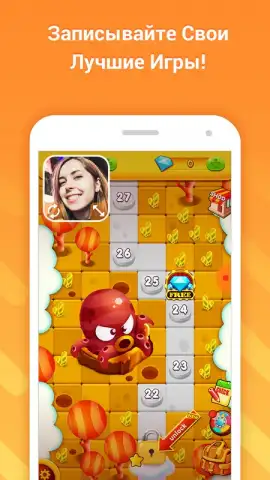
Imagine you've just pulled off an incredible combo in your favorite mobile game, or you've finally perfected that tricky software tutorial on your phone. That moment is priceless, and now, you can capture it in perfect clarity with no fuss. DU Recorder transforms your Android device into a professional-grade recording studio, living right in your pocket. This isn't just about recording your screen; it's about preserving your achievements, sharing your knowledge, and creating content directly from the device you use every day, all through an interface that feels intuitive from the very first tap.
Seamless Recording Meets Powerful Editing
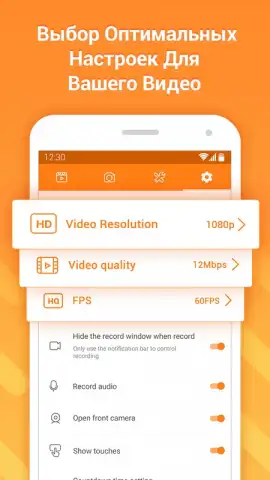
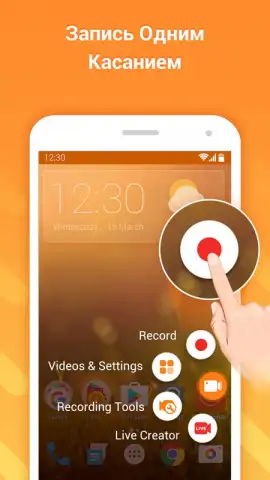
You begin by setting up your recording parameters with absolute control. Before you even hit record, you define the entire look and feel of your video. You select a silky-smooth frame rate all the way up to 60 FPS for buttery-smooth gameplay footage, choose a crystal-clear resolution up to 1080p, and determine the bitrate for impeccable quality. The app handles the complex technicalities, requiring no special permissions or root access, so you can start capturing your screen activity immediately, whether it's an app tutorial, a live stream reaction, or a high-score run.
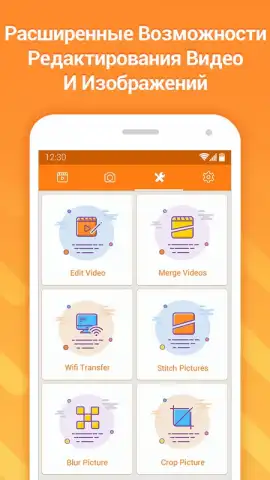
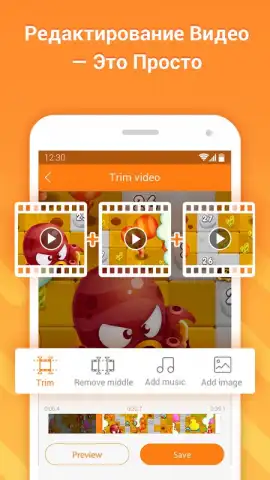
Once your recording is complete, the journey continues in the integrated editing suite. This is where your raw footage becomes a polished story. You seamlessly trim the beginnings and ends, cut out any mistakes, and merge multiple clips into one cohesive video. You then layer in background music from your library to set the mood, and finely adjust the audio levels to ensure your voiceover is clear and balanced against the game sounds or system audio. The process is streamlined and logical, turning what could be a complex editing task into a simple, satisfying creative session.
Key Advantages at a Glance
- Record in stunning 1080p HD quality
- Achieve ultra-smooth 60 FPS gameplay capture
- Edit videos with trimming and audio tools
- Share directly to social media platforms
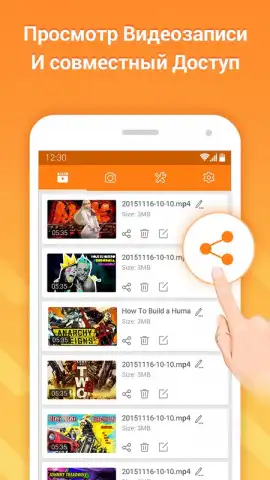
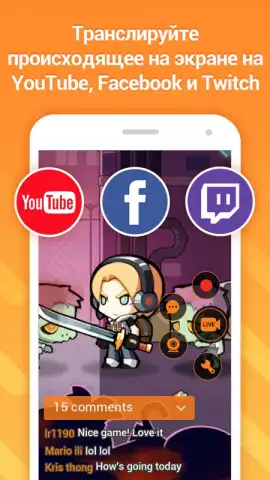
The final step is as simple as the first. You save your masterpiece directly to your device's gallery in a universally compatible format, ready for archiving or further use. Alternatively, with a single tap, you can share your creation directly to your social networks, instantly broadcasting your content to followers on YouTube, Instagram, or Twitter. All this powerful functionality is packaged into a remarkably lightweight application, ensuring it doesn't burden your device's storage or performance.
Download DU Recorder now and unlock professional screen recording today—exclusive, high-quality features are waiting for your first capture. Limited early access ensures you experience the full, ad-free potential before anyone else.
Disclaimer: This application requires an active internet connection for initial download, access to certain features, and sharing functionalities. The app may contain optional in-app purchases. Use of this app and recording of content must comply with all applicable laws and platform terms of service. Data usage rates may apply depending on your connection. Screen recording of certain protected content may be restricted.


